



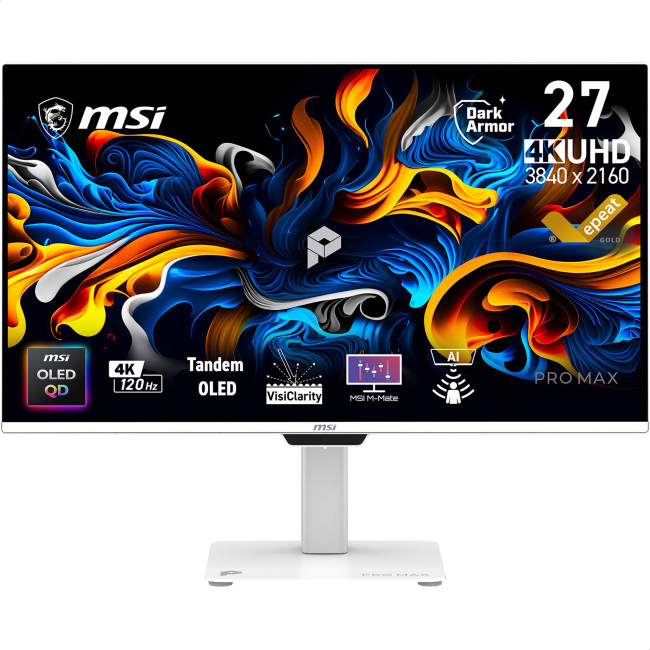
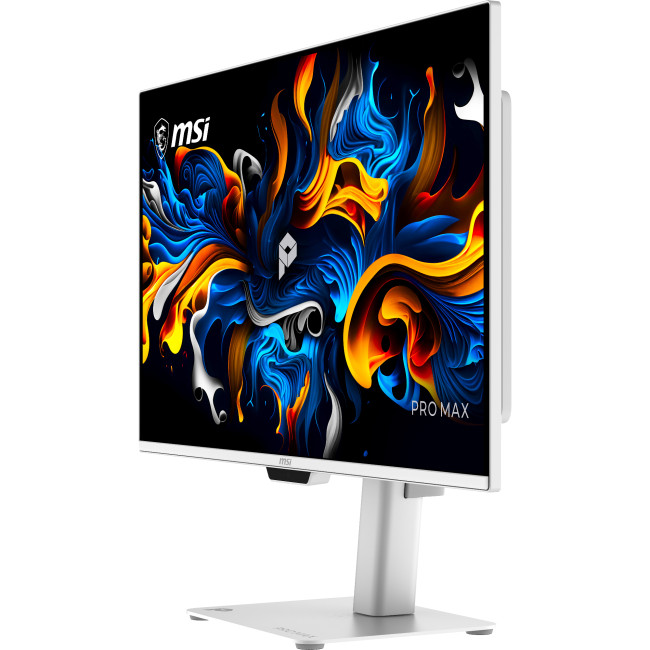
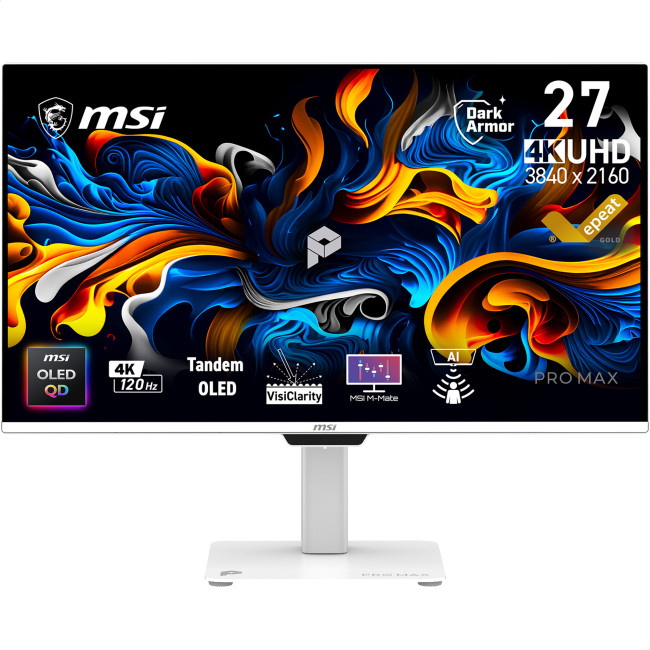
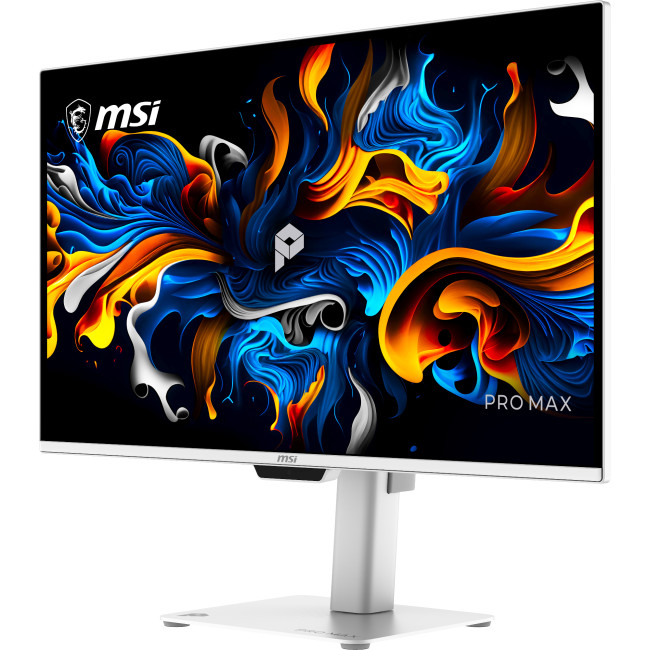
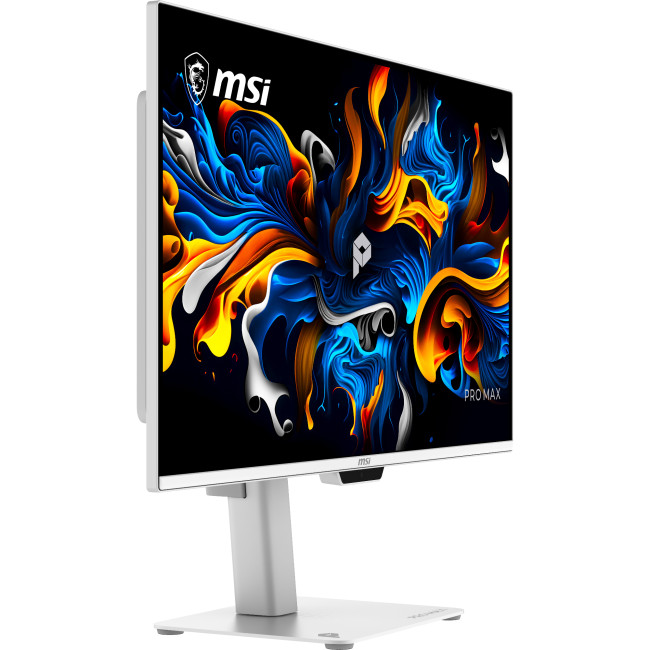
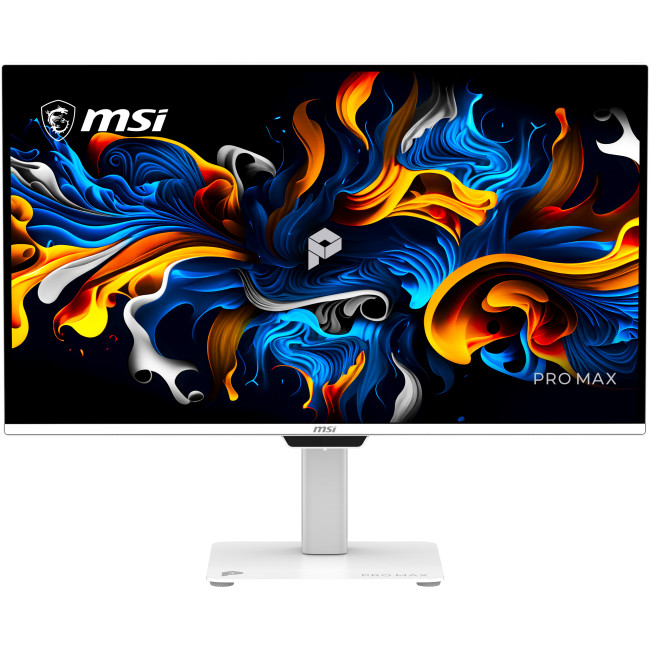
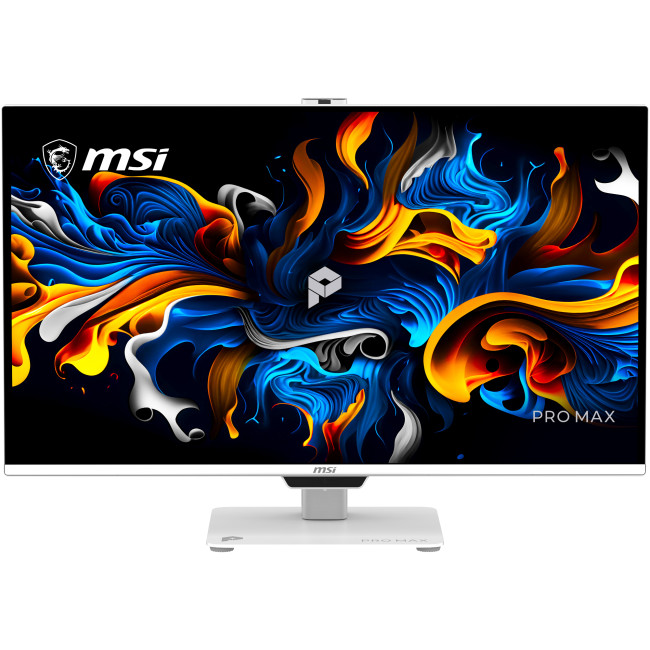
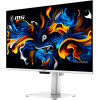
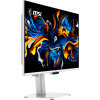
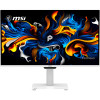
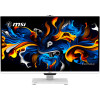
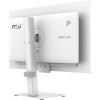
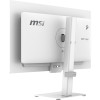
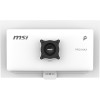
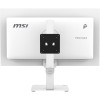
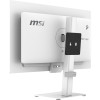
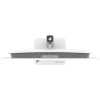
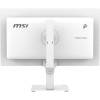
MSI PRO MAX 271UPXW12G 26.5" 4K Ultra HD QD-OLED 120Hz 0.03ms USB-C Height Adjustable Business Monitor with Speakers
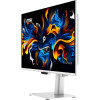
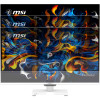
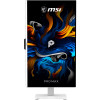
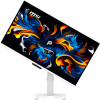

Secure Payment

Free UK Shipping

Easy Return
SKU: PRO MAX 271UPXW12G



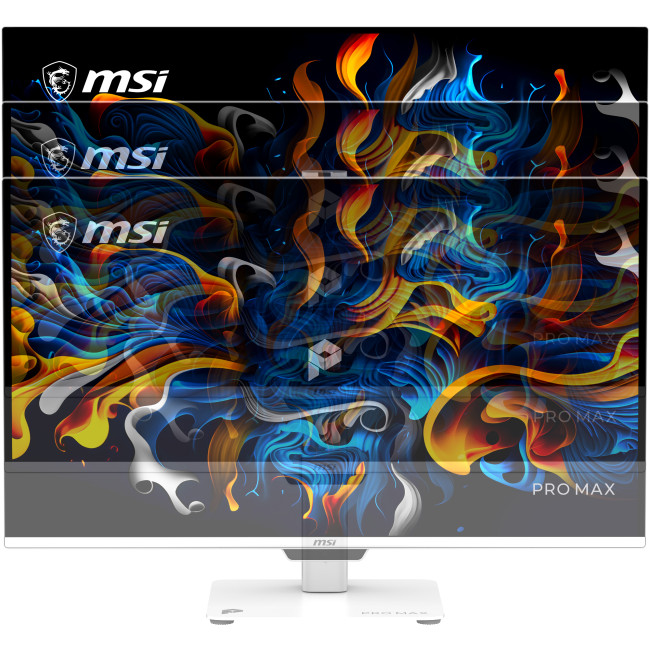
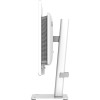
- Height Adjustable Stand Upto 150mm
- 2x 2.5W Built-in Speakers
- 98W USB-C Power Delivery
- 26.5" 4K Ultra HD Display, QD-OLED, 3840 x 2160 Max. Resolution
- 0.03 ms Response Time, 120 Hz Refresh Rate
- 16:9 Aspect Ratio
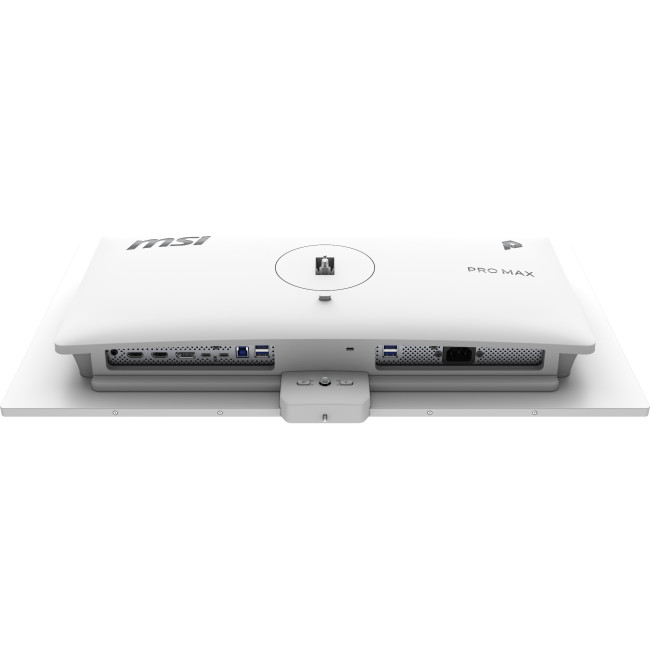
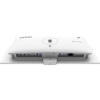
- 2× HDMI 2.1 (UHD@120Hz) | 1× DisplayPort 1.4a | 1× USB-C (DP Alt Mode, USB PD 98W) | 1× USB-C (DP Alt Mode, USB PD 15W) | 4× USB-A 5Gbps | 1× USB-B 5Gbps
- White Colour
- PRO MAX 271UPXW12G
- Condition: New


MSI PRO MAX 271UPXW12G Monitor
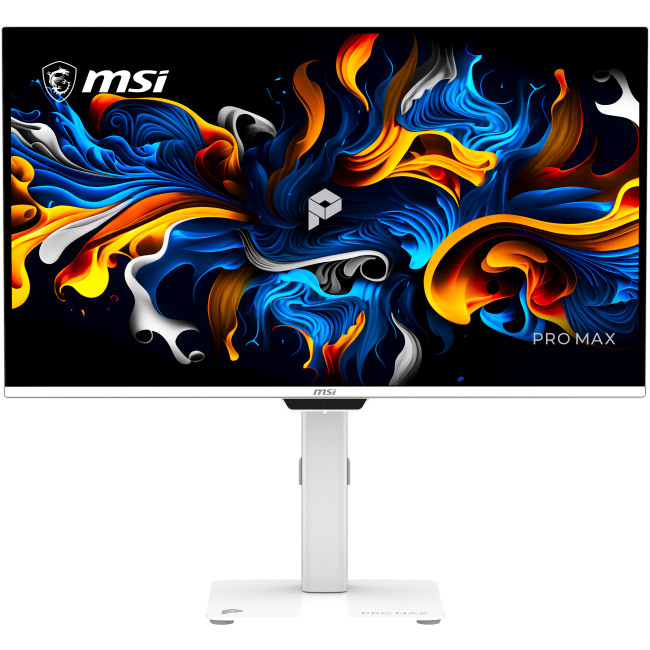
The MSI PRO MAX 271UPXW12G is a 26.5-inch business monitor for detailed work, entertainment and compatible gaming. Its QD-OLED panel combines 4K resolution with a 120Hz refresh rate, while USB-C connectivity can carry video and provide up to 98W power delivery to a connected device.
Key Highlights & Top Features
- 4K QD-OLED display: The 3840 x 2160 resolution and QD-OLED panel deliver a detailed picture with a stated 1.07 billion colours.
- 120Hz refresh rate: Supports smoother motion than a standard 60Hz display when the connected device and content support higher refresh rates.
- Adaptive Sync and AMD FreeSync: These synchronisation features can help reduce visible screen tearing with compatible graphics hardware.
- USB-C with up to 98W power delivery: Connect a compatible laptop for video and charging through one cable, subject to the laptop’s requirements.
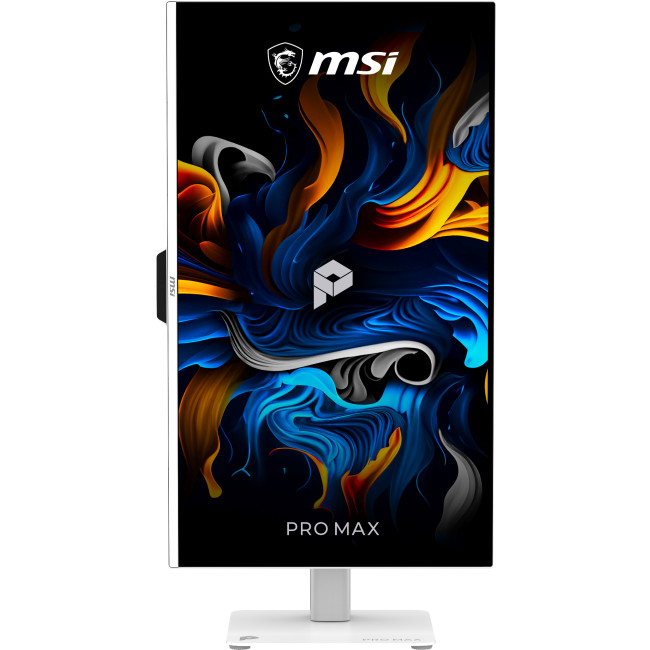
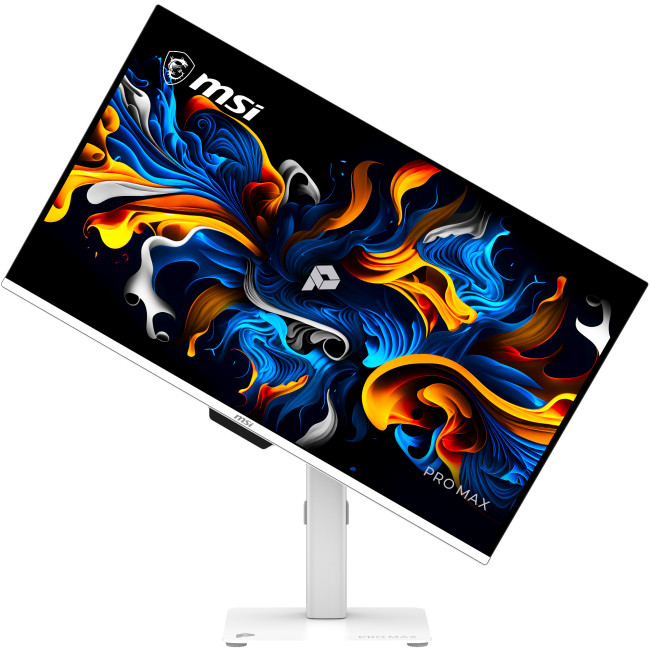
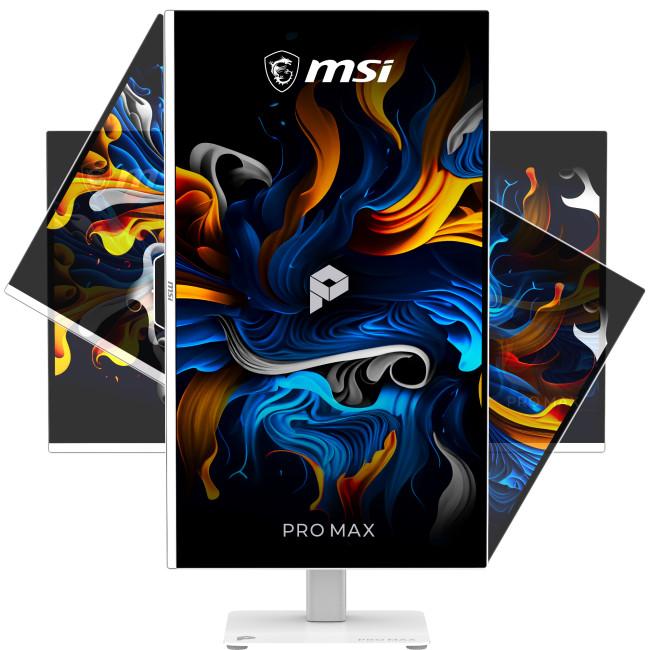
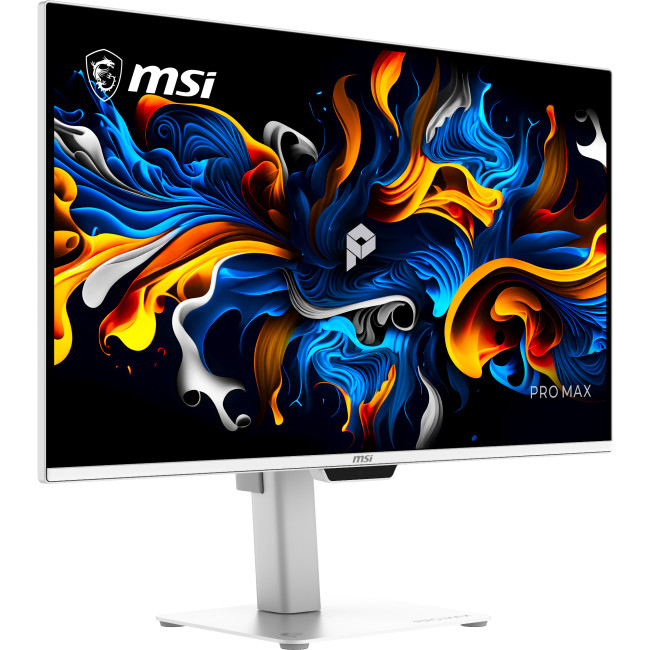
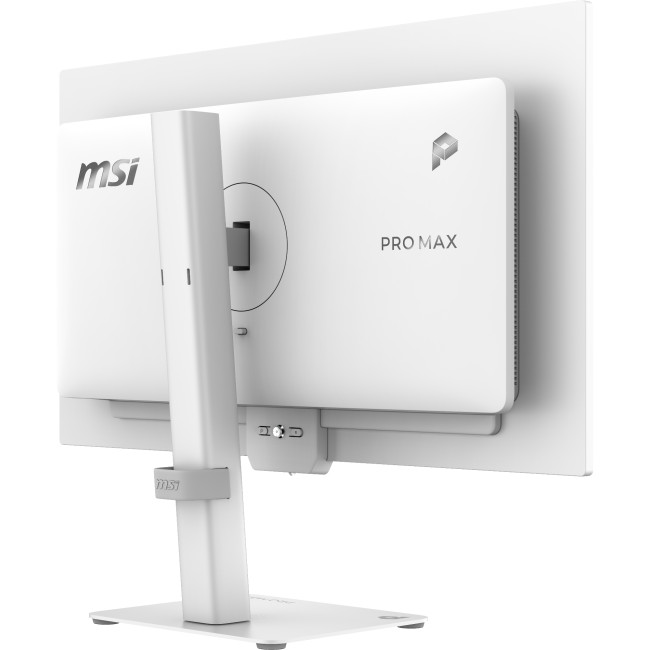
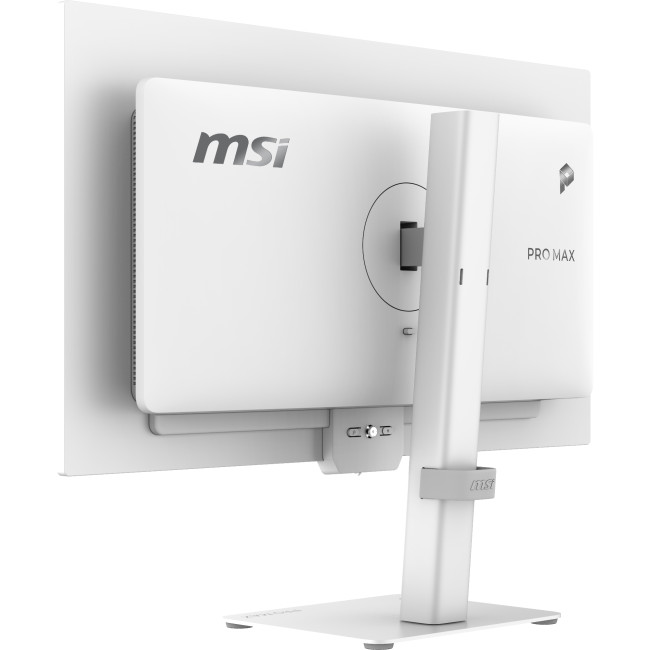
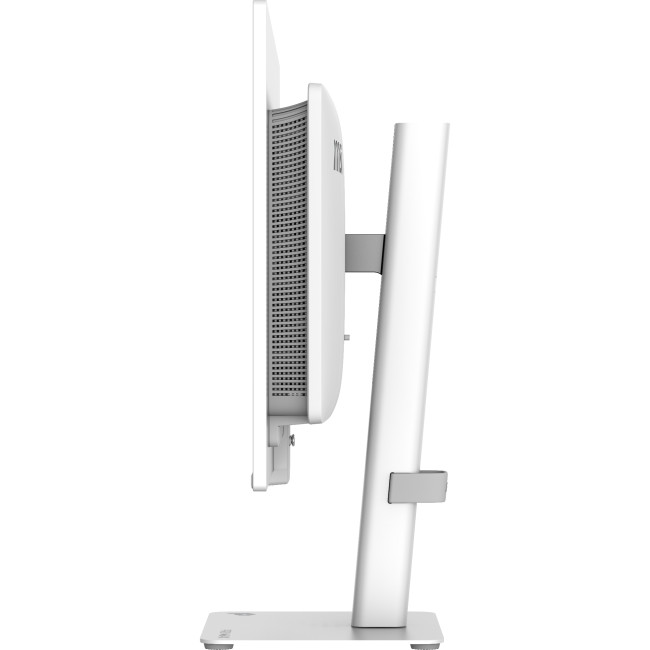
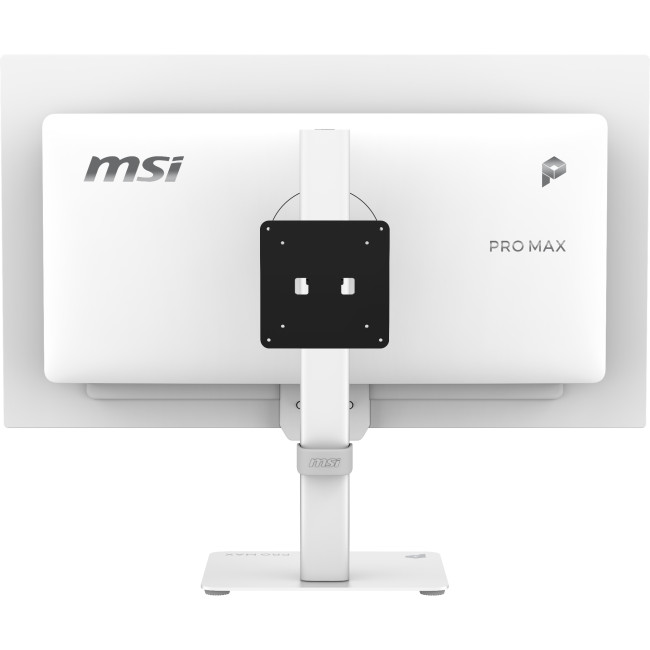
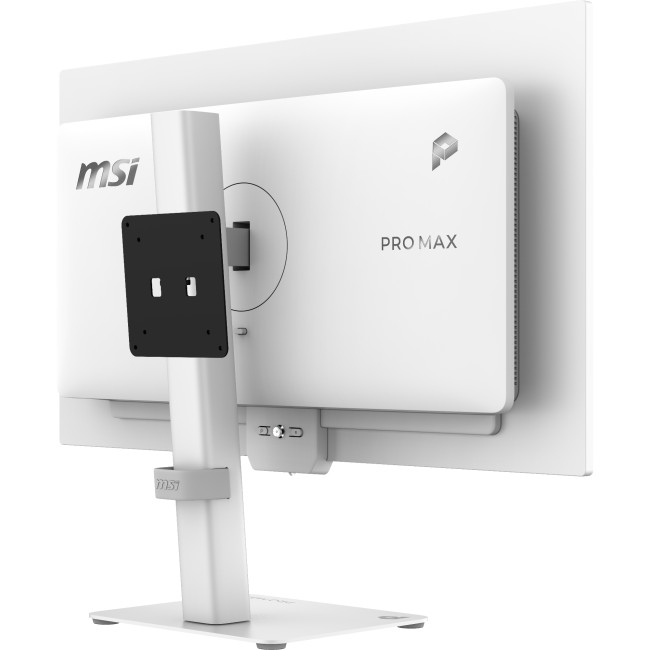
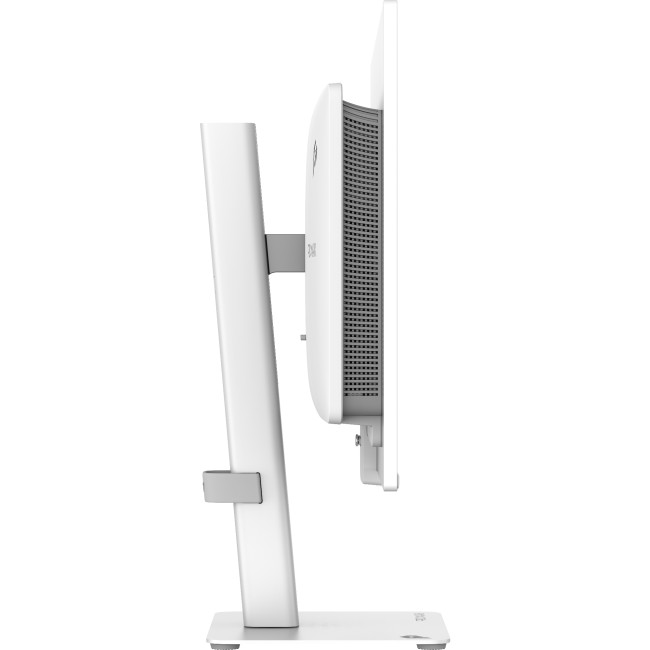
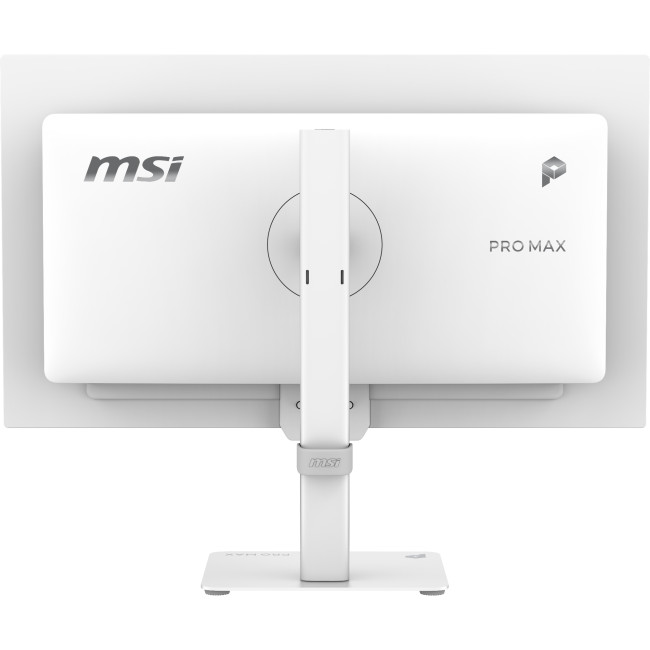
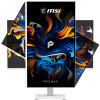
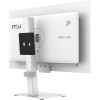
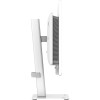
- Height-adjustable stand: Adjust the screen height, pivot or swivel to find a more suitable viewing position.
Monitor Display Quality, Colour & Connectivity
The 3840 x 2160 resolution provides fine detail across the 26.5-inch flat screen, while the QD-OLED panel is specified at 1000 cd/m² brightness and DisplayHDR400 support. An anti-glare finish helps manage reflections, and the 0.03ms response time is suited to fast-moving on-screen content.
For connecting computers and other devices, the monitor includes two HDMI 2.1 ports, DisplayPort 1.4a and two USB-C ports. One USB-C port supports up to 98W power delivery and the other up to 15W. Four USB-A ports and a USB-B connection provide hub connectivity for compatible peripherals.
What Makes It Different?
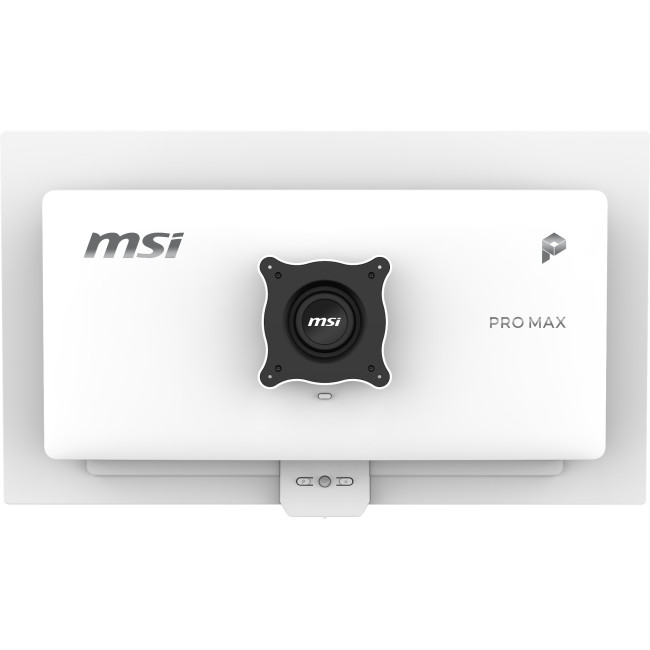
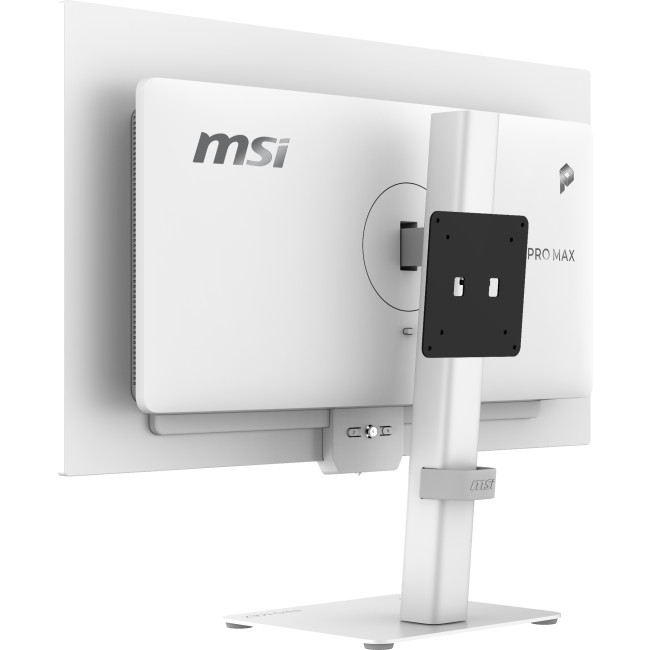
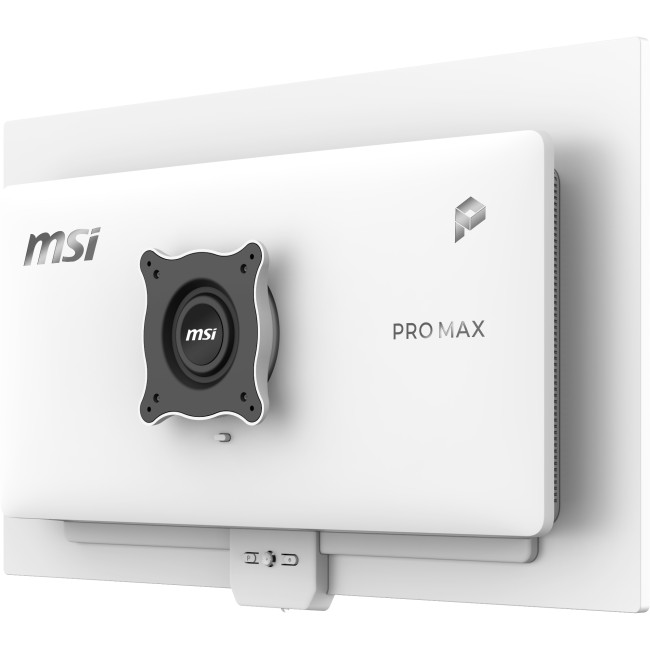
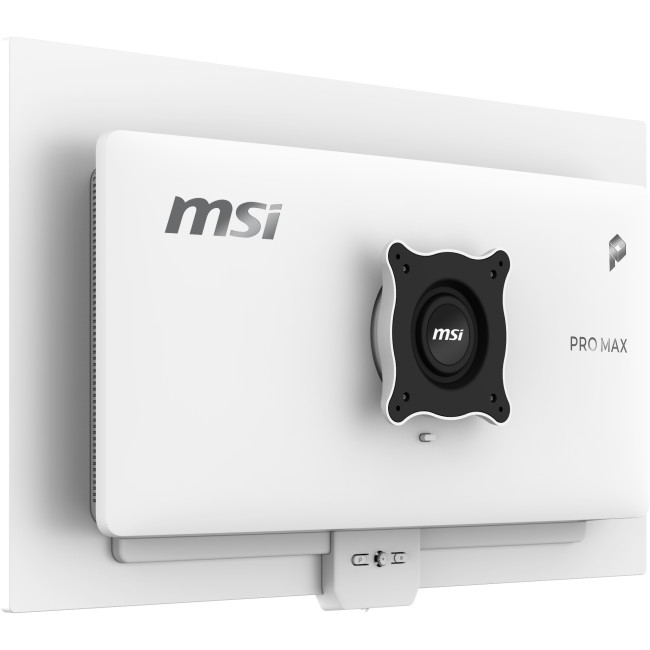
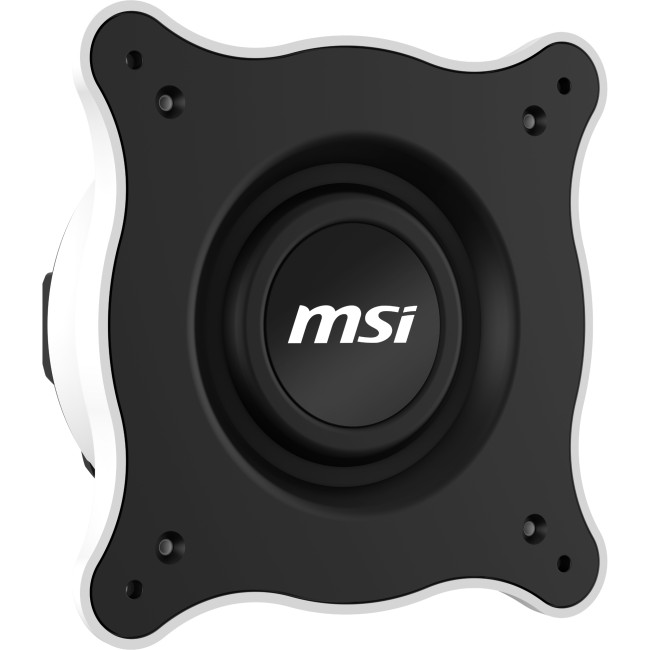
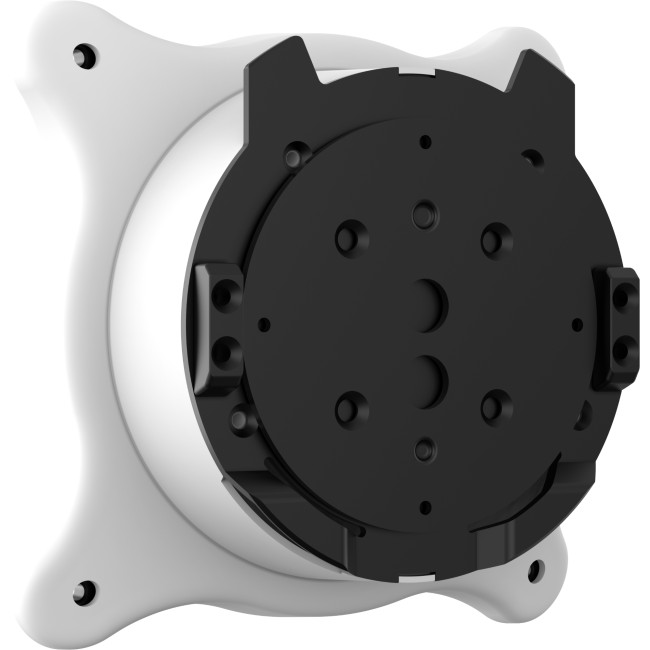
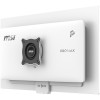
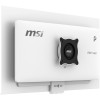
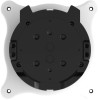
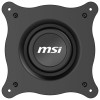
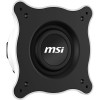
The package includes HDMI, DisplayPort, USB-C and USB-B-to-A cables, along with the stand and power cord, so several common connection options are covered from the outset. The monitor also supports VESA mounting and comes with mounting hardware, offering an alternative to using its supplied stand.
Why Choose This Monitor?
This MSI display brings a high-resolution panel and flexible connections together in a screen designed for desk-based work and varied setups.
- Detailed viewing: 4K resolution gives documents, images and other content plenty of on-screen detail.
- Flexible device setup: HDMI, DisplayPort and USB-C inputs make it easier to connect different compatible sources.
- More desk flexibility: Use the adjustable stand or choose a compatible VESA mounting arrangement.
Who Is This Monitor Best For?
This monitor suits business users and home-office setups that benefit from a detailed 4K screen, adjustable positioning and a range of connection options. Its 120Hz refresh rate and adaptive synchronisation features can also suit users viewing compatible fast-moving content.
It is not a touchscreen and has no built-in camera, so choose another monitor if either feature is essential. Check that your computer supports the resolution, refresh rate and connection method you intend to use; USB-C charging also depends on the connected device’s power requirements.
Common Questions About the MSI PRO MAX 271UPXW12G
What resolution does the MSI PRO MAX 271UPXW12G support?
It supports 3840 x 2160 resolution, commonly called 4K UHD. The source device and cable must also support the resolution and refresh rate you want to use.
Can I connect a laptop using USB-C?
Yes, either USB-C port supports DisplayPort Alt Mode for video. One provides up to 98W power delivery and the other up to 15W, so check your laptop’s charging needs before connecting.
What cables are included?
The box includes HDMI 2.1, DisplayPort 1.4a, USB-C and USB-B-to-A cables, as well as a power cord. It also includes the monitor, stand and VESA mounting components.
Can the monitor be mounted on a wall or arm?
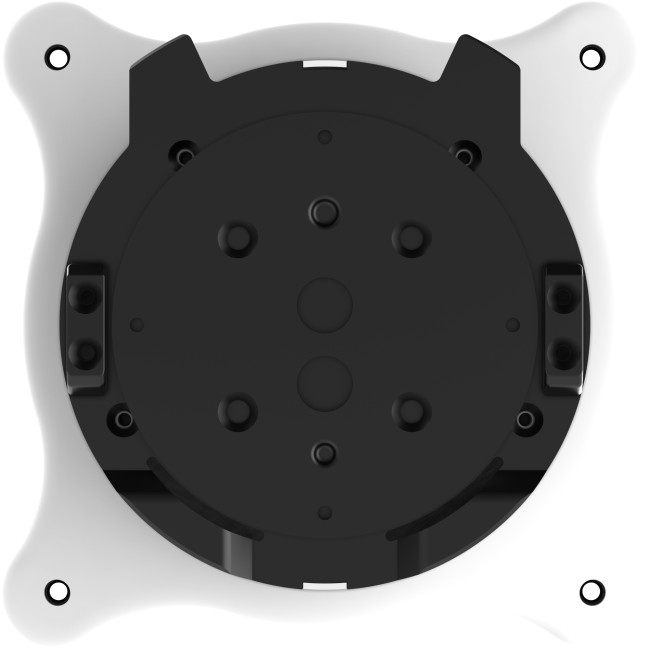
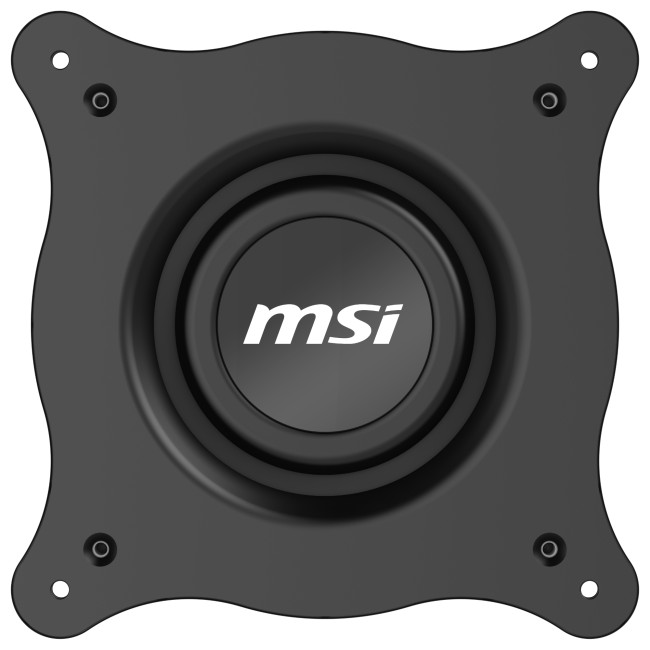
Yes, it supports VESA mounting and includes a VESA plate and mounting screws. Check that your chosen mount is compatible with the monitor before installation.
| Display | |||||||||||
|---|---|---|---|---|---|---|---|---|---|---|---|
| Screen Size | 26.5" | ||||||||||
| Touchscreen | No | ||||||||||
| Display Type | 3840 x 2160 | ||||||||||
| Panel Type | QD-OLED | ||||||||||
| Brightness | 1000 cd/m² | ||||||||||
| Refresh Rate | 120 Hz | ||||||||||
| Response Time | 0.03 ms | ||||||||||
| Maximum Resolution | |||||||||||
| Screen Shape | Flat | ||||||||||
| HDR Standards | DisplayHDR400 | ||||||||||
| Anti-glare Screen | Yes | ||||||||||
| Display Number of Colours | 1.07 Billion Colours | ||||||||||
| Ports & Interfaces | |||||||||||
| connectivity | 2× HDMI 2.1 (UHD@120Hz) | 1× DisplayPort 1.4a | 1× USB-C (DP Alt Mode, USB PD 98W) | 1× USB-C (DP Alt Mode, USB PD 15W) | 4× USB-A 5Gbps | 1× USB-B 5Gbps | ||||||||||
| VGA Ports | No | ||||||||||
| DVI Ports | No | ||||||||||
| Display Ports | 1 | ||||||||||
| USB-C Ports | 2 | ||||||||||
| Built-in USB Hub | 4× USB-A 5Gbps | 1× USB-B 5Gbps | ||||||||||
| RJ-45 | No | ||||||||||
| Headphone Out | Yes | ||||||||||
| Features | |||||||||||
| Built-in Speakers | Yes | ||||||||||
| Built-in Camera | No | ||||||||||
| Adaptive Sync | Yes | ||||||||||
| AMD FreeSync | Yes | ||||||||||
| Low Blue Light Technology | Yes | ||||||||||
| Flicker-free Technology | Yes | ||||||||||
| Aspect Ratio | 16:9 | ||||||||||
| Height Adjustable | Yes | ||||||||||
| Pivot/Swivel | Yes | ||||||||||
| Other Specifications | |||||||||||
| Most Suitable For | Business | ||||||||||
| VESA Mounting | Yes | ||||||||||
| General | |||||||||||
| Colour | White | ||||||||||
| Weight | 7 kg | ||||||||||
| Dimensions (H x W x D) | (WxDxH) 611.1 mm × 200.6 mm × 560.3 mm | ||||||||||
| Box Contents | Monitor | Stand | HDMI Cable (2.1) | DisplayPort Cable (1.4a) | Type-C Cable (3.2 Gen 2) | USB Type-B to A Cable (3.2 Gen 1) | Power Cord (C13) | Quick Guide | VESA Wall Mount Screws (4x) | VESA Plate | VESA Plate Screws (4x) | VESA Adapter Kit | Cable Cl | ||||||||||
Loading...