



Black Friday is here! Get an extra £10 off when you spend £200 with code: BF10LO. T&Cs apply*
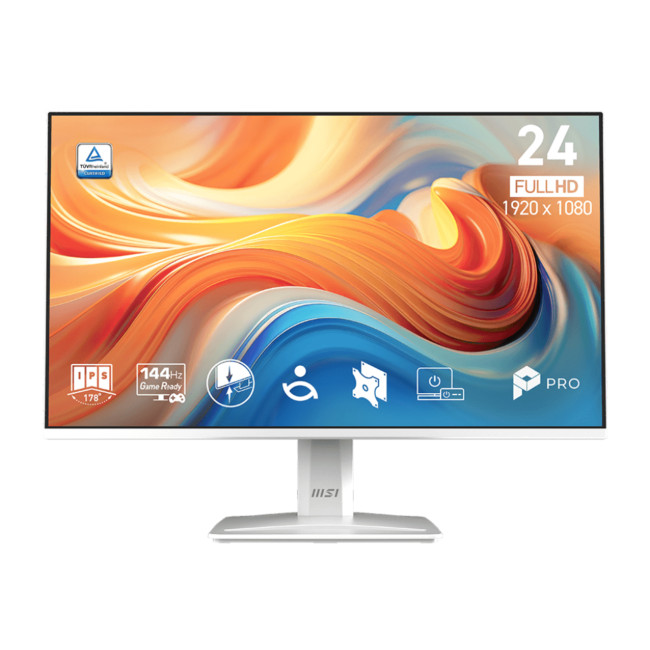
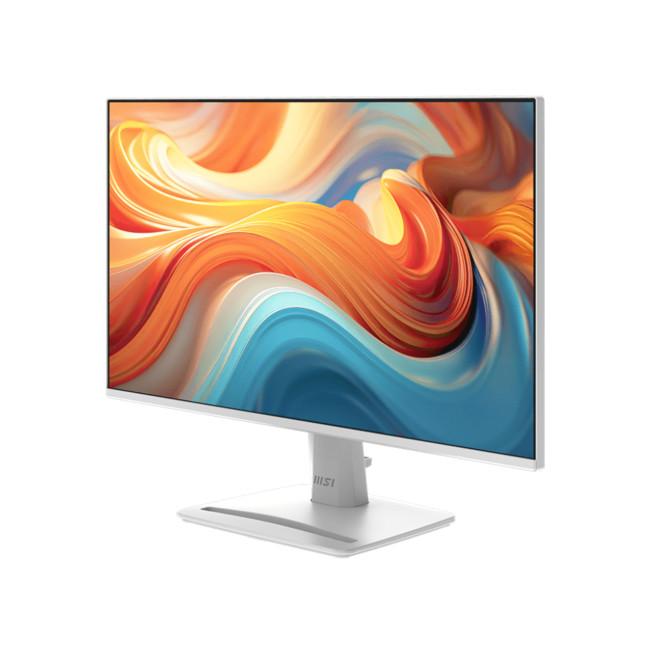
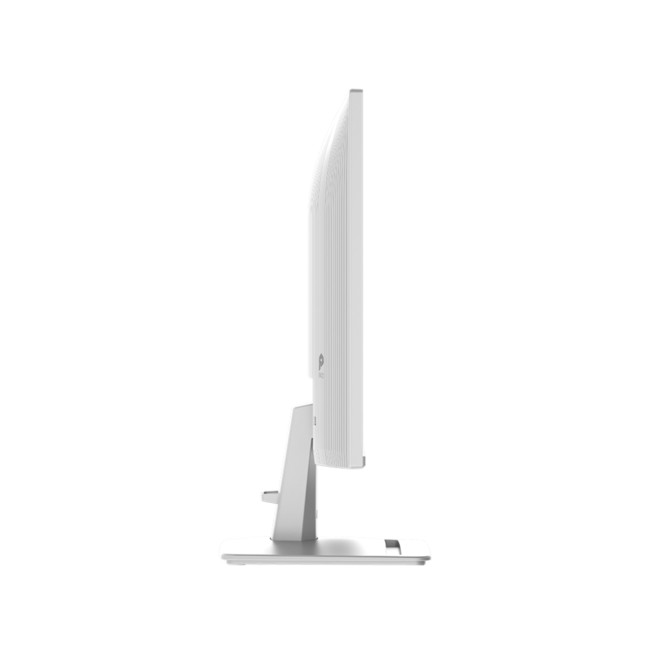
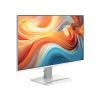
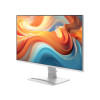
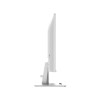
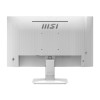
MSI PRO MP243W E14 23.8" Full HD IPS 144Hz 4ms Adaptive-Sync EyesErgo Business Monitor with Speakers - White


Secure Payment

Free UK Shipping

Easy Return
SKU: PRO MP243W E14
Black Friday
View Black Friday Deals

- 2x 2W Built-in Speakers
- Adaptive-Sync | HDR Ready
- Tilt (-5° to +20°)
- 23.8" Full HD Display, IPS, 1920 x 1080 Max. Resolution
- 4 ms Response Time, 144 Hz Refresh Rate
- 16:9 Aspect Ratio
- HDMI 2.0b | DisplayPort 1.2a | VGA (D-Sub) | 3.5mm Headphone-out
- White Colour
- 3 Years Warranty
- PRO MP243W E14
- Condition: New


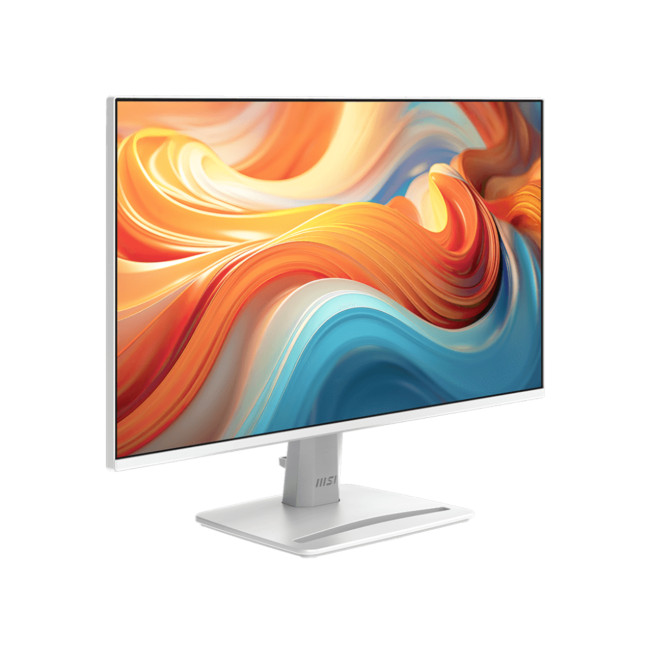
The MSI PRO MP243W E14 is a white, 23.8-inch MSI monitor for emails, spreadsheets and home-office tasks. Its Full HD IPS panel keeps everyday work clear, while 144Hz motion and built-in audio also suit video calls, streaming and casual gaming.
Key Highlights & Top Features
Four features support office work, media and casual gaming.
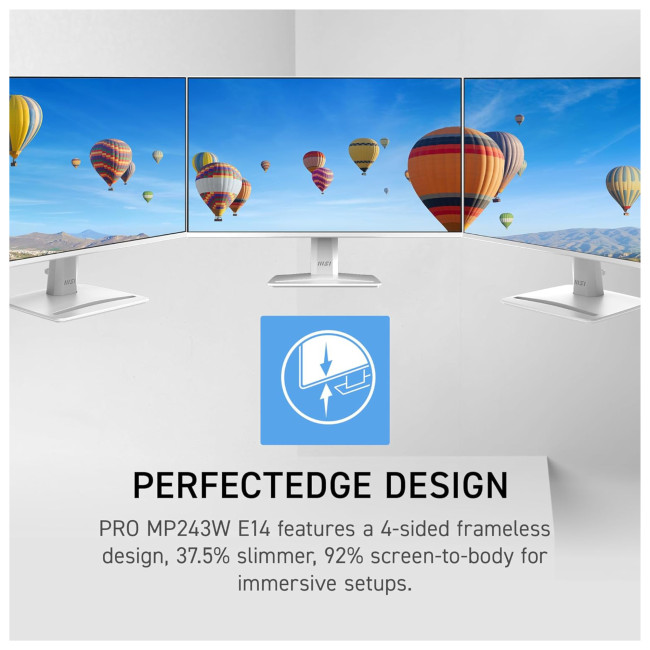
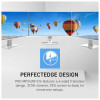
- Full HD IPS Display: The flat 1920 x 1080, 16:9 panel offers 178-degree viewing angles and slim PerfectEdge bezels.
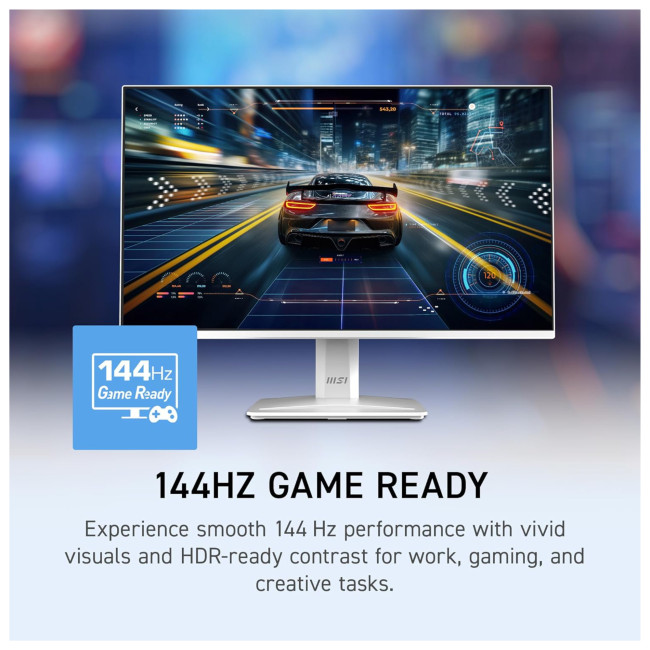
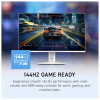
- 144Hz Adaptive-Sync: A 48-144Hz variable refresh range helps reduce tearing and keeps scrolling and compatible games smoother.
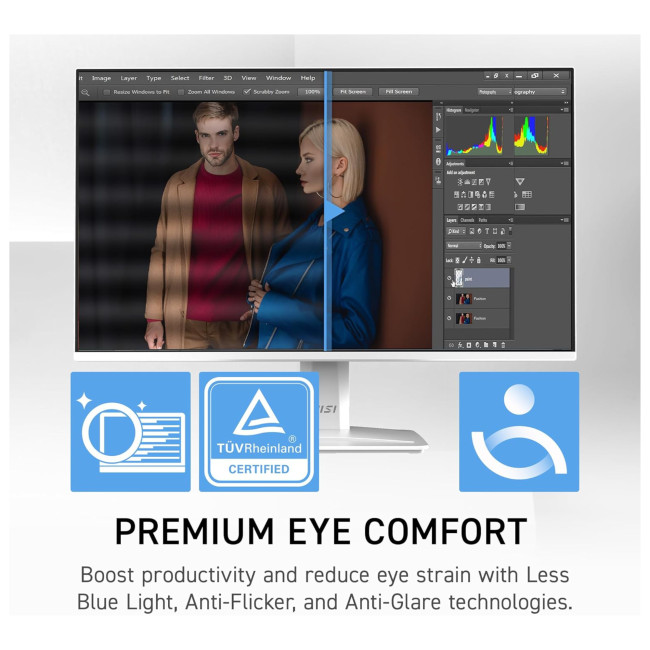
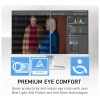
- EyesErgo Comfort: Anti-Flicker, Less Blue Light and Eye-Q Check reminders support long desk sessions.
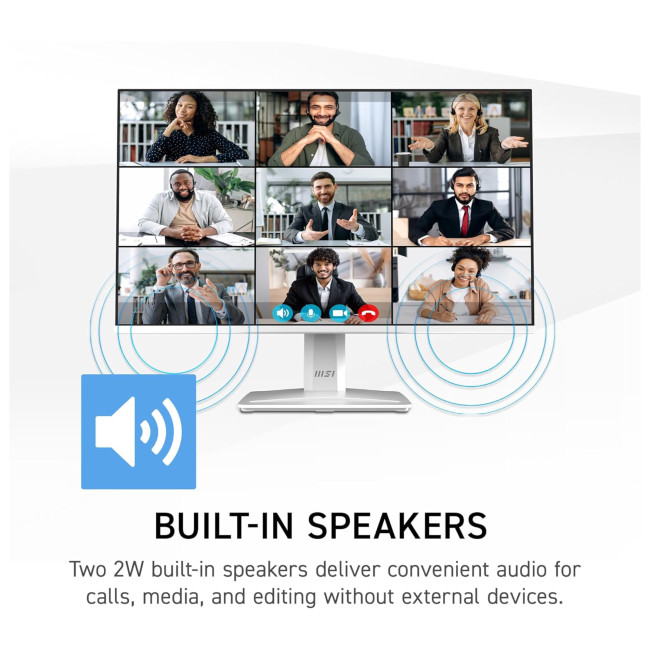
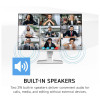
- Built-In Speakers: Two 2W speakers handle calls, lessons and everyday audio without separate desktop speakers.
MSI PRO MP243W E14 Monitor: PerfectEdge Styling and Practical Desk Features
This Full HD monitor combines a slim white design with everyday connections, picture settings and mounting options for a tidy study or office desk.
- Picture and Colour: 300 cd/m² typical brightness, 1,500:1 contrast, 16.7 million colours, an anti-glare finish and HDR Ready support.
- Response and Inputs: 4ms GtG or 1ms MPRT response, one HDMI 1.4b input, DisplayPort 1.2a and a headphone output; no VGA or USB-C.
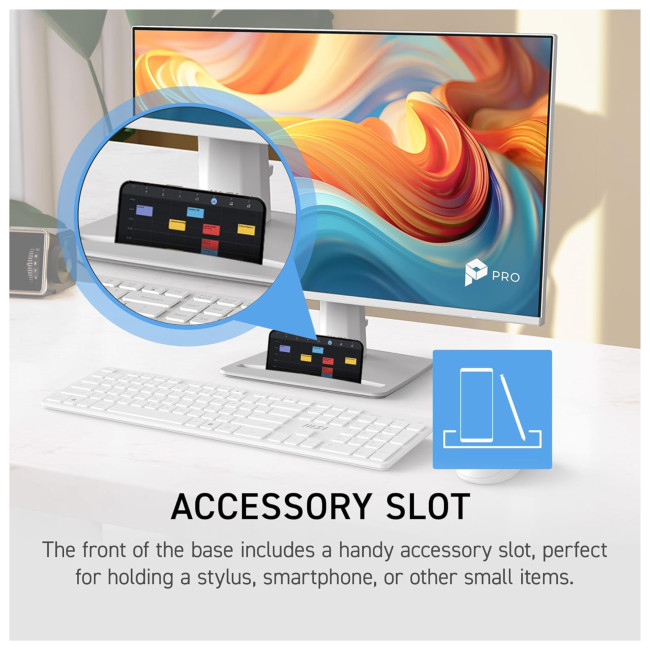
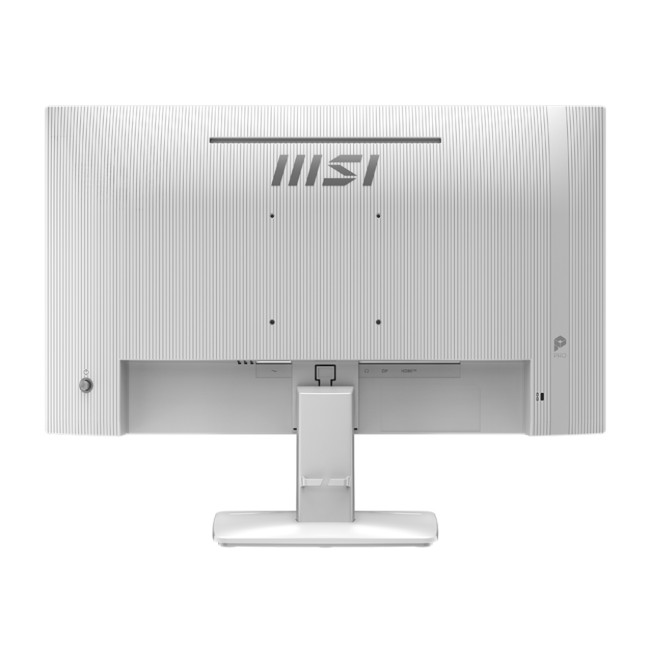
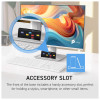
- Simple Desk Controls: A five-way navigation key, accessory slot and Kensington security lock help with everyday setup.
- Stand and Mounting: The stand tilts from -5° to 20° but has no height adjustment; 100 x 100mm VESA mounting supports a compatible arm.
- Footprint: 540.13 x 188.20 x 408.72mm (W x D x H) with stand; 3.1kg net weight.
- Included and Covered: HDMI cable, C13 power cord and quick guide, plus a three-year manufacturer's warranty.
Why Choose the MSI PRO MP243W E14?
The MSI PRO MP243W E14 fits desks used for documents, meetings and entertainment. Its narrow bezels suit a second-screen arrangement, while its modest footprint leaves space for notebooks and other essentials.
With audio built in, this monitor with speakers keeps video calls and online lessons simple. The fixed-height stand is the main ergonomic compromise, although a VESA arm provides more positioning options.
Who Is the MSI PRO MP243W E14 Best For?
This monitor suits people who prioritise everyday clarity, smooth movement and a straightforward desk setup.
- Office Workers: Handle email, spreadsheets and documents on a compact screen.
- Students: Follow lessons, research topics and complete coursework.
- Casual PC Gamers: Enjoy smoother action when the computer can deliver high frame rates.
- Dual-Monitor Users: Place slim-bezel displays side by side for extra desktop space.
Common Questions About the MSI PRO MP243W E14
Does the MSI PRO MP243W E14 have built-in speakers?
Yes. Two 2W speakers provide sound for video calls, lessons and streaming.
Can the PRO MP243W E14 display Full HD at 144Hz over HDMI?
Yes. Its HDMI 1.4b input supports 1920 x 1080 at up to 144Hz with compatible computer hardware and a suitable cable.
Will it connect to an older PC using VGA?
No. It has no VGA input; a VGA-only PC would need a suitable active converter for its HDMI or DisplayPort connection.
Can I mount it on a 100 x 100mm VESA monitor arm?
Yes. The rear supports a 100 x 100mm VESA mount for a compatible arm or wall bracket.
Can the MSI PRO MP243W E14 stand be height-adjusted?
No. The included stand offers tilt adjustment only, from -5° to 20°; use a suitable VESA arm if height adjustment is needed.
| Display | |||||||||||
|---|---|---|---|---|---|---|---|---|---|---|---|
| Screen Size | 23.8" | ||||||||||
| Touchscreen | No | ||||||||||
| Maximum Resolution | 1920 x 1080 | ||||||||||
| Display Type | Full HD | ||||||||||
| Panel Type | IPS | ||||||||||
| Aspect Ration | 16:9 | ||||||||||
| Brightness | 300 cd/m² | ||||||||||
| Refresh Rate | 144 Hz | ||||||||||
| Response Time | 4 ms | ||||||||||
| Screen Shape | Flat | ||||||||||
| HDR Standards | HDR Ready | ||||||||||
| Anti-glare Screen | Yes | ||||||||||
| Display Number of Colours | 16.7 Million Colours | ||||||||||
| Ports & Interfaces | |||||||||||
| connectivity | HDMI 2.0b | DisplayPort 1.2a | VGA (D-Sub) | 3.5mm Headphone-out | ||||||||||
| VGA Ports | 1 | ||||||||||
| DVI Ports | No | ||||||||||
| Display Ports | 1 | ||||||||||
| USB-C Ports | No | ||||||||||
| Built-in USB Hub | No | ||||||||||
| RJ-45 | No | ||||||||||
| Headphone Out | Yes | ||||||||||
| Features | |||||||||||
| Built-in Speakers | Yes | ||||||||||
| Built-in Camera | No | ||||||||||
| Adaptive Sync | Yes | ||||||||||
| AMD FreeSync | No | ||||||||||
| Low Blue Light Technology | Yes | ||||||||||
| Flicker-free Technology | Yes | ||||||||||
| Height Adjustable | No | ||||||||||
| Pivot/Swivel | No | ||||||||||
| Other Specifications | |||||||||||
| Most Suitable For | Business | ||||||||||
| VESA Mounting | Yes | ||||||||||
| General | |||||||||||
| Condition | New | ||||||||||
| Colour | White | ||||||||||
| Weight | 3.1 kg | ||||||||||
| Dimensions | (WxDxH) 540.13 mm × 188.20 mm × 408.72 mm | ||||||||||
| Box Contents | Monitor | DisplayPort 1.4a Cable | C13 Power Cord | Quick Guide | ||||||||||
| Warranty | 3 Years | ||||||||||
| Brand | MSI | ||||||||||
| EAN | 4711377346290 | ||||||||||
| MPN | PRO MP243W E14 | ||||||||||
Loading...