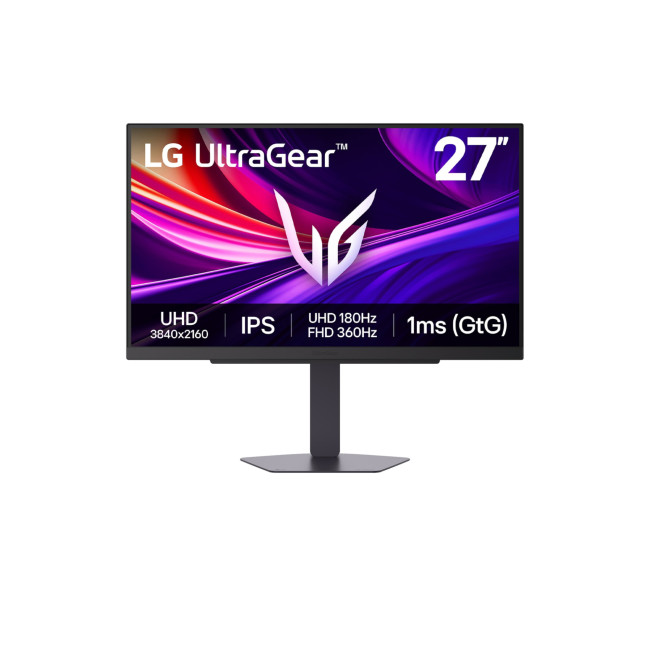
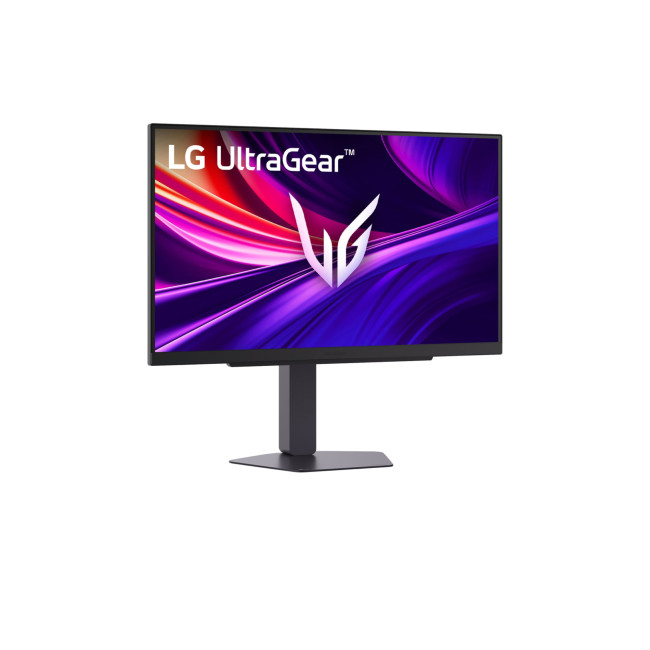
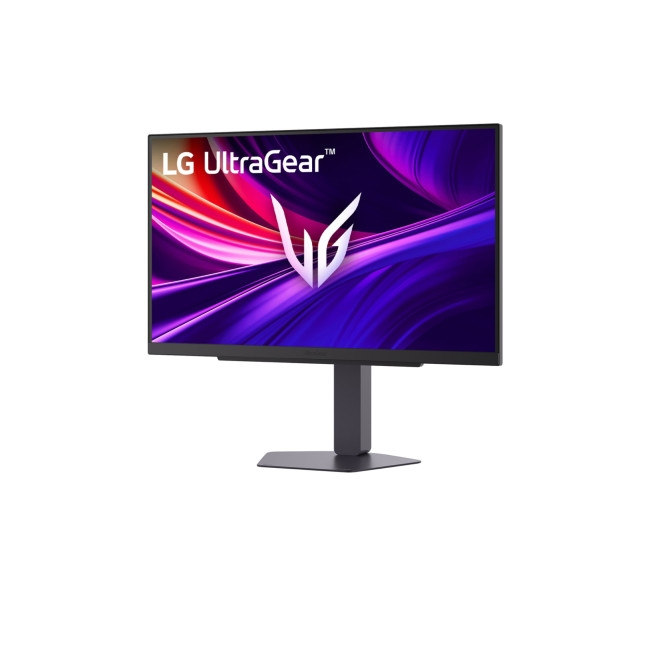
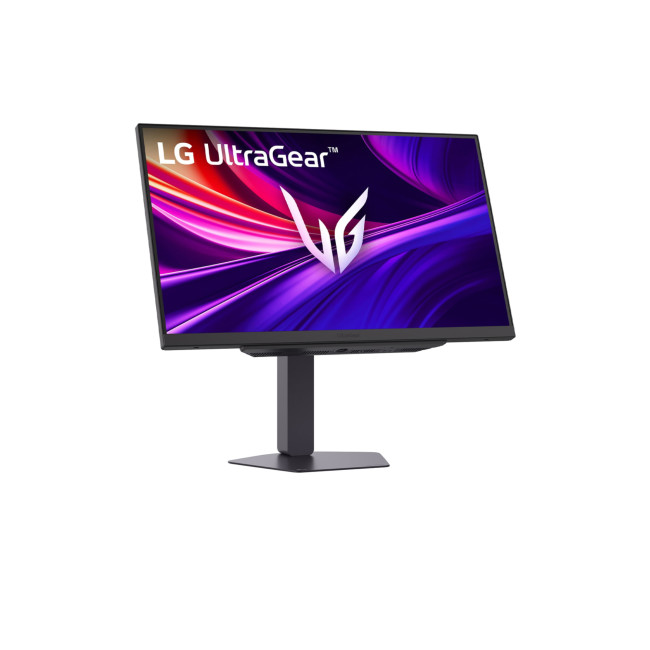
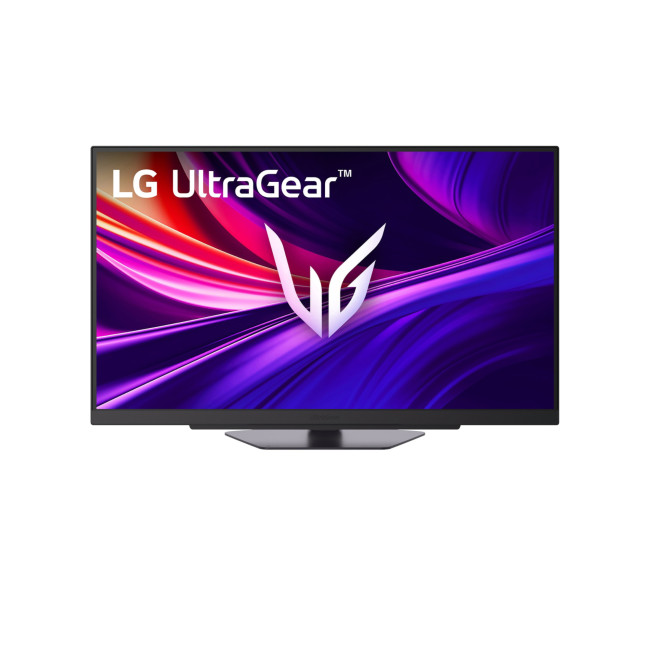
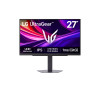
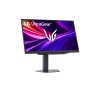
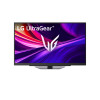
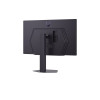
The LG UltraGear 27G810A-B is a 27-inch gaming monitor offering 4K detail for story-driven titles and faster Full HD for competitive play. Dual-Mode lets you switch priorities on one flat IPS screen, which also handles everyday desktop work.
Key Highlights & Top Features
The LG 27G810A-B combines sharp 4K images, fast Full HD gameplay and motion-control features for different games.
- Two refresh modes: 4K (3840 x 2160) at 180Hz or Full HD (1920 x 1080) at 360Hz, switchable through the menu, hotkey or LG Switch.
- Fast IPS response: 1ms GtG (Faster setting) helps reduce motion blur while IPS maintains wide viewing angles.
- Adaptive sync: NVIDIA G-SYNC Compatible, AMD FreeSync Premium and VESA AdaptiveSync help reduce tearing with supported hardware.
- HDR and colour: DisplayHDR 400, 400 cd/m² typical brightness, 95% DCI-P3 coverage and 1.07 billion colours support detailed visuals.
Connect and Adjust the LG UltraGear 27G810A-B
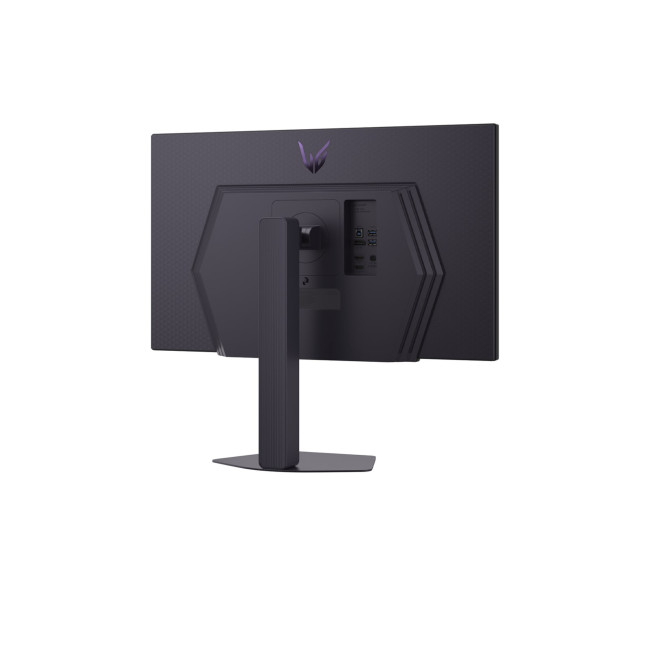
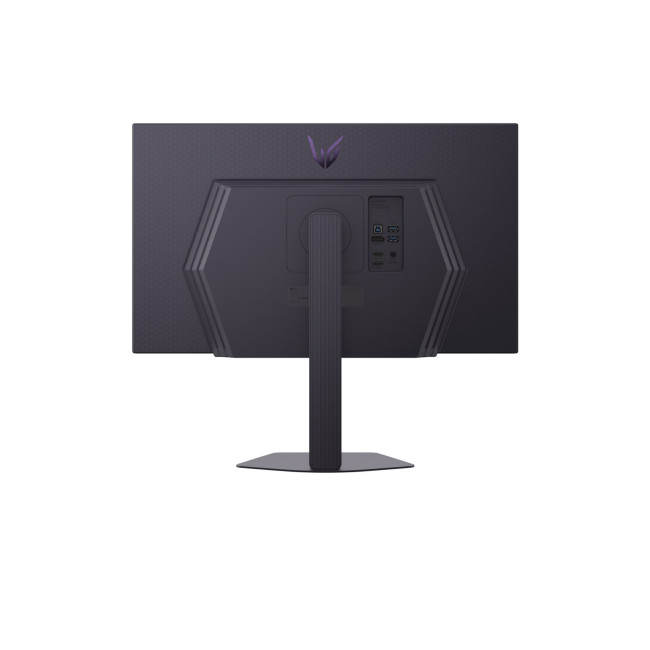
This 4K gaming monitor offers the display ports, audio connections and adjustments needed for a tidy PC-and-console desk.
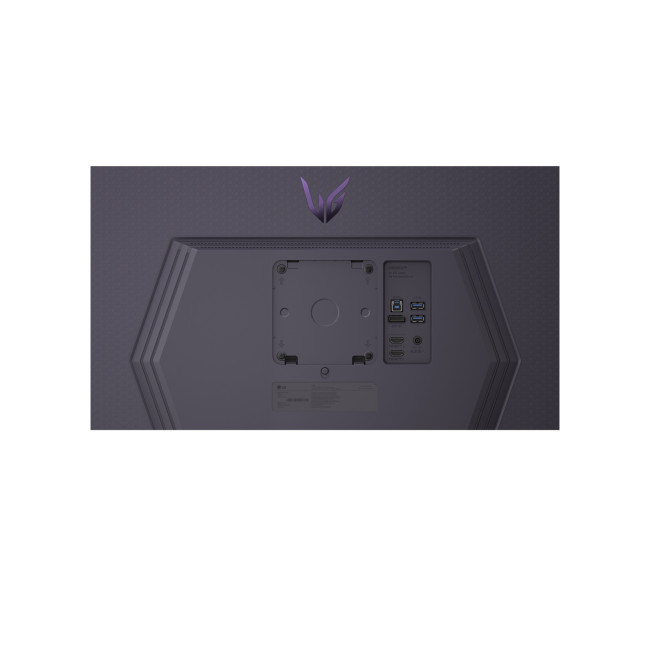
- Video connections: Two HDMI 2.1 inputs, DisplayPort 1.4 (DSC), plus included HDMI and DisplayPort cables.
- USB and audio: USB 3.0 upstream, two downstream ports and a four-pole headset jack; no built-in speakers or USB-C.
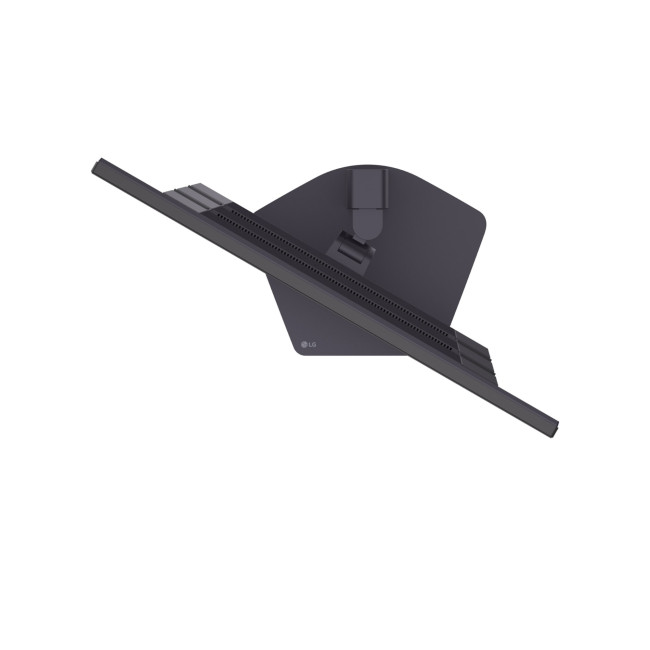
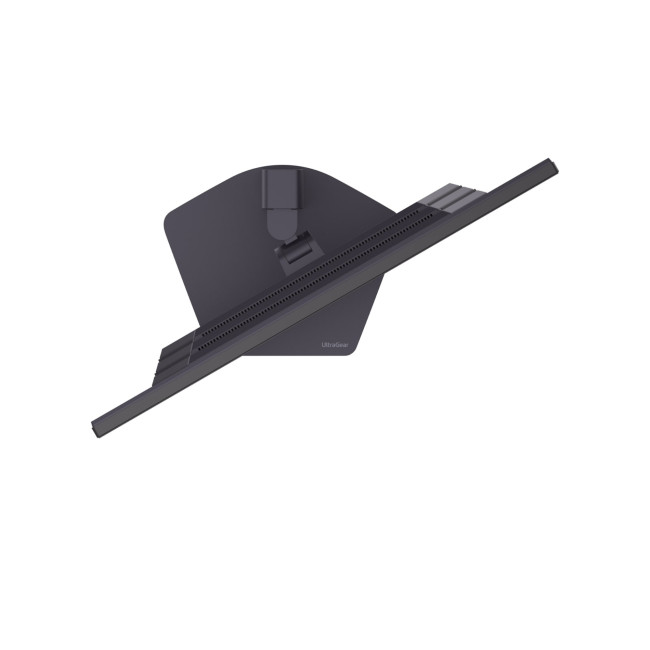
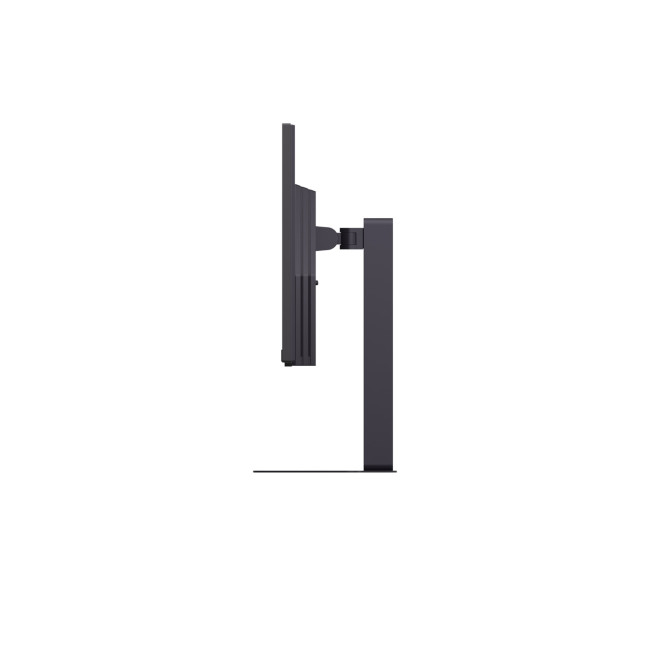
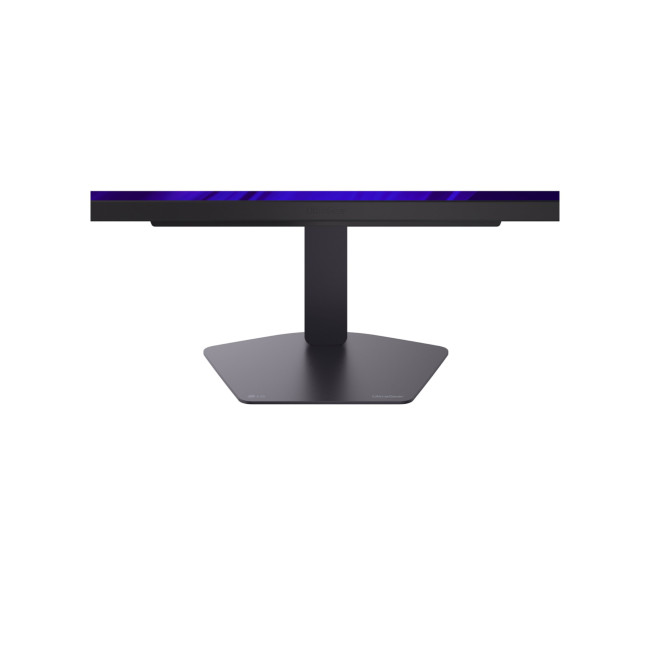
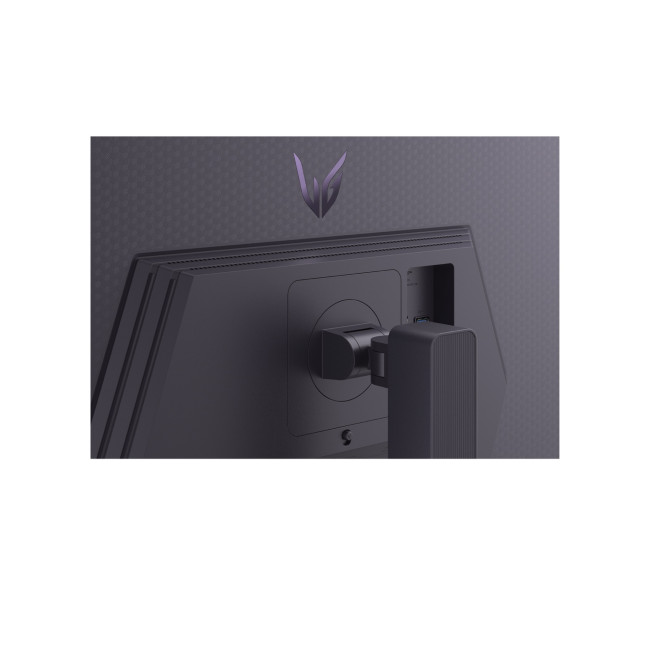
- Stand adjustments: 130mm height, -5 to 21 degrees tilt, 30-degree swivel each way, portrait pivot and 100 x 100mm VESA mounting.
- Desk fit: Black 16:9 screen; 613.5 x 534.5 x 220mm fully raised; 7.4kg with stand or 4.9kg without.
- Comfort and cover: Flicker Safe, Reader Mode and a two-year warranty listed by Laptop Outlet.
Why Choose the LG UltraGear 27G810A-B?
The LG UltraGear 27G810A-B suits players moving between detailed adventures and fast competitive games without needing two screens. As an IPS monitor, it also provides consistent viewing angles for work and entertainment. Its adjustable stand helps when a gaming desk doubles as a general workspace.
Who Is the LG UltraGear 27G810A-B Best For?
Its two modes suit different gaming priorities and a shared PC-and-console setup.
- Competitive FPS players: Run Full HD at up to 360Hz when the PC can keep pace.
- Single-player gamers: Choose 4K for sharper textures and scenery.
- Console owners: Connect compatible PS5 and Xbox Series X games at up to 4K 120Hz.
- Everyday multitaskers: Use 4K space for documents and side-by-side windows.
Common Questions About the LG UltraGear 27G810A-B
How does the LG UltraGear 27G810A-B switch between 4K 180Hz and Full HD 360Hz?
Use the on-screen menu, physical hotkey or LG Switch shortcut. Choose 4K 180Hz or Full HD 360Hz with compatible PC hardware.
Can PS5 and Xbox Series X use the full 360Hz refresh rate?
No. Both consoles output up to 120Hz, so 360Hz is for compatible PCs. Supported games can run at up to 4K 120Hz.
What graphics card and connection do I need for 4K gaming at 180Hz?
Choose a GPU supporting 4K 180Hz through HDMI 2.1 or DisplayPort 1.4 with DSC. Game frame rates depend on GPU performance and settings.
Does it support NVIDIA G-SYNC and AMD FreeSync Premium?
Yes. It is NVIDIA G-SYNC Compatible and supports AMD FreeSync Premium for variable refresh rates on compatible systems.
Can I adjust the height and rotate the monitor into portrait mode?
Yes. Its stand adjusts 130mm in height and pivots in either direction for portrait use, with tilt and swivel adjustments.