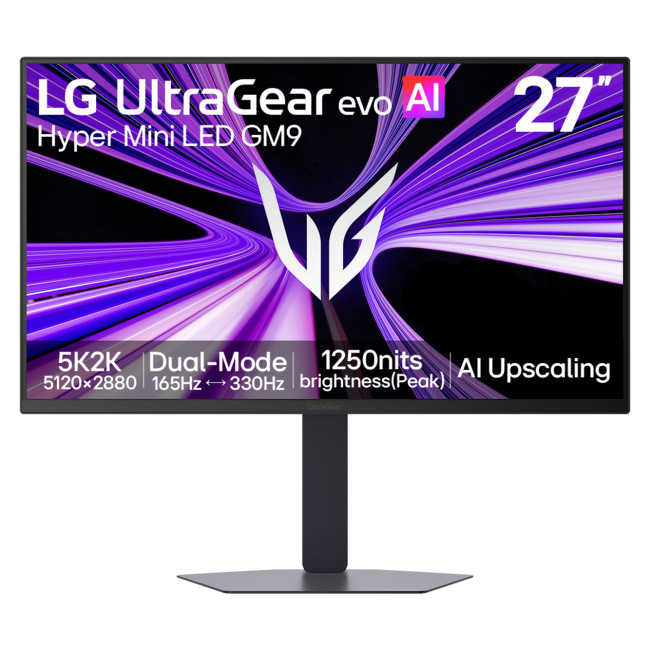
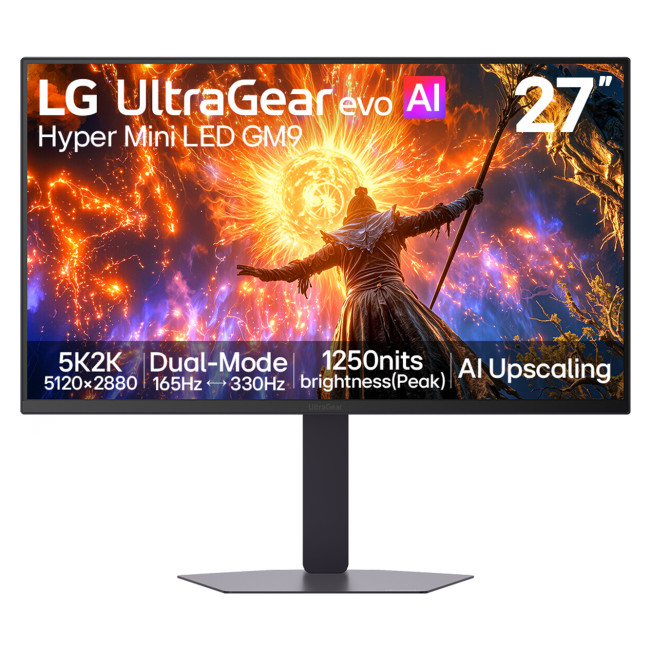
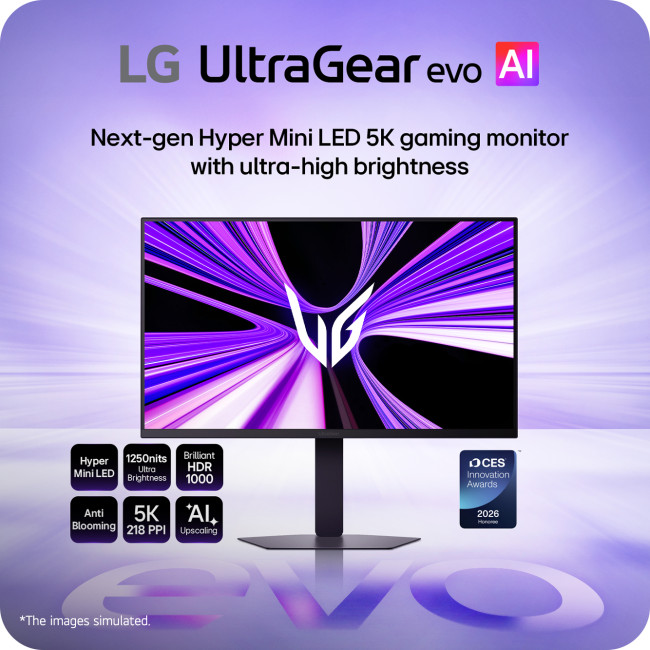
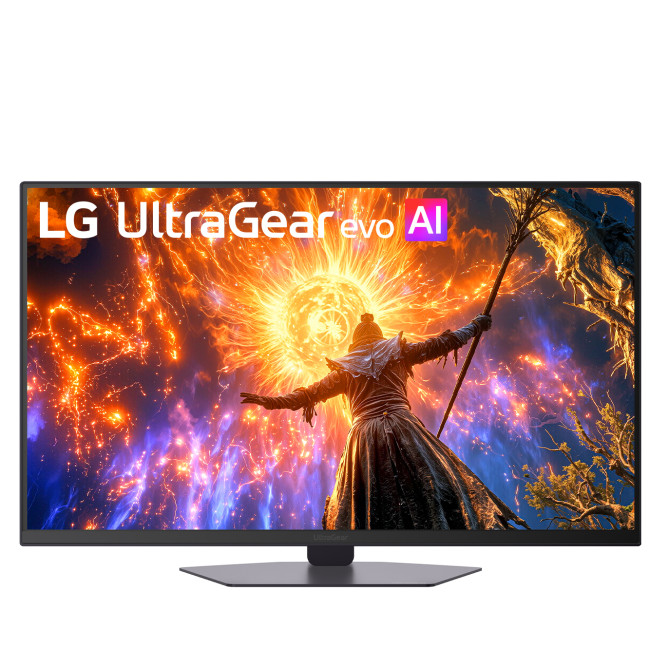
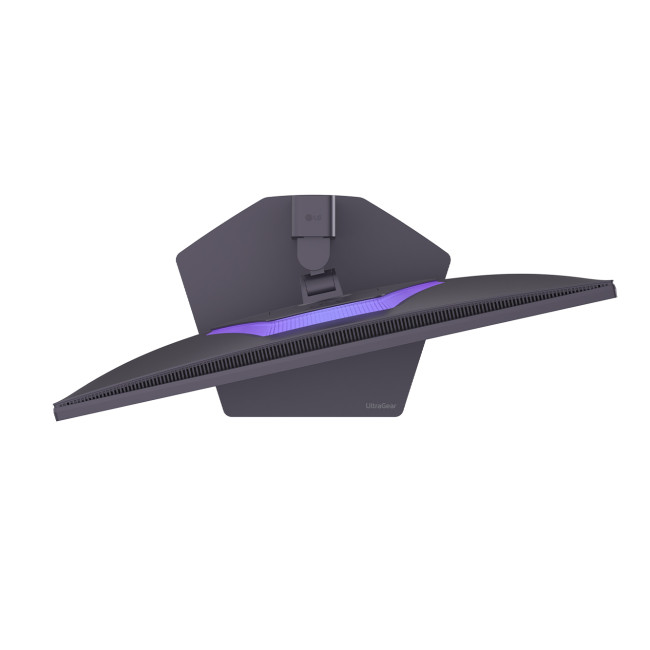
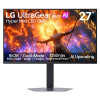
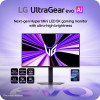
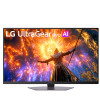
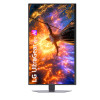
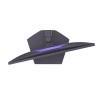
The LG UltraGear 27GM950B-B brings 5K detail and high-speed QHD play to one screen. This 27-inch gaming monitor uses a flat IPS panel with Hyper Mini LED backlighting, making it suited to detailed desktop work as well as competitive gaming.
Key Highlights & Top Features
Its main strengths are fine image detail, flexible refresh rates and controlled HDR lighting.
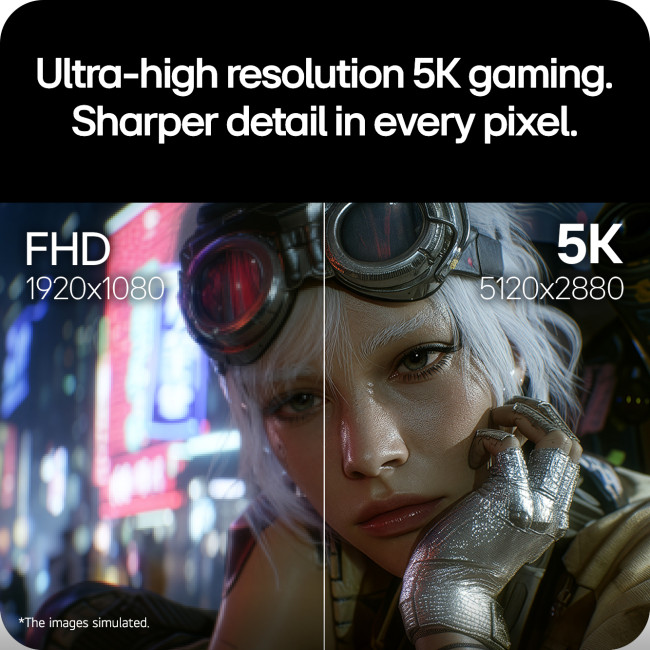
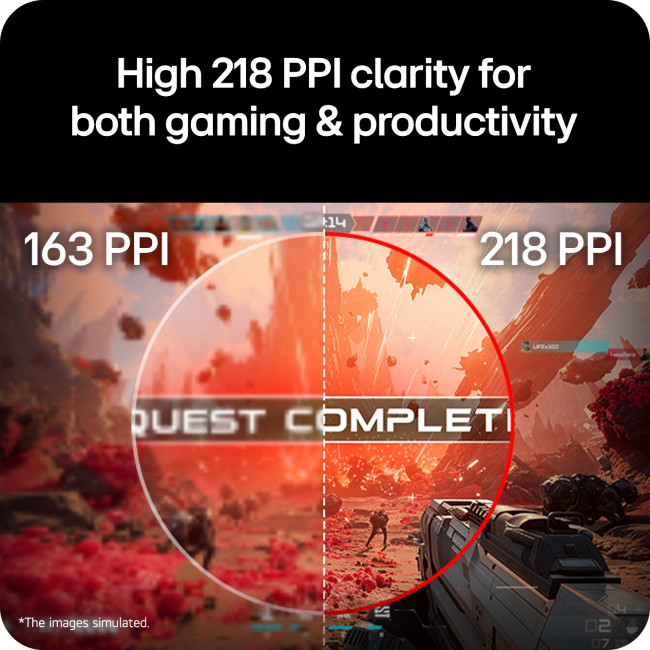
- Sharp 5K display: 5120 x 2880 resolution at 218 pixels per inch keeps textures, menus and text clear.
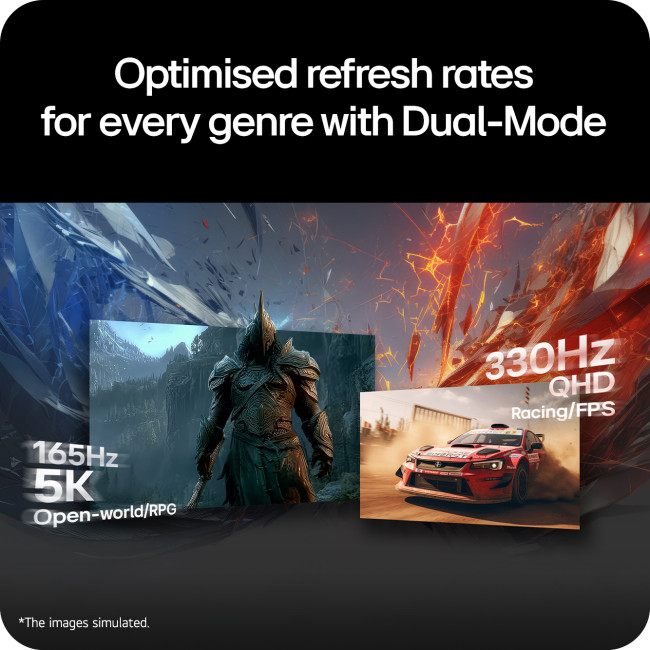
- Dual-Mode refresh: Switch between 5K at 165Hz and QHD (2560 x 1440) at 330Hz to suit different games.
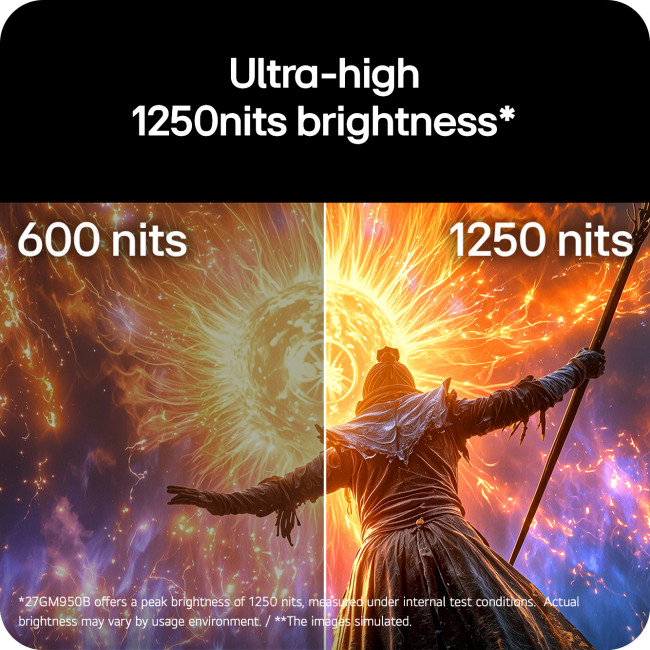
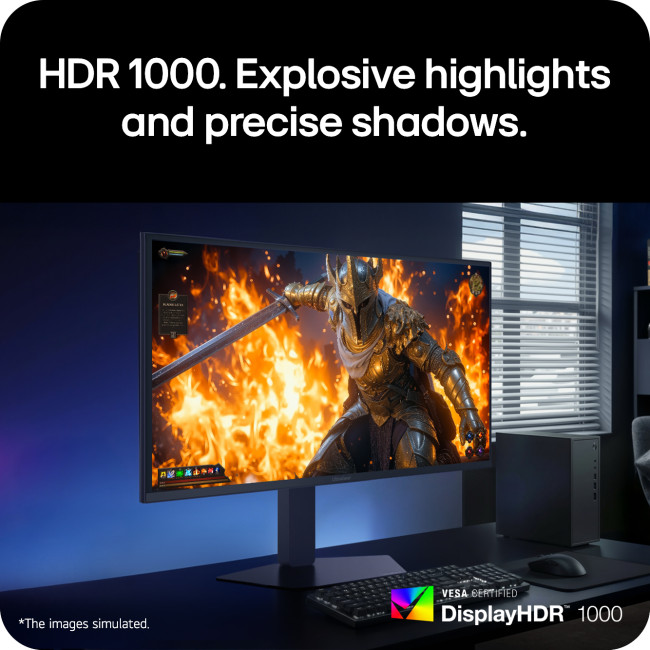
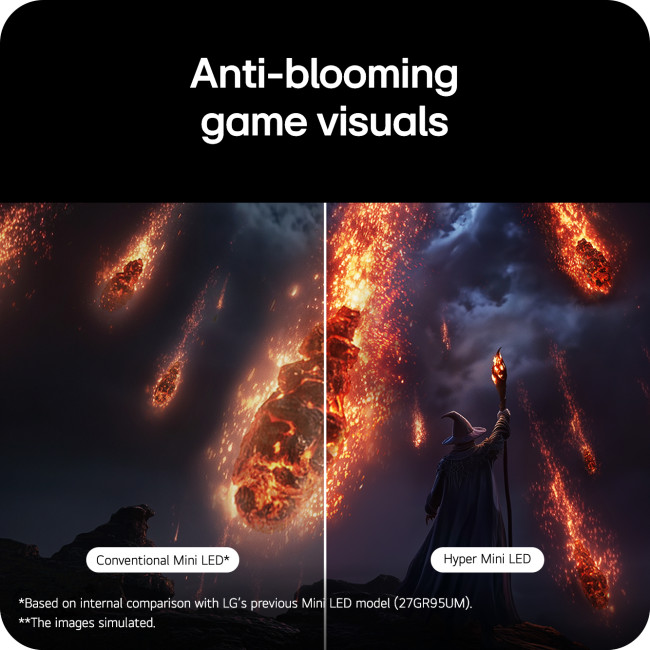
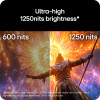
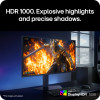
- Hyper Mini LED HDR: 2,304 dimming zones, DisplayHDR 1000 and 1,250 nits peak brightness reveal bright highlights and shadow detail.
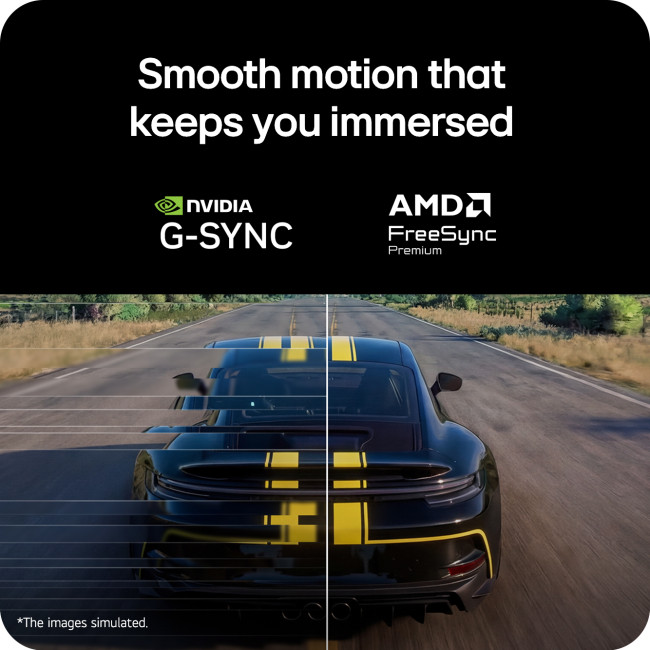
- Responsive gaming: 1ms GtG (Faster setting), NVIDIA G-SYNC Compatible and AMD FreeSync Premium help reduce tearing and blur.
Get More from the LG UltraGear 27GM950B-B Monitor Beyond Gaming
This LG monitor accommodates PCs, consoles and compatible laptops, while providing useful sound, connections and viewing adjustments.
- Colour and visibility: 99% DCI-P3 typical coverage, over a billion colours and 750 cd/m² typical brightness.
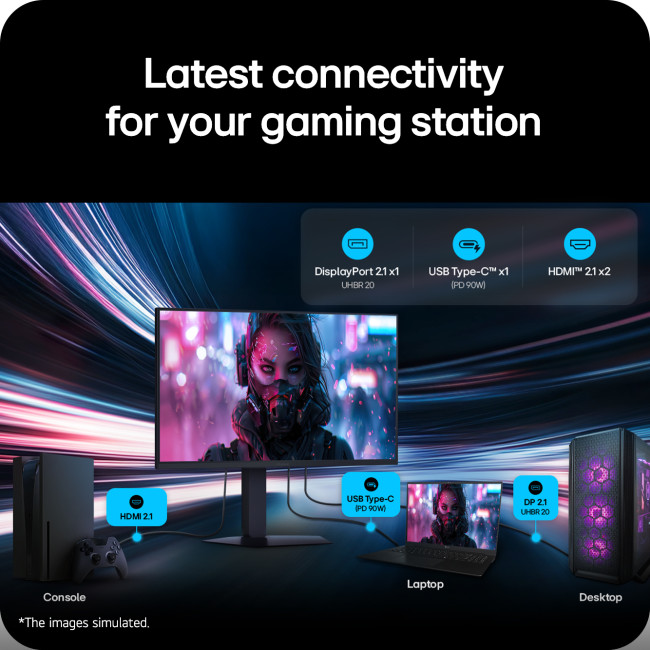
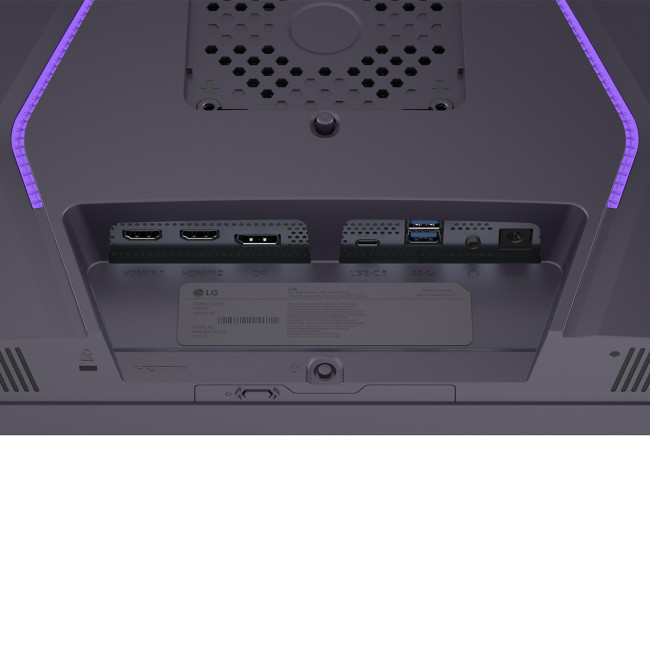
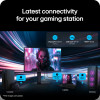
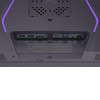
- Video inputs: DisplayPort 2.1 (UHBR20) and two HDMI 2.1 ports; DisplayPort and HDMI cables included.
- Laptop connectivity: One USB-C port handles video, data and up to 90W charging, alongside two USB-A 3.2 Gen 1 ports; USB-C cable included.
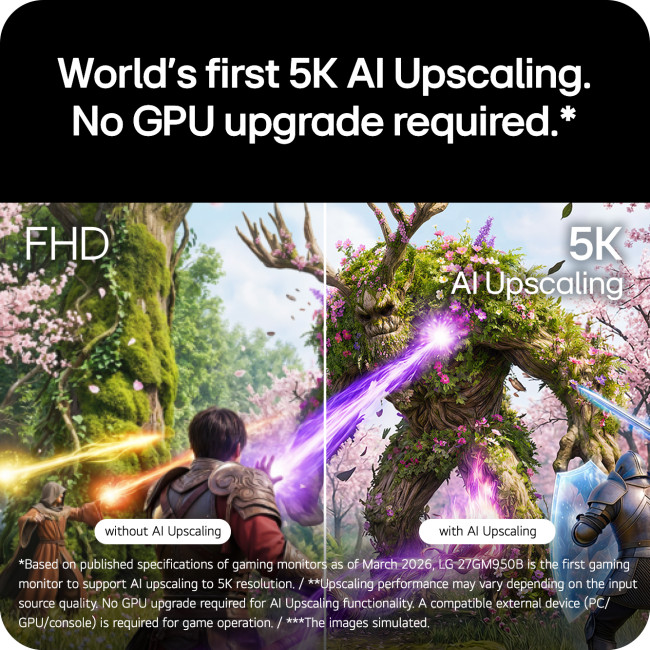
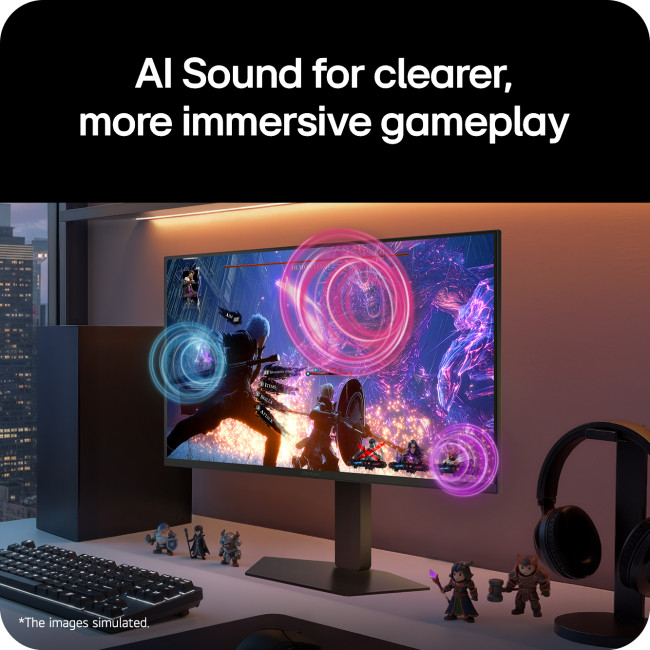
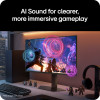
- Audio and AI: Two 7W speakers, a headset socket, AI Sound, AI Scene Optimisation and on-device 5K AI Upscaling.
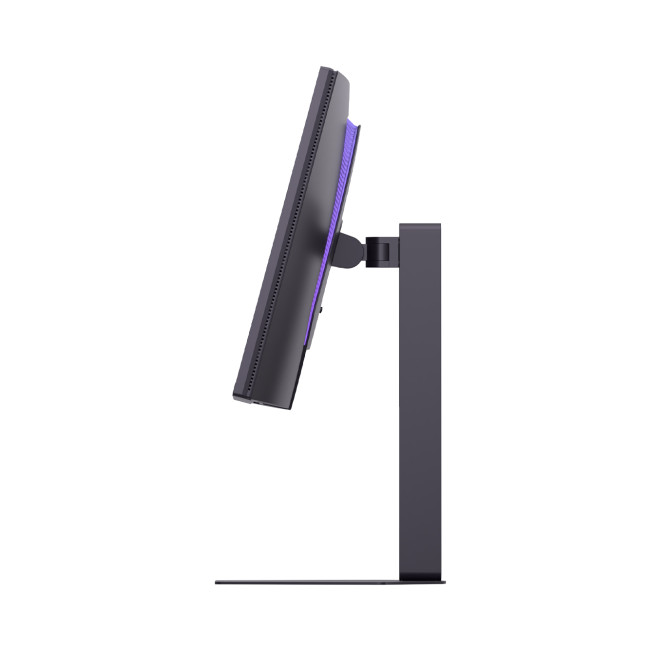
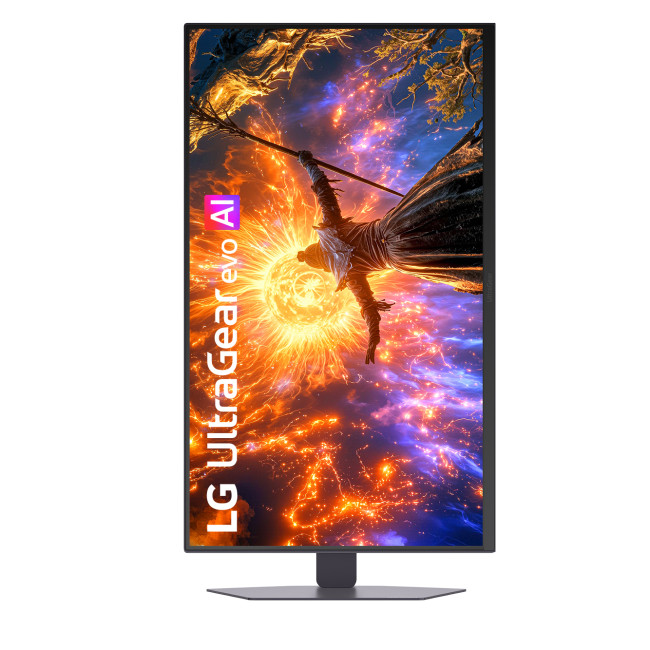
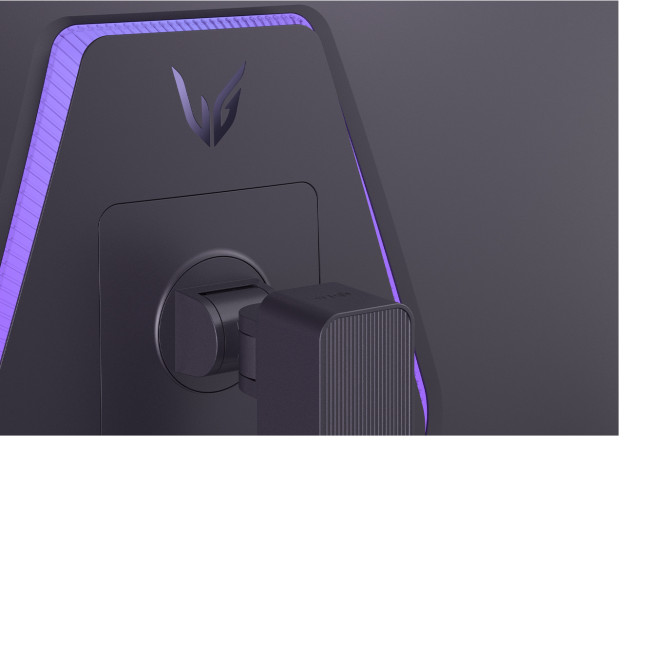
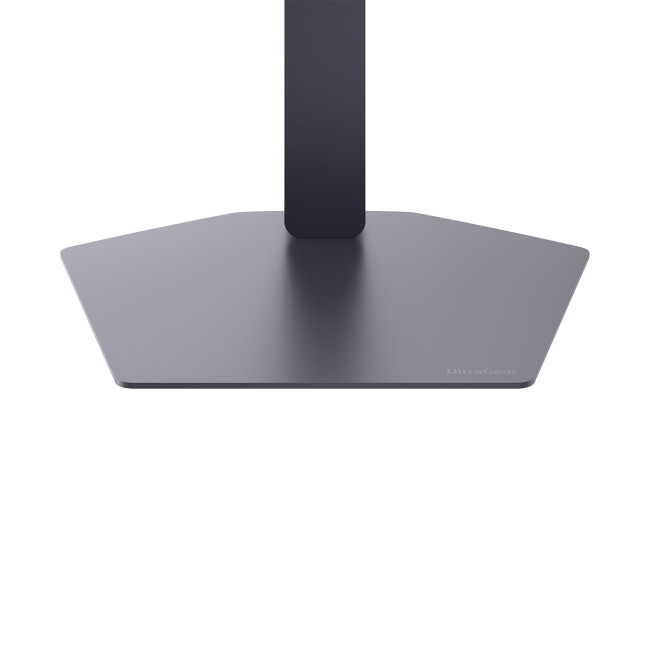
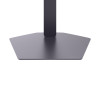
- Positioning: Height, tilt, swivel and portrait pivot adjustments, 100 x 100mm VESA mounting and Flicker Safe technology.
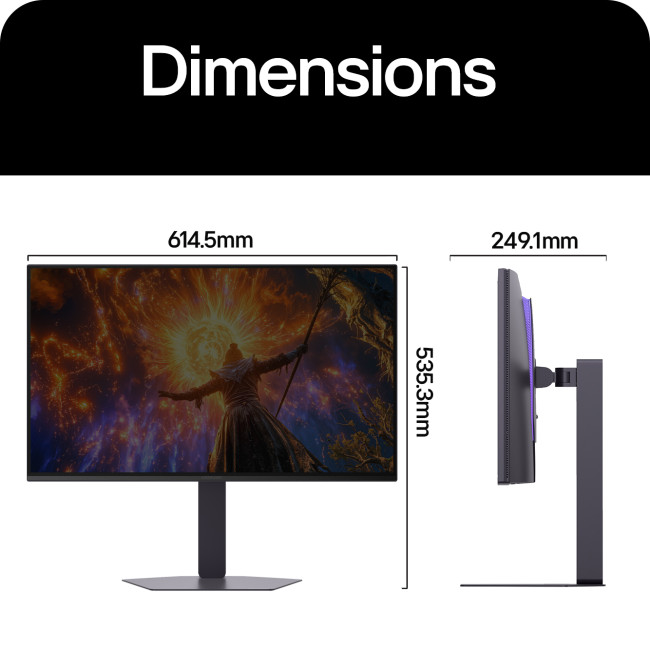
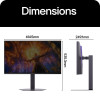
- Desk fit and cover: Black 16:9 display, 614.5 x 535.3 x 249.1mm (W x H x D), 8.5kg with stand; two-year LG UK parts-and-labour warranty.
Why Choose the LG UltraGear 27GM950B-B?
This IPS monitor maintains broad viewing angles, while local dimming helps control contrast during darker scenes. The LG 27GM950B-B makes sense for a shared desk used for shooters, detailed creative projects and everyday work. Integrated audio and laptop charging mean fewer separate accessories.
Who Is the LG 27GM950B-B Best For?
Its two refresh modes and flexible connections suit several uses.
- Story-led gamers: See finely detailed environments at native 5K resolution.
- Competitive players: Choose QHD 330Hz when the PC can deliver high frame rates.
- Creative users: Work with sharp text and wide DCI-P3 colour coverage.
- Laptop users: Carry video, USB data and charging through one compatible cable.
Common Questions About the LG 27GM950B-B
How does the LG 27GM950B-B switch between 5K 165Hz and QHD 330Hz?
Use the dedicated Dual-Mode button or on-screen menu to select 5120 x 2880 at 165Hz or 2560 x 1440 at 330Hz. Your PC must support the selected mode.
Does the monitor use an OLED or Hyper Mini LED panel?
It uses an IPS LCD panel with Hyper Mini LED backlighting, not OLED. Its 2,304 local dimming zones control backlight output.
Can I connect and charge my laptop using its 90W USB-C port?
Yes. USB-C carries video, data and up to 90W Power Delivery if your laptop supports compatible display and charging functions.
Does it have built-in speakers for gaming and entertainment?
Yes. Two 7W stereo speakers work with AI Sound processing, and a headset socket is also available.
What graphics card and cable do I need for 5K gaming?
Use a GPU supporting 5120 x 2880 at high refresh rates, ideally with DisplayPort 2.1 UHBR20 and the included DisplayPort cable. Frame rates depend on the GPU and game settings.