



Black Friday is here! Get an extra £10 off with code: CART10OFF.
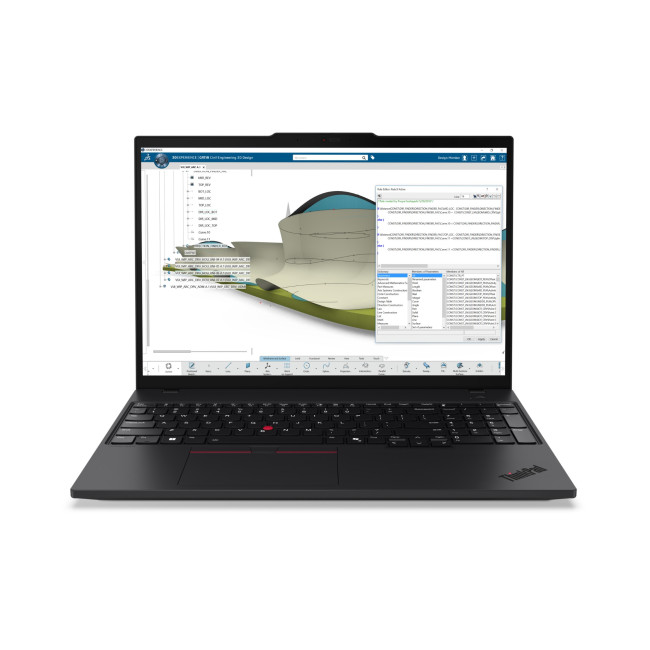
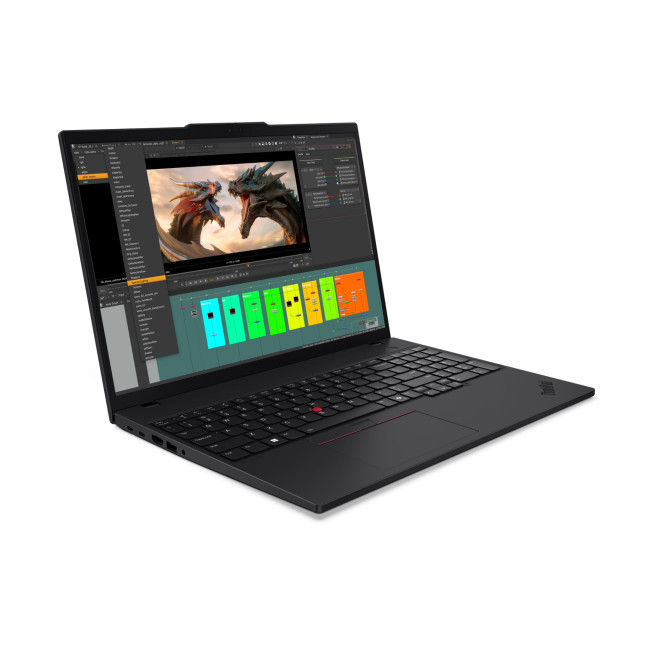
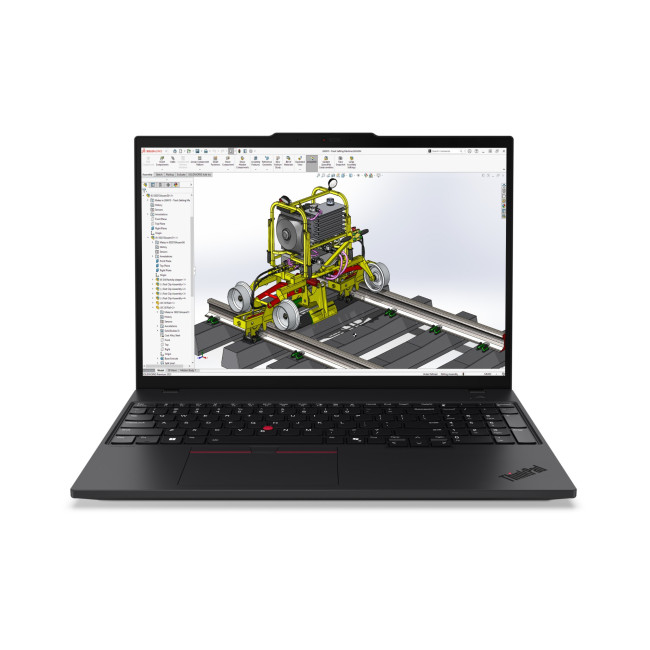
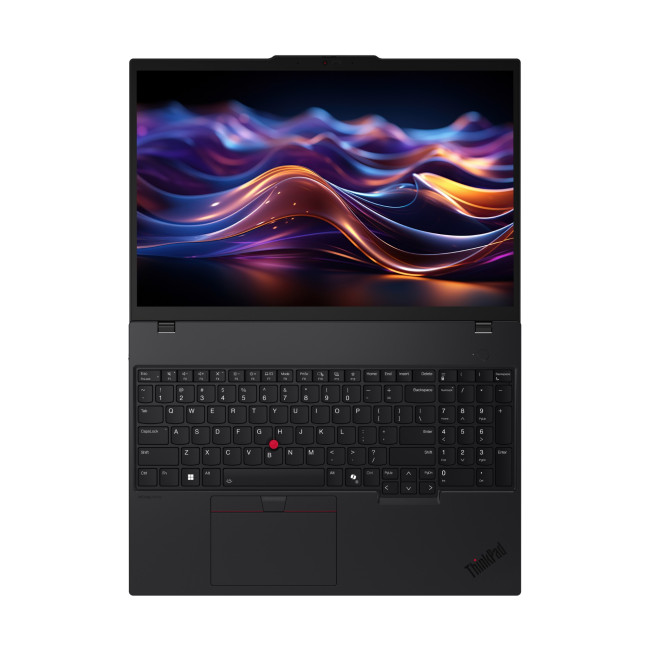
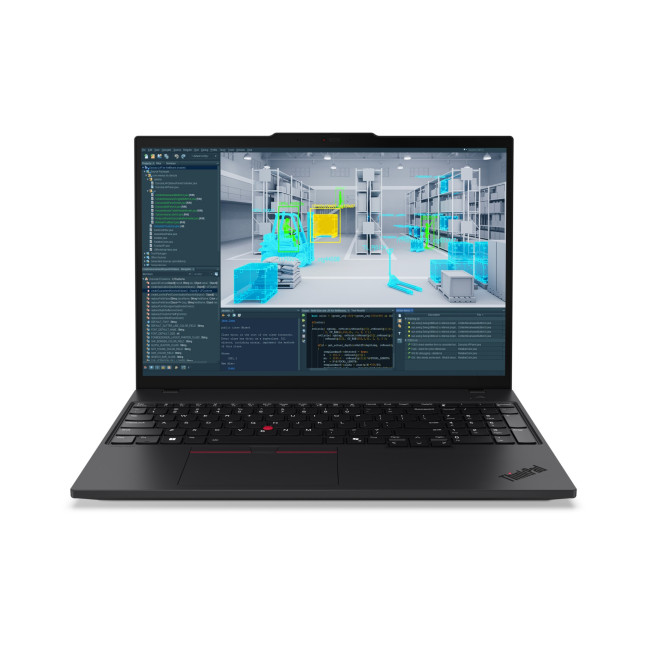
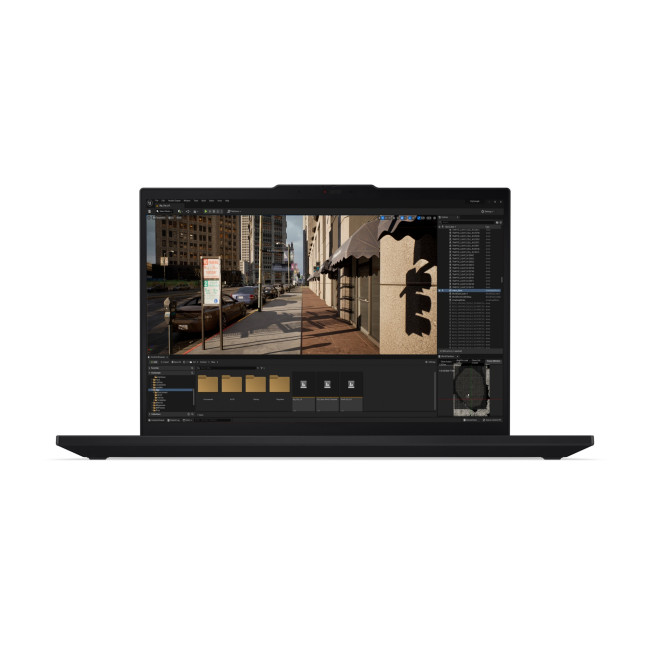
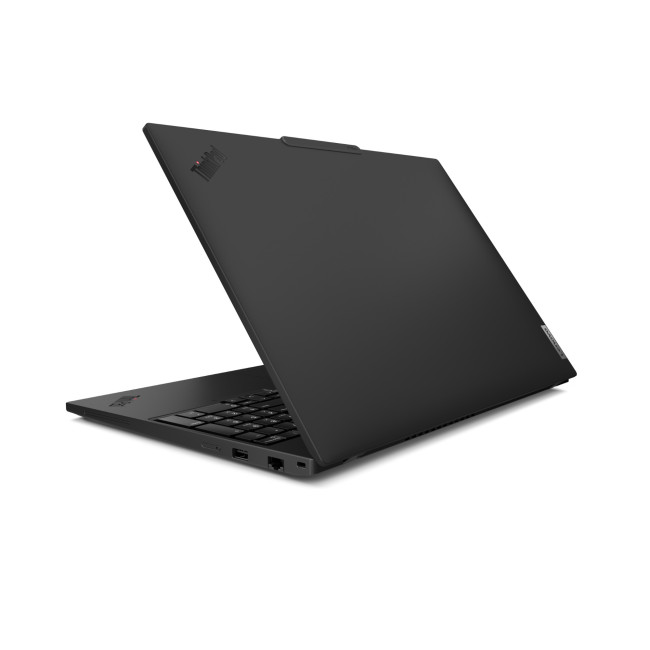
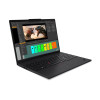
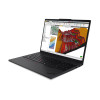
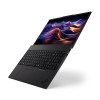
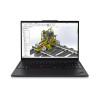
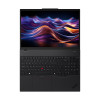
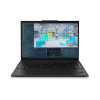
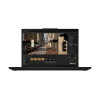
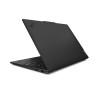
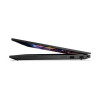
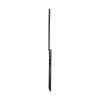
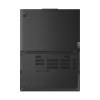
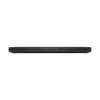
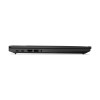
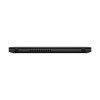
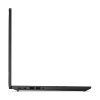
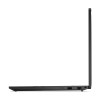
Lenovo ThinkPad P16s Gen 4 Mobile workstation AMD Ryzen AI 7 Pro 350 16GB RAM 512GB SSD 16" Windows 11 Pro Business Copilot+ Laptop

Secure Payment

Free UK Shipping

Easy Return
SKU: 21QR0057UK
Black Friday
View Black Friday Deals




Lenovo ThinkPad P16s Gen 4 Mobile Workstation Laptop
The Lenovo ThinkPad P16s Gen 4 is a business-focused mobile workstation laptop for professionals who need capable processing and a larger screen for work on the move. Its AMD Ryzen AI 7 Pro processor, 16GB of RAM and Windows 11 Pro support demanding everyday business tasks, while a range of wired and wireless connections helps it fit into office setups.
Key Highlights & Top Features
- AMD Ryzen AI 7 Pro 350 processor: Eight cores and boost speeds up to 5GHz support responsive work across business applications.
- 16-inch IPS display: The 1920 x 1200 resolution provides a spacious workspace for documents and on-screen tasks.
- 512GB SSD: Solid-state storage provides room for work files and applications, with responsive access to stored content.
- Wi-Fi 7 and Bluetooth 5.4: Connect wirelessly to compatible networks and accessories using current wireless standards.
- Windows 11 Pro: The professional edition of Windows is suited to business environments and familiar PC workflows.
Mobile Workstation Performance, Graphics & Connectivity
The Ryzen AI 7 Pro 350 combines an eight-core design with boost speeds of up to 5GHz, while the 16GB RAM supports running everyday business applications and switching between tasks. The 512GB SSD provides local space for documents and software, and the memory can be configured up to a stated maximum of 96GB.
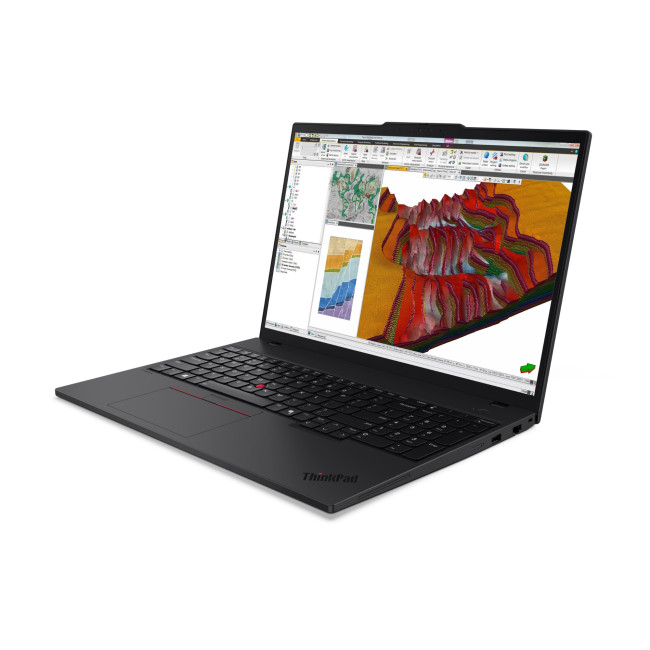
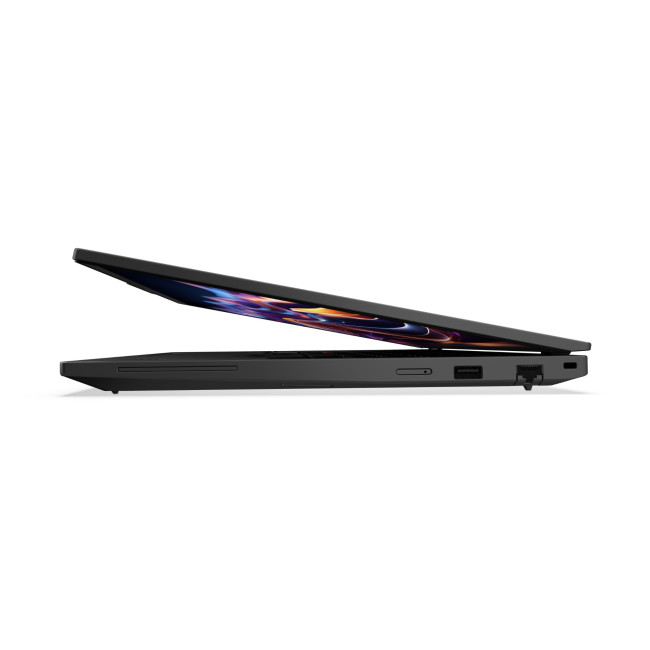
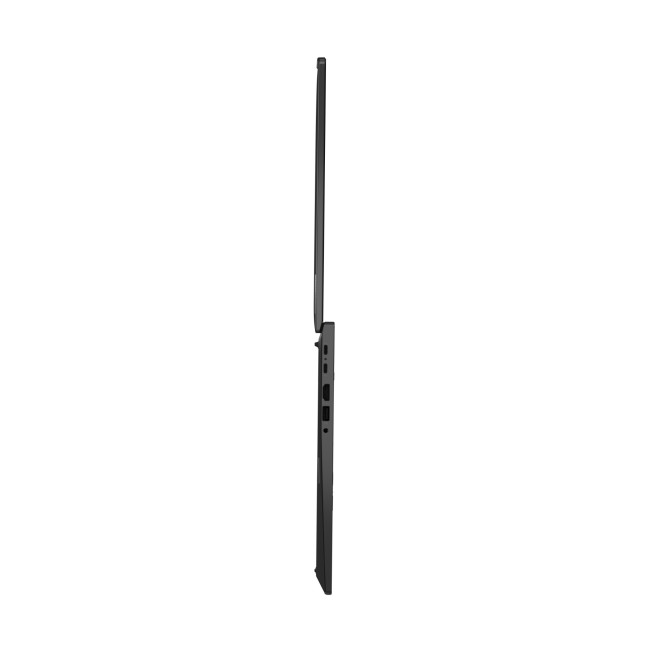
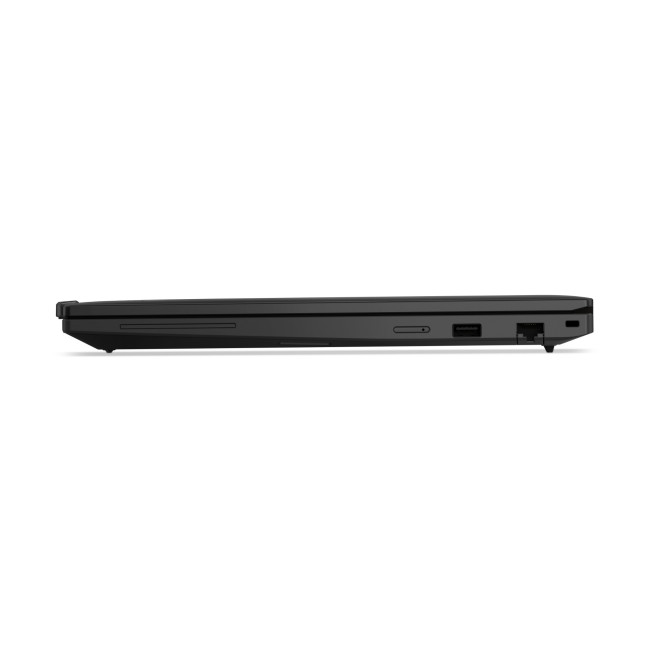
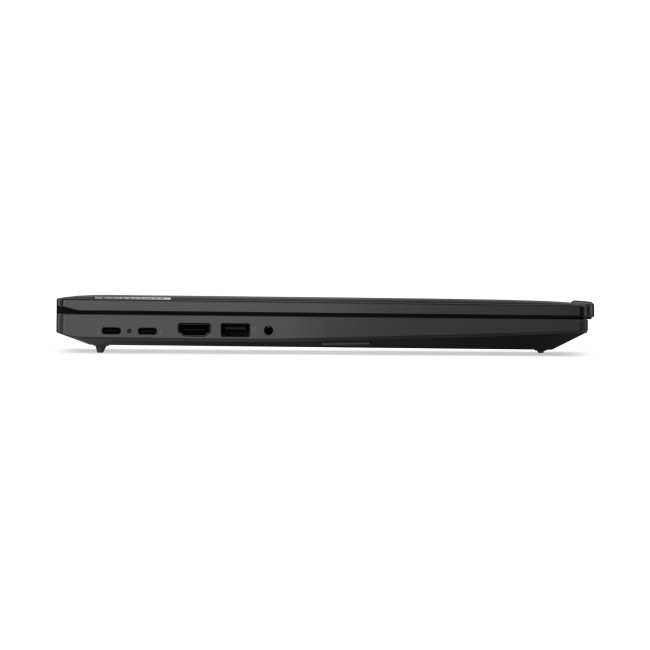
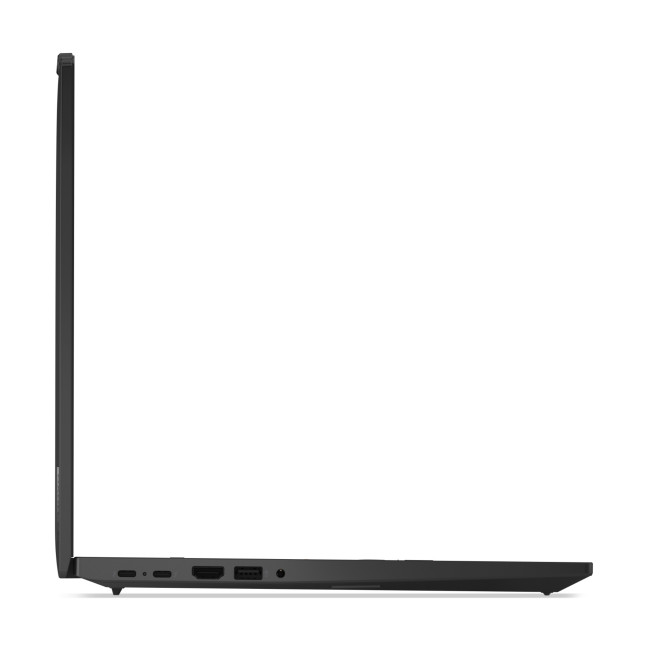
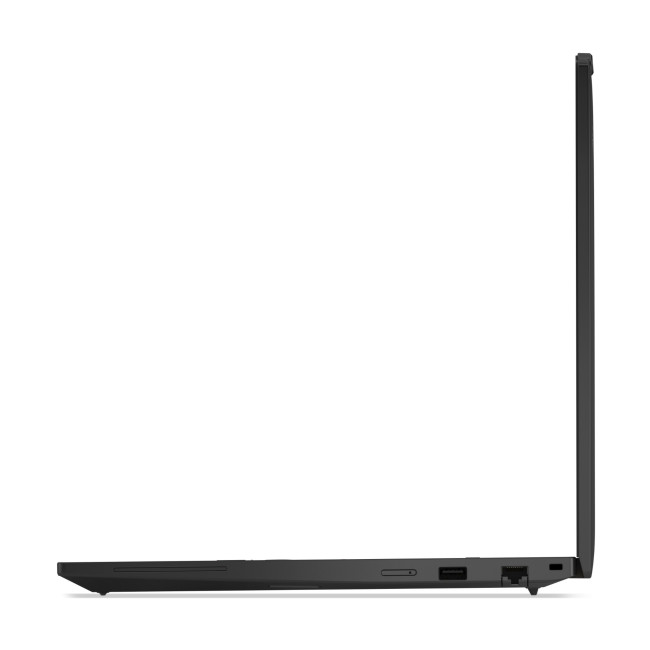
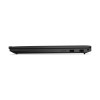
Integrated AMD Radeon 860M graphics handle the laptop’s display and general visual workloads. For peripherals and workplace connections, the laptop includes USB-A, HDMI, Thunderbolt 4 and RJ45, alongside Wi-Fi 7 and Bluetooth 5.4. An integrated webcam with microphone and stereo speakers are also provided.
What Makes It Different?
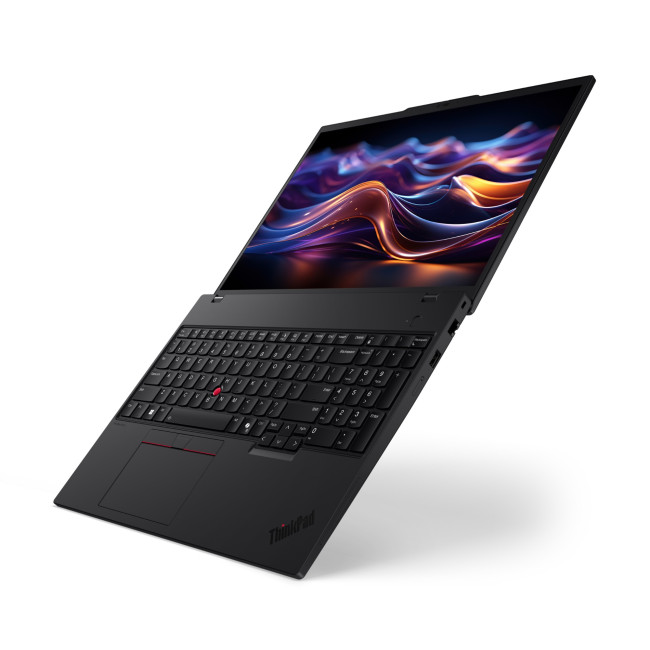
Despite its 16-inch screen, the laptop weighs 1.71kg, giving business users a substantial display without the weight of a typical desktop workstation. The combination of HDMI, Thunderbolt 4 and wired network connectivity also gives it practical options for connecting to workplace equipment and networks.
Why Choose This Mobile Workstation Laptop?
It brings business-oriented software, capable processing and practical connections together in one mobile computer.
- Work across a larger screen: The 16-inch display gives documents and applications more room than a compact laptop screen.
- Choose a business-ready setup: Windows 11 Pro and the included wired and wireless connections support a range of workplace workflows.
- Keep work files close: The 512GB SSD provides local storage for applications and documents.
Who Is This Mobile Workstation Laptop Best For?
This laptop suits business users and mobile professionals who want a larger display for office tasks, an eight-core AMD processor, and a selection of connections for peripherals or workplace equipment. Its webcam, microphone and speakers also provide built-in hardware for video calls.
Its integrated Radeon 860M graphics are intended for general visual workloads rather than demanding graphics-intensive tasks. Buyers who need discrete graphics for specialist 3D work or high-performance gaming should consider a laptop with a dedicated graphics card.
Common Questions About the Lenovo ThinkPad P16s Gen 4
How much memory does the laptop have?
It comes with 16GB of RAM and supports a stated maximum capacity of 96GB. This provides scope for a higher memory configuration, subject to the laptop’s supported configuration.
What connections are available?
Connections include USB-A, HDMI, Thunderbolt 4 and RJ45, as well as Wi-Fi 7 and Bluetooth 5.4. Check that your intended peripherals and displays support the relevant connection standards.
Which operating system is installed?
The laptop comes with Windows 11 Pro. It provides a familiar Windows environment with the Pro edition specified for this business-focused model.
Does the laptop include a webcam and microphone?
Yes. An integrated webcam with microphone is listed, along with integrated stereo speakers, so the laptop has built-in audio and camera hardware for calls.
What warranty is included?
A one-year warranty is listed. Check the warranty terms for details of coverage and how to request support.
| Processor | |||||||||||
|---|---|---|---|---|---|---|---|---|---|---|---|
| Processor | AMD Ryzen AI 7 Pro 350 Octa-Core (2GHz AMD Turbo Boost up to 5GHz) | ||||||||||
| Processor Model | AMD Ryzen AI 7 Pro 350 Octa-Core | ||||||||||
| Processor Number | 350 | ||||||||||
| Processor Core Count | Octa-Core | ||||||||||
| Processor Generation | AMD Ryzen AI 300 Series | ||||||||||
| Display | |||||||||||
| Screen | 16" | ||||||||||
| Screen Resolution | 1920 x 1200 | ||||||||||
| Display Type | IPS | ||||||||||
| Graphics | |||||||||||
| Graphics | Integrated AMD Radeon 860M | ||||||||||
| Graphics Type | AMD | ||||||||||
| Storage | |||||||||||
| Solid State Drive | 512 GB | ||||||||||
| Total Storage | 512 GB | ||||||||||
| RAM | |||||||||||
| RAM | 16 GB | ||||||||||
| Max RAM Capacity | 96 GB | ||||||||||
| Connectivity | |||||||||||
| Featured Connectivity | USB-A | HDMI | Wi-Fi | Bluetooth | Thunderbolt 4 | ||||||||||
| Bluetooth | Bluetooth 5.4 | ||||||||||
| Wireless LAN | Wi-Fi 7 (802.11be) | ||||||||||
| USB Ports | 2x USB 3.2 Type-A | ||||||||||
| Card Reader | No | ||||||||||
| RJ45 | 1 | ||||||||||
| Connections | USB-A | HDMI | Wi-Fi | Bluetooth | Thunderbolt 4 | ||||||||||
| Operating System & Software | |||||||||||
| Operating System | Microsoft Windows 11 Pro | ||||||||||
| Camera | |||||||||||
| Integrated Webcam | Integrated Webcam with Microphone | ||||||||||
| Sound | |||||||||||
| Speakers | Integrated Stereo Speaker | ||||||||||
| Keyboard | |||||||||||
| Lighting | No Lighting | ||||||||||
| Product Detail | |||||||||||
| Weight | 1.71 kg | ||||||||||
| Recommended For | Business | ||||||||||
| Colour | Black | ||||||||||
| General Information | |||||||||||
| Warranty | 1 Year | ||||||||||
Loading...