




Graphics Cards
Shop graphics cards from NVIDIA GeForce RTX and AMD Radeon RX at Laptop Outlet. Find graphics cards with coolers for 1080p, 1440p, 4K gaming, streaming, editing and rendering. Compare performance, VRAM, cooling, compatibility and price to find the right fit for your PC, then shop online today.
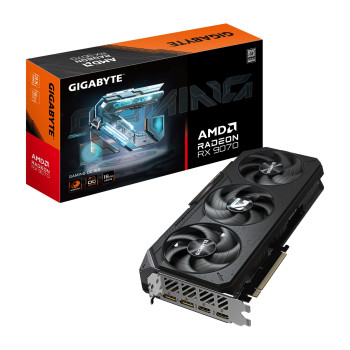
Finance available
Free Delivery *
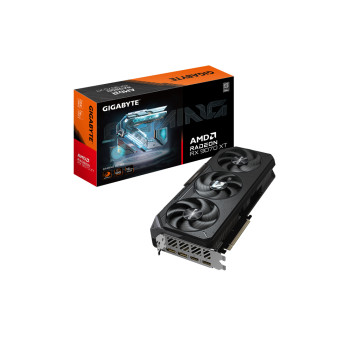
Finance available
Free Delivery *
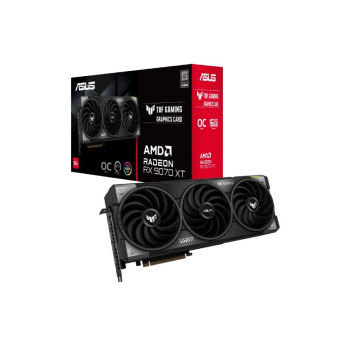
Finance available
Free Delivery *
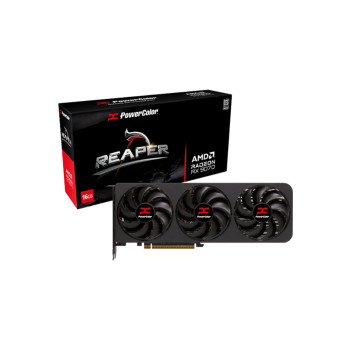
Finance available
Free Delivery *
Finance available
Free Delivery *
Finance available
Free Delivery *
Finance available
Free Delivery *
Showing 8 of 8 Items
Shop Graphics Cards for Gaming, Content Creation, or Rendering
Upgrade your PC with graphics cards built for smoother gaming, faster creative work and GPU-accelerated applications. Compare current GPUs by performance, VRAM, cooling design, display outputs and price to find the right fit for your system.
For editing, 3D rendering or other professional workloads, check which GPU acceleration your software supports, which encoder features it can use and how much graphics memory your projects require. The strongest gaming card is not automatically the best option for every application.
NVIDIA GeForce RTX & AMD Radeon RX Graphics Cards
Choose from current NVIDIA GeForce RTX 50 Series options including the RTX 5060 Ti, RTX 5070, RTX 5070 Ti and RTX 5080. Our NVIDIA graphics cards range makes it easy to compare performance tiers, memory capacities and partner designs.
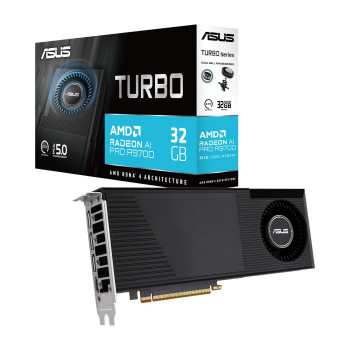
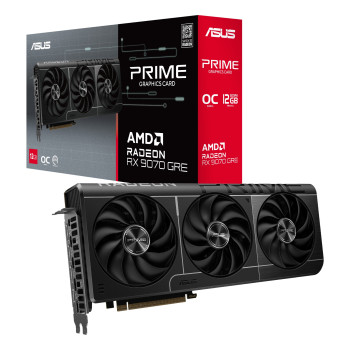
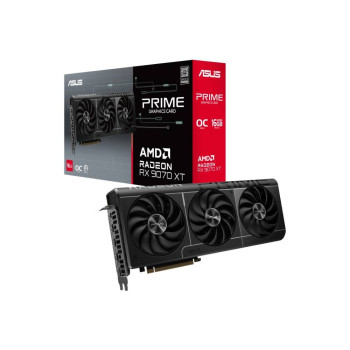
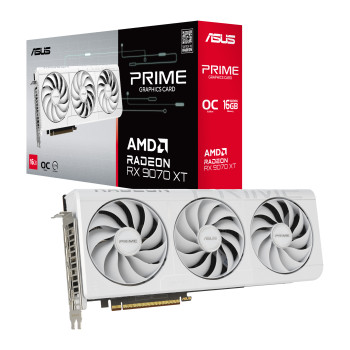
Prefer Radeon? Shop AMD graphics cards including RX 9060 XT and RX 9070 models, alongside higher-spec RX 9070 XT options where available. Compare the GPU first, then check each card’s cooler, clock speeds, dimensions and outputs before buying.
Find the Right Graphics Card for Your Budget
Budget graphics cards can make sense for lighter games, esports, older systems or lower-cost GPU upgrades. Moving into the mid-range gives you more headroom for newer games, higher settings and 1440p, while premium cards target demanding 4K, ray tracing and heavier creative workloads.
Compare the price of the whole card, not only the GPU name. Factory overclocks, larger coolers, extra fans, quieter thermal designs and different warranties can affect value.
Laptop Outlet stocks cards from major board partners, so you can compare ASUS graphics cards across different tiers, look at Gigabyte graphics cards with alternative cooling designs, and consider MSI graphics cards where the specification and price suit your build.
Choose Your Next GPU for 1080p, 1440p, or 4K Gaming
Graphics Cards for 1080p Gaming
For Full HD, the RTX 5060 Ti and RX 9060 XT provide strong options for modern games and high-refresh-rate play. The right choice still depends on the title, graphics preset and frame-rate target.
Graphics Cards for 1440p Gaming
For QHD, cards such as the RTX 5070 and RX 9070 give you more performance headroom for higher settings. An RX 9060 XT 16GB or RTX 5060 Ti 16GB can also suit selected 1440p builds where value matters.
Graphics Cards for 4K Gaming
For demanding 4K gaming, step up to GPUs such as the RTX 5070 Ti or RTX 5080. RX 9070 and RX 9070 XT cards can also handle 4K workloads, although settings, ray tracing and upscaling can significantly affect frame rates.
What 8GB, 12GB, or 16GB of VRAM Means for Your Purchase
VRAM stores graphics data such as textures, geometry and other resources used by games and creative applications. Higher resolutions, detailed texture packs, ray tracing and professional workloads can increase memory demand.
An 8GB graphics card may still be suitable for lighter or Full HD workloads, while 12GB or 16GB provides additional headroom for more demanding games and creative tasks.
However, more VRAM does not automatically mean more performance. A faster GPU with less memory can outperform a lower-tier card with more VRAM. Compare the GPU architecture, memory configuration, cooling, power requirements and full specification rather than judging a card by capacity alone.
Key Things to Check Before Buying a Graphics Card
Before ordering your next GPU, make sure it works properly with the rest of your PC.
- Case clearance: Check the card's length, height and slot thickness. You can compare PC cases if your existing chassis does not provide enough room.
- Power supply: Check the GPU manufacturer's recommended PSU wattage and available capacity. Check power supply options if your current unit is not suitable.
- Power connectors: Confirm whether the card requires standard PCIe power connectors, 12V-2x6 or another configuration supported by your PSU.
- PCIe compatibility: Make sure your motherboard has an appropriate PCIe slot and enough surrounding clearance.
- Display outputs: Check that the HDMI or DisplayPort connections match your monitor setup.
- CPU performance: A heavily CPU-limited system may not take full advantage of a significantly faster GPU.
- Cooling and airflow: High-performance gaming gaming graphics cards can generate more heat, so make sure your case has sufficient ventilation.
Why Buy Your Next Graphics Card from Laptop Outlet
Shop PC graphics cards from leading GPU and board-partner brands, with clear delivery and warranty information to help you buy with confidence. Laptop Outlet also provides customer support if you need help choosing the right GPU, backed by a straightforward returns process.
For qualifying orders, you can spread the cost using PayPal Credit, PayPal Pay in 3 or Klarna, subject to eligibility and terms.
Compare graphics card deals, check compatibility and choose the GPU that fits your budget and performance target. If you are building more than just the GPU, shop our essential PC components to complete your setup.
Read More
Everything You Need to Know About Graphics Cards: Buying Guide & Expert Tips
Read more