



Refurbished BenQ MOBIUZ EX251 24.5" Full HD IPS 220Hz 1ms Gaming Monitor with Speakers

Secure Payment

Free UK Shipping

Easy Return
SKU: 9H.LN9LA.TBE-AG
4.9/5 (53)



BenQ MOBIUZ EX251 Gaming Monitor
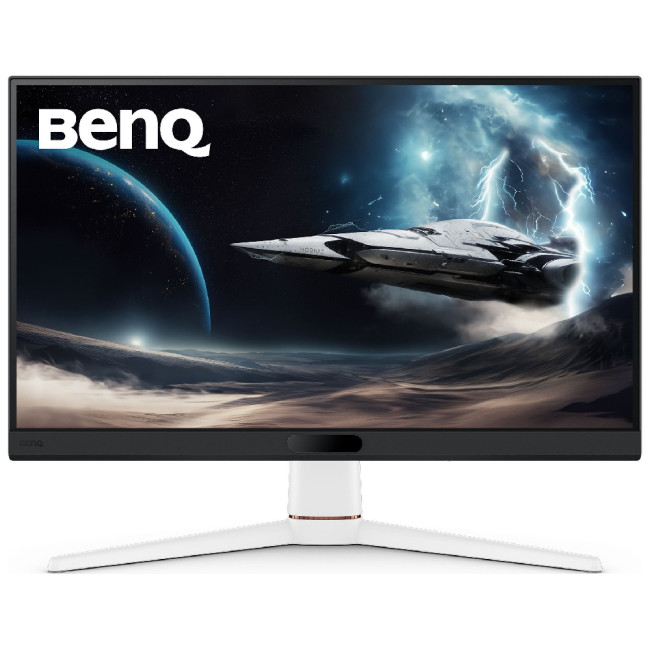
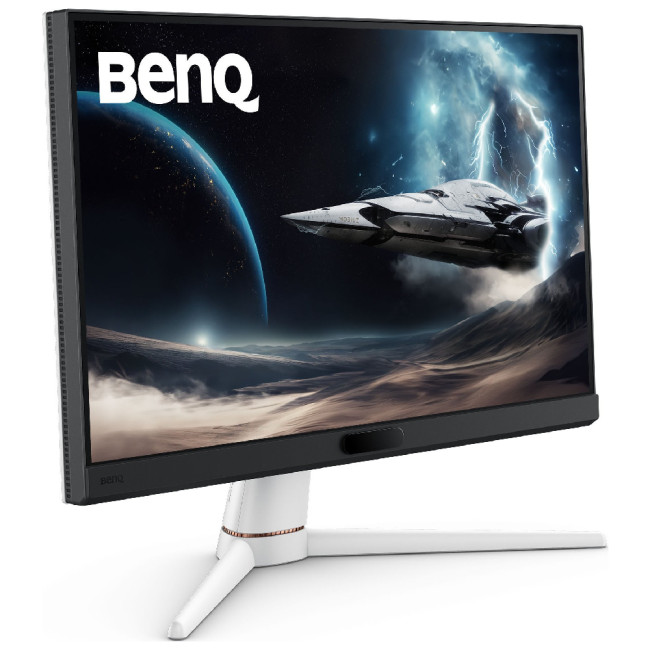
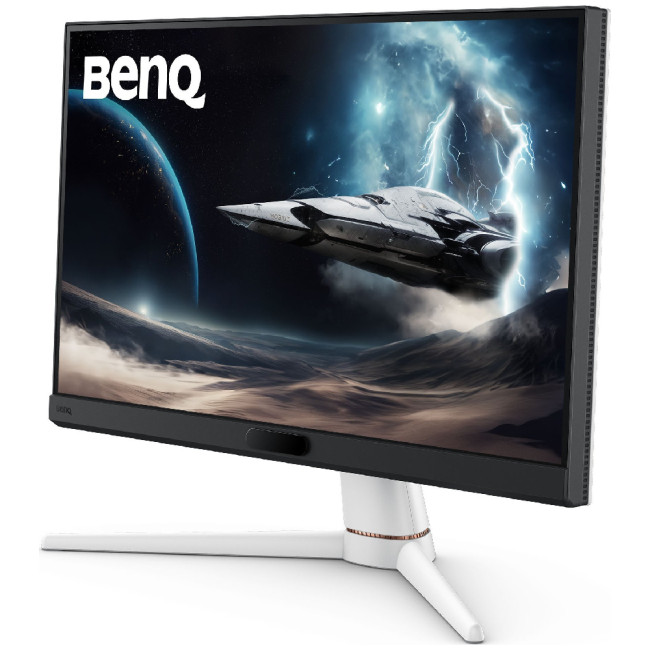
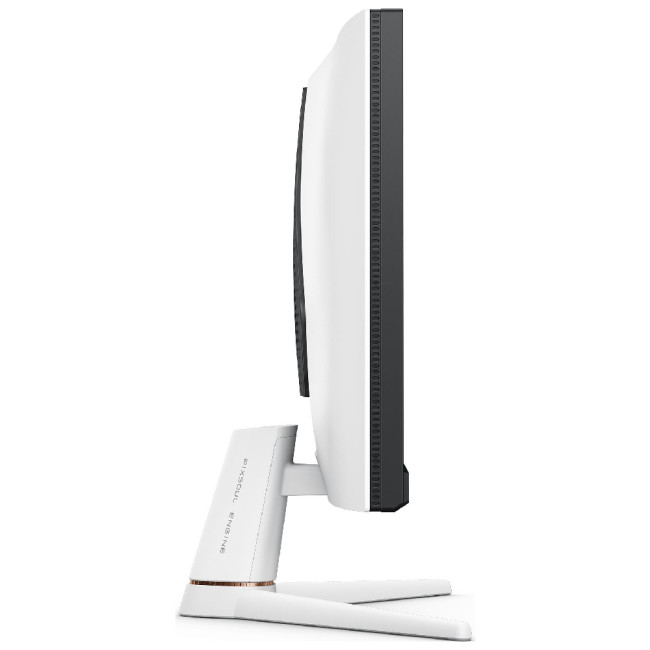
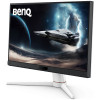
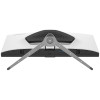
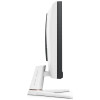
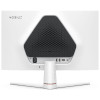
The BenQ MOBIUZ EX251 is presented as a gaming-focused monitor with a 24.5-inch display size, designed to fit comfortably into desk-based setups. Its overall structure follows a modern approach, with a slim profile and a flat screen layout that aligns with typical gaming environments. The build appears practical, offering a balance between visual appeal and everyday usability. The design language reflects a straightforward style, allowing it to blend into both gaming and general-purpose setups without appearing overly complex or visually distracting.
Display and Visual Characteristics
This monitor includes a Full HD resolution panel paired with IPS technology, which is commonly associated with consistent color representation and wide viewing angles. The screen size provides a focused viewing area that supports both gaming and everyday use. Brightness levels and color coverage fall within expected ranges for this category, including support for a broad color gamut. The anti-glare surface helps reduce reflections during use, contributing to a more comfortable viewing experience across different lighting conditions.
Refresh Rate and Response Handling
A high refresh rate of up to 220Hz is referenced, along with a fast response time, which are typically associated with smoother motion during fast-paced visuals. These features are commonly included in gaming monitors to reduce motion blur and improve on-screen clarity. Support for adaptive sync technologies such as AMD FreeSync is also mentioned, helping maintain visual consistency during gameplay. These elements are presented in a neutral way, focusing on the availability of features rather than making specific performance claims.
Color Features and Visual Adjustments
The monitor includes a range of color-related adjustments and preset modes designed to adapt visuals for different types of content. Features such as color tuning and brightness balancing are referenced, allowing users to modify how content appears on the screen. Additional software-based elements provide predefined settings for various scenarios, supporting flexibility in usage. These adjustments are presented as optional tools rather than essential features, giving users the ability to personalize their viewing experience without enforcing a specific setup or outcome.
Connectivity and Integrated Elements
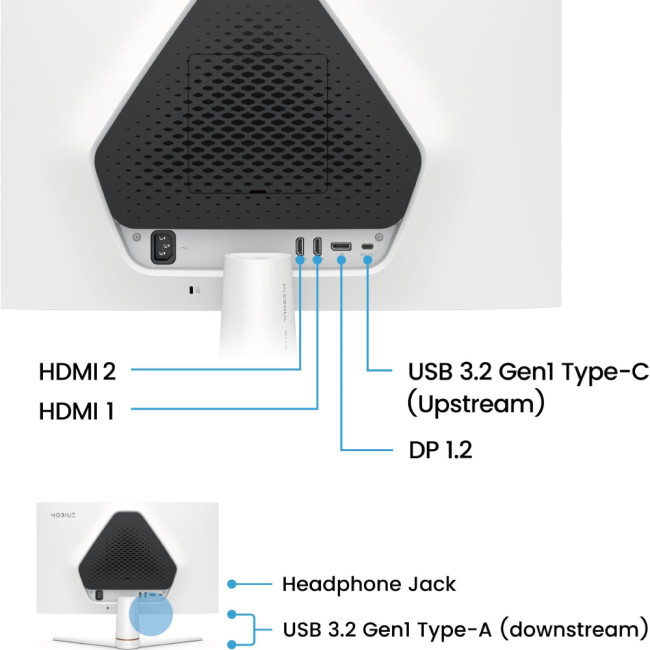
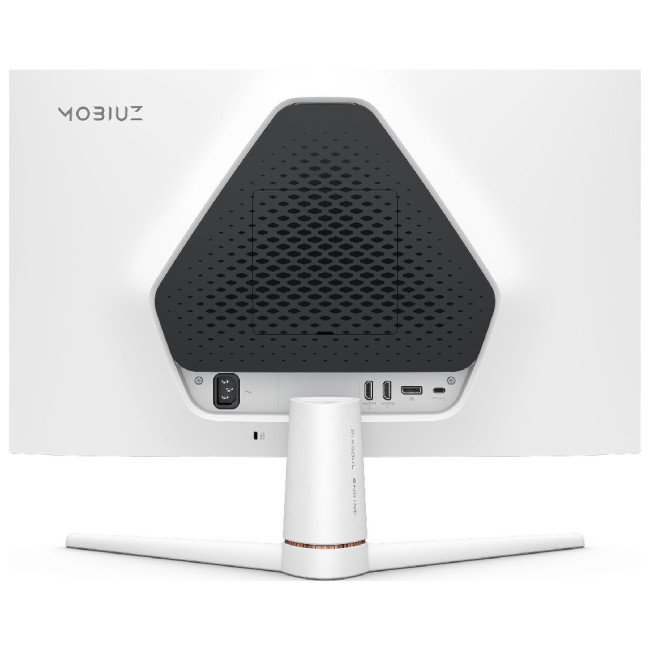
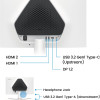
Connectivity options include HDMI, DisplayPort, and USB interfaces, which are commonly used for linking the monitor to different devices. A built-in USB hub is also referenced, allowing connection of peripherals directly through the display. Integrated speakers are included as part of the setup, providing basic audio functionality without the need for external devices. The arrangement of these features appears practical, supporting both gaming and general use environments. The overall connectivity structure is outlined clearly, focusing on accessibility and compatibility with common systems.
Practical Use and Everyday Setup
The EX251 is positioned as a monitor that can adapt to different usage scenarios, including gaming, media viewing, and general computing tasks. Its size and feature set suggest it is suitable for desk-based setups where consistent performance and usability are required. Eye-care related technologies are also referenced, which are commonly included to support longer usage periods. The presentation remains neutral, allowing users to interpret how the monitor fits into their routine without relying on fixed expectations or performance assumptions.
| Display | |||||||||||
|---|---|---|---|---|---|---|---|---|---|---|---|
| Screen Size | 24.5" | ||||||||||
| Touchscreen | No | ||||||||||
| Display Type | 1920 x 1080 | ||||||||||
| Panel Type | IPS | ||||||||||
| Brightness | 400 cd/m² | ||||||||||
| Refresh Rate | 220 Hz | ||||||||||
| Response Time | 1 ms | ||||||||||
| Maximum Resolution | |||||||||||
| Screen Shape | Flat | ||||||||||
| HDR Standards | HDR10 | ||||||||||
| Anti-glare Screen | Yes | ||||||||||
| Display Number of Colours | 16.7 Million Colours | ||||||||||
| Ports & Interfaces | |||||||||||
| connectivity | 2× HDMI 2.0 | DisplayPort 1.2 | USB-C 3.2 Gen 1 | 2× USB-A 3.2 Gen 1 | ||||||||||
| VGA Ports | 0 | ||||||||||
| DVI Ports | 0 | ||||||||||
| Display Ports | 1x 1.2 | ||||||||||
| USB-C Ports | 1 | ||||||||||
| Built-in USB Hub | Yes | ||||||||||
| Headphone Out | Yes | ||||||||||
| Features | |||||||||||
| Built-in Speakers | Yes | ||||||||||
| Built-in Camera | No | ||||||||||
| AMD FreeSync | Yes | ||||||||||
| Low Blue Light Technology | Yes | ||||||||||
| Flicker-free Technology | Yes | ||||||||||
| Aspect Ratio | 16:9 | ||||||||||
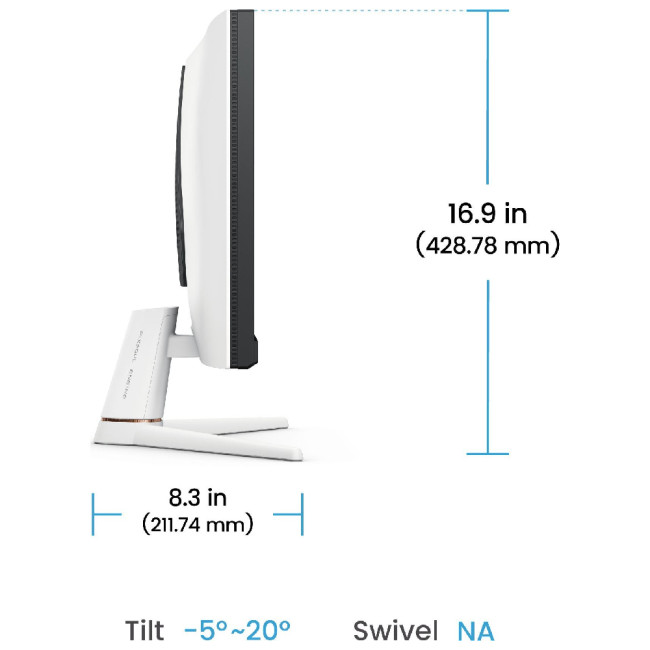
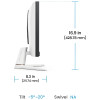
| Height Adjustable | No | ||||||||||
| Pivot/Swivel | No | ||||||||||
| Other Specifications | |||||||||||
| Most Suitable For | Gaming | ||||||||||
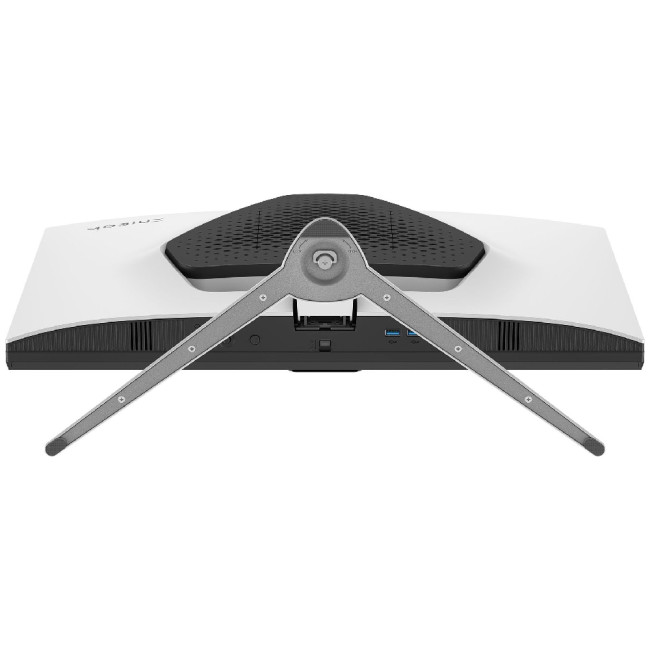
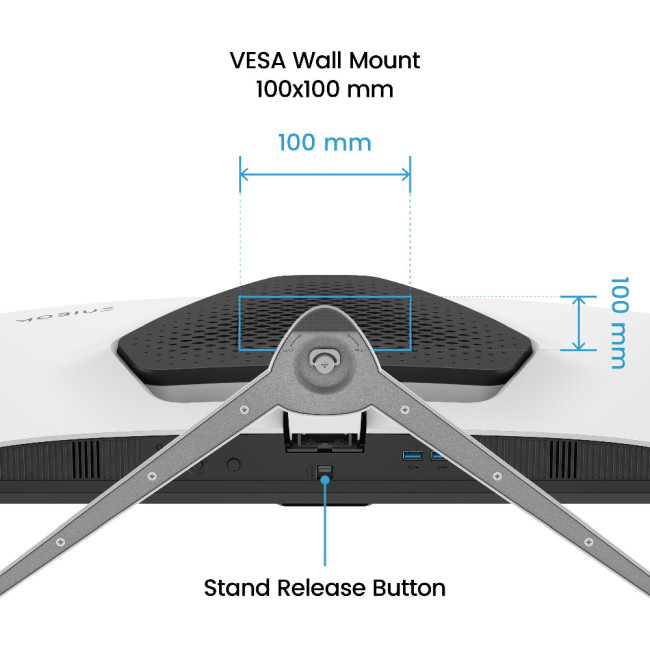
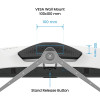
| VESA Mounting | Yes | ||||||||||
| General | |||||||||||
| Colour | Black/ White | ||||||||||
| Weight | 4.17 kg | ||||||||||
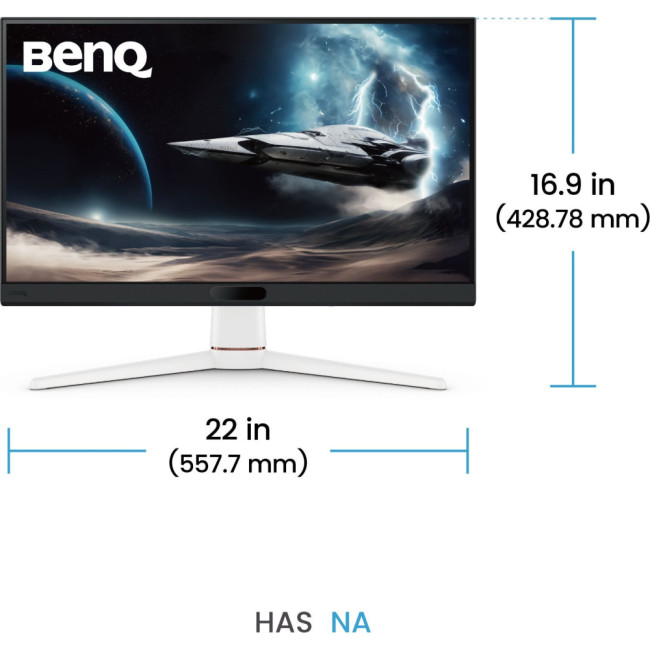
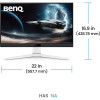
| Dimensions (H x W x D) | (WxHxD) 557.7 mm x 428.8 mm x 211.7 mm | ||||||||||
| Warranty | 1 Year | ||||||||||
Loading...