logo
CallAccount
Basket
  1. Home
  2. 9H.Y0GLB.QBE

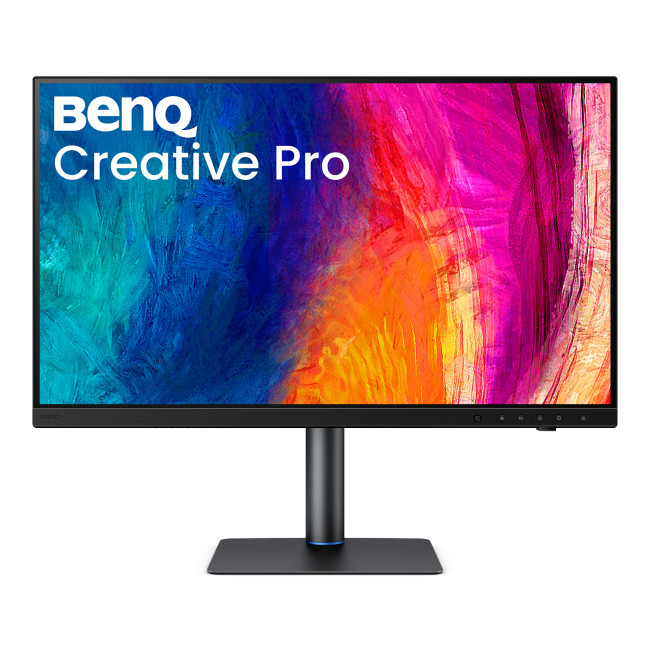
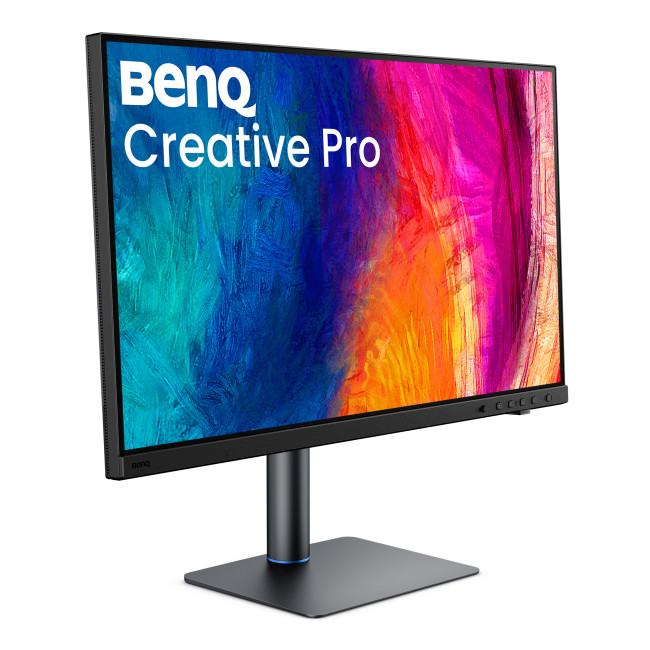
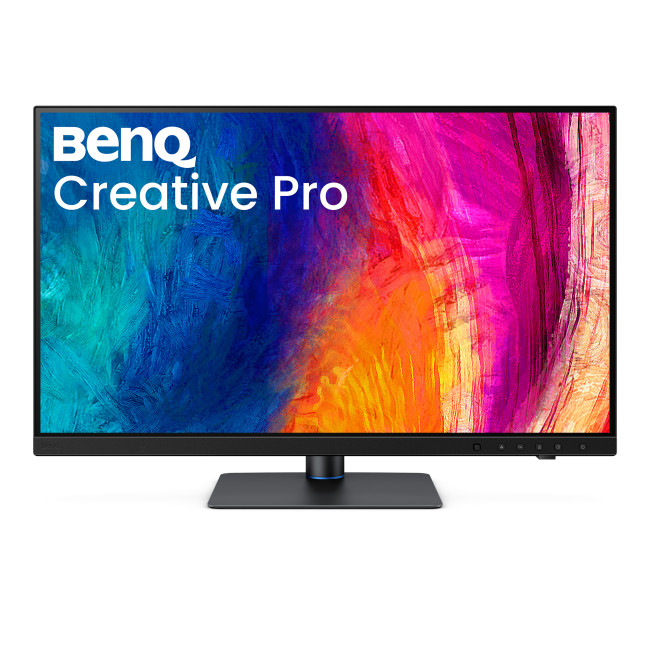
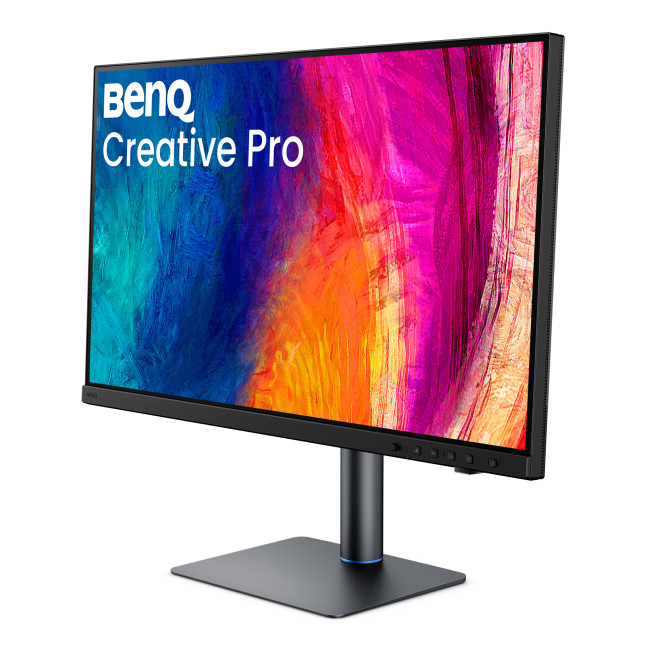
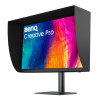
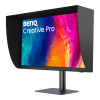
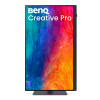
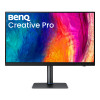
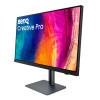
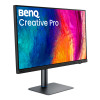
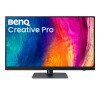
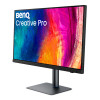
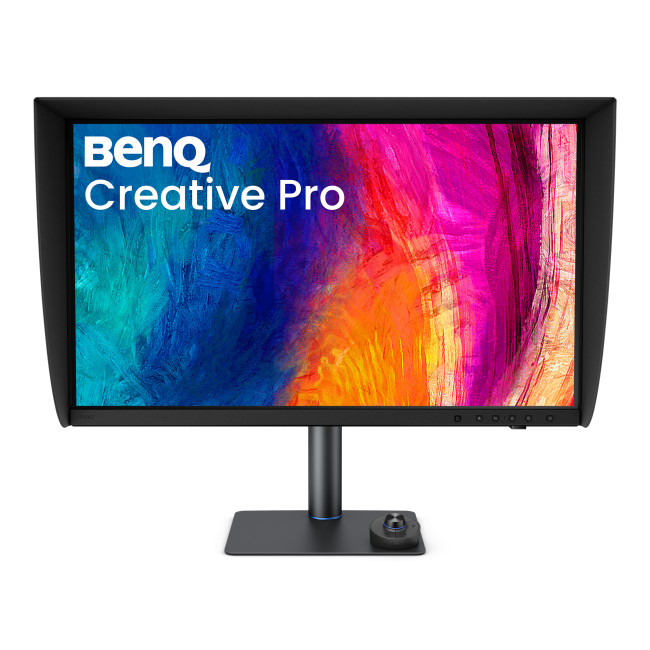
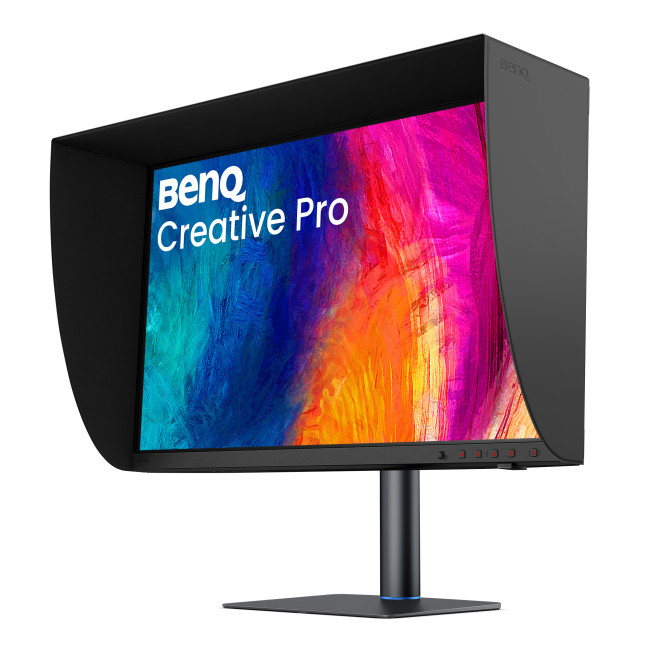
BenQ Creative Pro PV3250U 31.5" 4K Ultra HD IPS 120Hz 5ms USB-C Height Adjustable Creating Monitor
secure_payment

Secure Payment

secure_payment

Free UK Shipping

secure_payment

Easy Return

SKU: 9H.Y0GLB.QBE

£1399.99inc. VAT
Order within 0 mins
klarna_logopaypal_logopaypal_credit
Finance available from £69.15/month. T&Cs apply.
Highlights
  • Height Adjustable Stand Upto 115 mm
  • HDR10 | HLG | VESA DisplayHDR 600 | Matte Display Screen Coating
  • Color Gamut: 100% sRGB | 100% Rec.709 | 99% DCI-P3
  • 31.5" 4K Ultra HD Display, IPS, 3840 x 2160 Max. Resolution
  • 5 ms Response Time, 120 Hz Refresh Rate
  • 16:9 Aspect Ratio
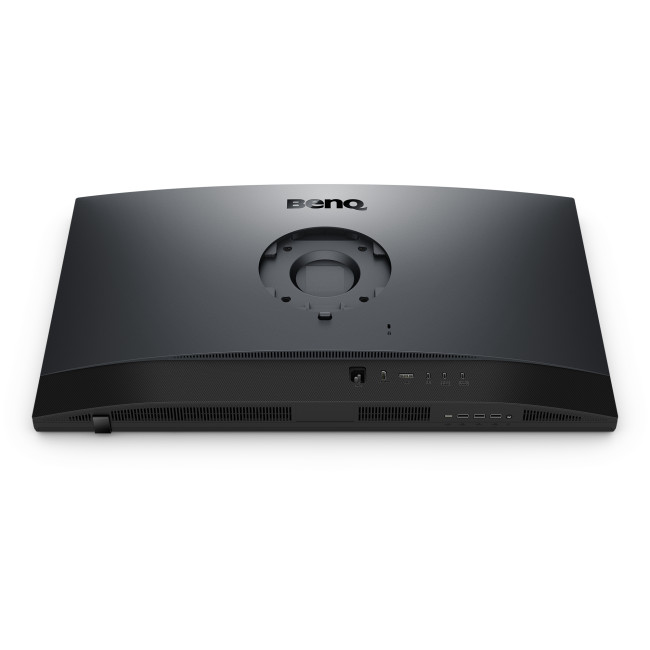
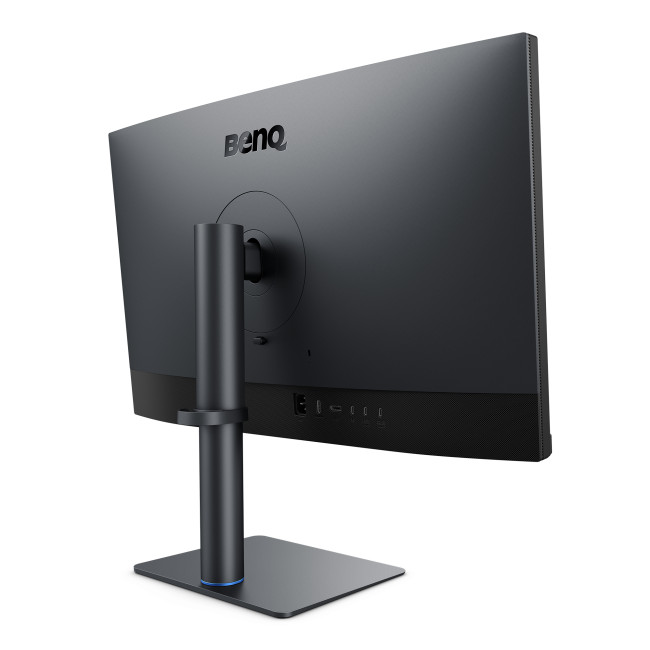
  • 1× HDMI 2.1 | 1× DisplayPort 1.4 | 1× Thunderbolt 4 (DP Alt Mode, Data, USB PD 96W) | 1× Thunderbolt 4 Out (USB PD 15W) | 1× USB-C 3.2 Gen 2 (10Gbps, Upstream, Data Only) | 3× USB-A 3.2 Gen 2 (10Gbps, Downstream, 7.5W Chargin
  • Black Colour
  • 9H.Y0GLB.QBE
  • Condition: New
Energy Grade
Product Description

BenQ Creative Pro PV3250U Monitor

The BenQ Creative Pro PV3250U is a 31.5-inch monitor designed for creative work, with a large 4K IPS screen for detailed viewing and a 120Hz refresh rate for smoother on-screen motion. Its flexible connectivity includes Thunderbolt 4, making it a practical choice for creators who want a high-resolution display and a streamlined desk setup.


Key Highlights & Top Features

  • 31.5-inch 4K IPS display: Provides a large, detailed workspace for viewing images, video and documents.
  • 120Hz refresh rate: Displays motion more smoothly than a standard 60Hz screen.
  • DisplayHDR 600: Supports HDR content with a stated brightness of 600 cd/m².
  • Thunderbolt 4 with up to 96W USB Power Delivery: Connect a compatible laptop for display and data, with power delivery through the same connection.
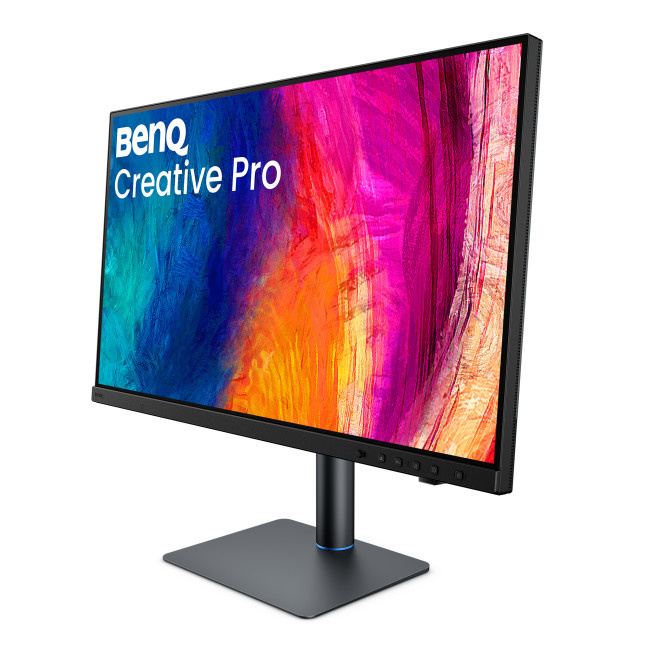
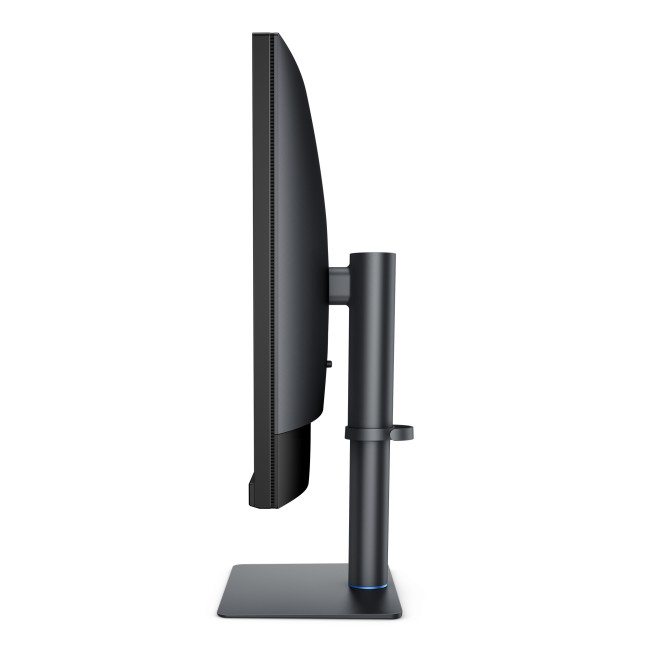
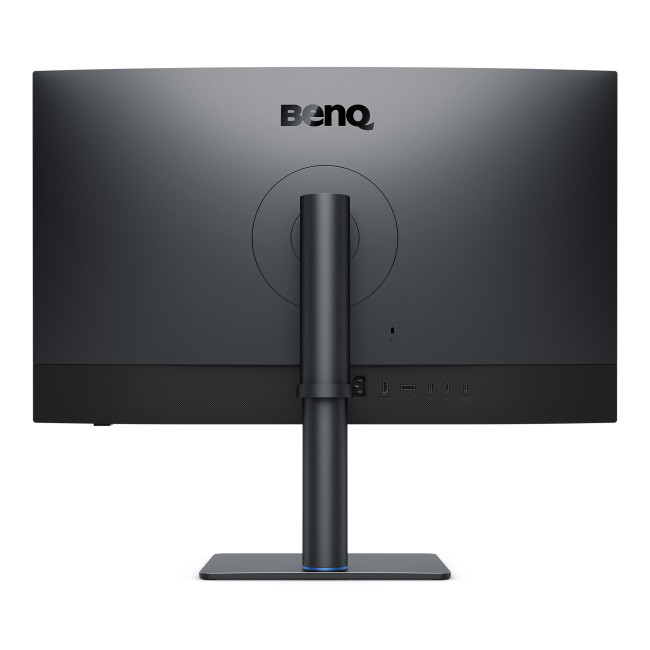
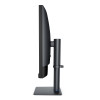
  • Adjustable stand: Height adjustment, pivot and swivel help you position the screen to suit your workspace.
  • USB hub: Three USB-A ports provide connections for compatible peripherals.

Monitor Display Quality, Colour & Connectivity

The 3840 x 2160 resolution gives this 31.5-inch screen space for detailed content, while its IPS panel and support for 1.07 billion colours suit work where viewing detail and colour range matter. DisplayHDR 600 and the stated 600 cd/m² brightness support HDR viewing. The anti-glare screen helps reduce reflections from surrounding light.

For connecting a computer or other compatible device, the monitor provides HDMI 2.1, DisplayPort 1.4 and Thunderbolt 4. The main Thunderbolt 4 connection supports DisplayPort Alt Mode, data and up to 96W USB Power Delivery. A second Thunderbolt 4 output and a separate USB-C data connection offer additional options, alongside the three USB-A downstream ports.


What Makes It Different?

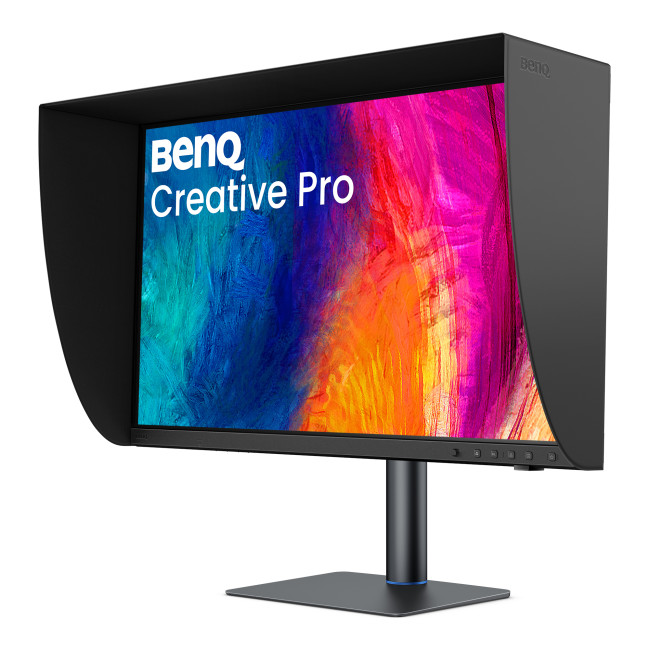
The box includes a Hotkey Puck G4, landscape shading hood and calibration report, as well as DisplayPort 1.4, Thunderbolt 4 and USB 3.0 cables. These supplied items give you useful controls and connection options at setup. The monitor also supports VESA mounting if you prefer a compatible third-party mount.


Why Choose This Monitor?

Choose the PV3250U for a large, high-resolution display with useful connections and flexible positioning.

  • Make room for detailed work: The 31.5-inch 4K screen gives creative tasks and everyday viewing a generous display area.
  • Keep a compatible laptop connected: Thunderbolt 4 combines display, data and power delivery through one connection.
  • Arrange your workspace your way: The adjustable stand and VESA support offer different ways to position the screen.

Who Is This Monitor Best For?

This monitor suits creators looking for a large 4K display, a broad stated colour range and connections for a computer and peripherals. Its adjustable stand and included cables also make it a considered option for a desk-based setup.

It is not a touchscreen and has no built-in speakers or camera. Check that your computer supports the connection and display features you plan to use, particularly Thunderbolt 4 or DisplayPort Alt Mode for USB-C video and power.


Common Questions About the BenQ PV3250U

What is the native resolution of the BenQ PV3250U?
The native resolution is 3840 x 2160, also known as 4K UHD. This provides detailed images across the monitor’s 31.5-inch screen when paired with a compatible computer.

Which video connections does the PV3250U have?
It has one HDMI 2.1 port, one DisplayPort 1.4 port and Thunderbolt 4 connections. The main Thunderbolt 4 port supports DisplayPort Alt Mode, so check your device’s specifications before using it for video.

Can the Thunderbolt 4 connection charge a laptop?
Yes, the main Thunderbolt 4 port supports USB Power Delivery up to 96W. The laptop must support charging over a compatible USB-C or Thunderbolt connection to use this feature.

Can I adjust the monitor’s position?
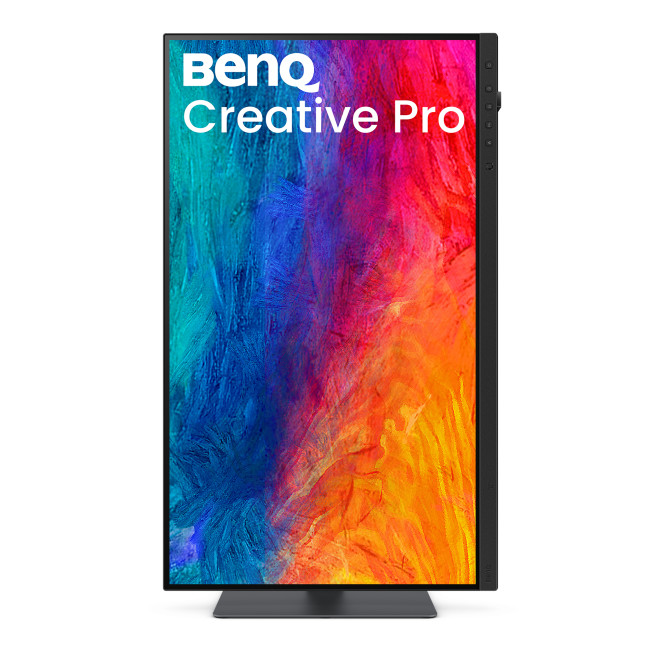
Yes. The supplied stand supports height adjustment, pivot and swivel, allowing you to change the screen position. VESA mounting is also supported for use with a compatible mount.

Display
Screen Size
31.5"
Touchscreen
No
Display Type
3840 x 2160
Panel Type
IPS
Brightness
600 cd/m²
Refresh Rate
120 Hz
Response Time
5 ms
Maximum Resolution
Screen Shape
Flat
HDR Standards
DisplayHDR600
Anti-glare Screen
Yes
Display Number of Colours
1.07 Billion Colours
Ports & Interfaces
connectivity
1× HDMI 2.1 | 1× DisplayPort 1.4 | 1× Thunderbolt 4 (DP Alt Mode, Data, USB PD 96W) | 1× Thunderbolt 4 Out (USB PD 15W) | 1× USB-C 3.2 Gen 2 (10Gbps, Upstream, Data Only) | 3× USB-A 3.2 Gen 2 (10Gbps, Downstream, 7.5W Chargin
VGA Ports
No
DVI Ports
No
Display Ports
1
USB-C Ports
2
Built-in USB Hub
3× USB-A 3.2 Gen 2 (10Gbps, Downstream, 7.5W Charging)
RJ-45
No
Headphone Out
Yes
Features
Built-in Speakers
No
Built-in Camera
No
Adaptive Sync
No
AMD FreeSync
No
Low Blue Light Technology
No
Flicker-free Technology
No
Aspect Ratio
16:9
Height Adjustable
Yes
Pivot/Swivel
Yes
Other Specifications
Most Suitable For
Creating
VESA Mounting
Yes
General
Colour
Black
Weight
9.8 kg
Dimensions (H x W x D)
(WxDxH) 436.41 mm × 724.9 mm × 247.62 mm
Box Contents
Monitor | Stand | Hotkey Puck G4 | Quick Start Guide | Calibration Report | Safety Instructions | Landscape Shading Hood | DisplayPort 1.4 Cable | Thunderbolt 4 Cable (1 m) | USB 3.0 Cable (Signal Cables May Vary by Region)

Loading...

FAQs