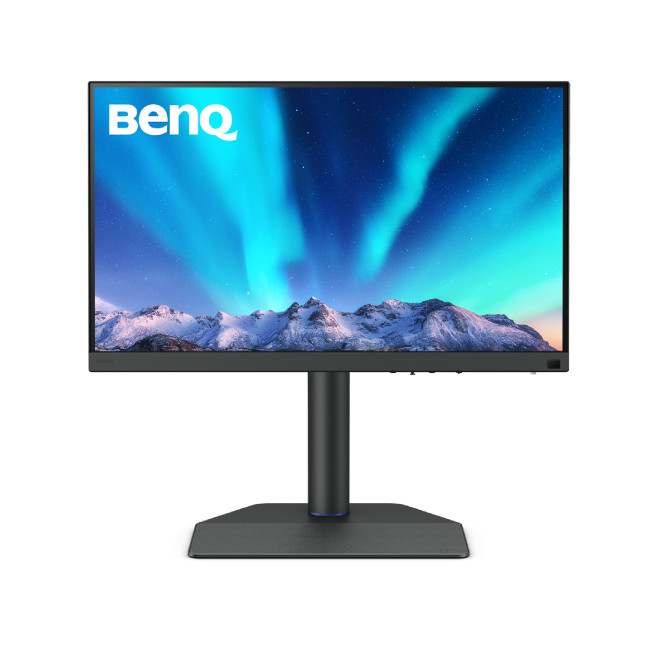
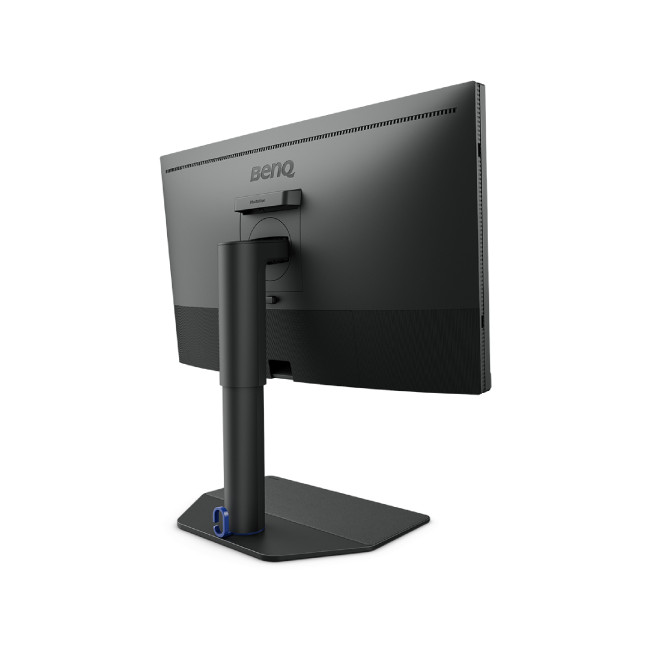
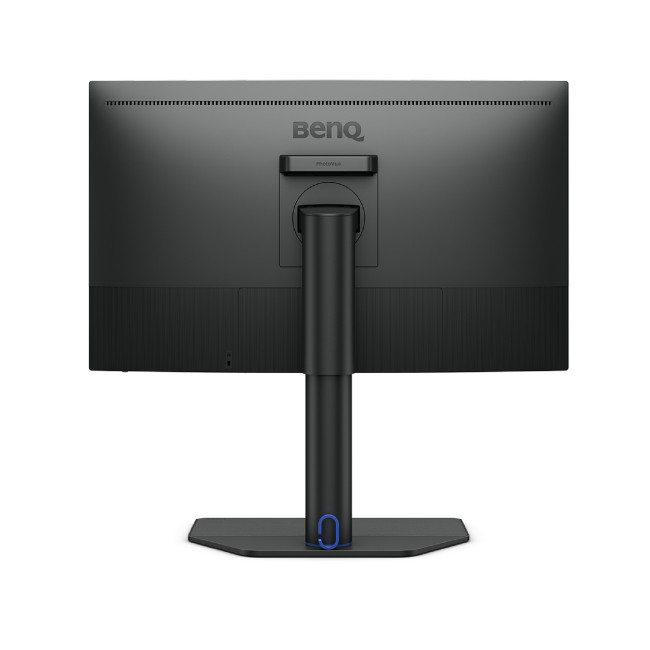
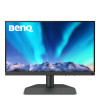
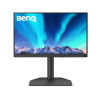
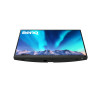
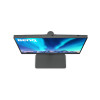
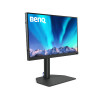
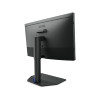
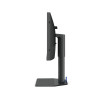
BenQ SW272QN 27-inch Monitor
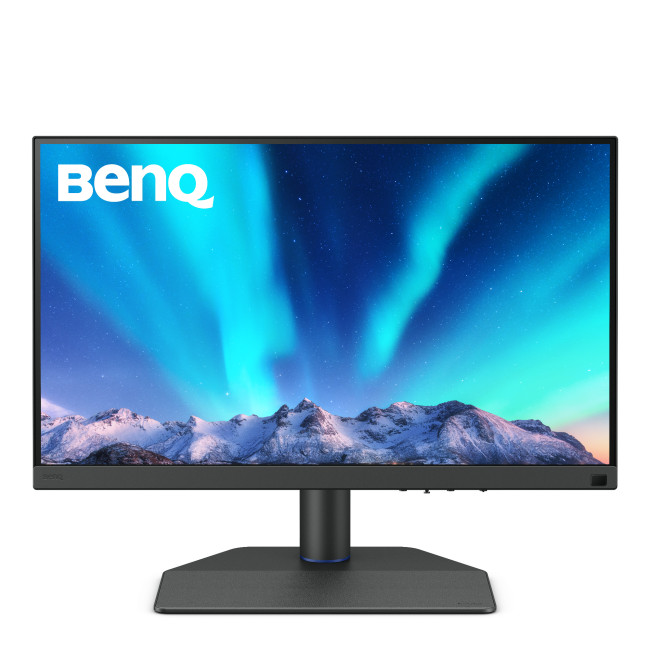
The BenQ SW272QN is a 27-inch monitor designed for creating and other work where a detailed, spacious display is useful. Its IPS panel combines Quad HD resolution with support for 1.07 billion colours, while USB-C connectivity can carry video and data and provide up to 90W power delivery to a compatible device.
Key Highlights & Top Features
- 27-inch Quad HD display: Provides room for detailed content and multiple on-screen elements.
- IPS panel with 1.07 billion colours: Supports nuanced colour reproduction for creative tasks.
- USB-C with up to 90W power delivery: Connects a compatible laptop for video, data and power over one cable.
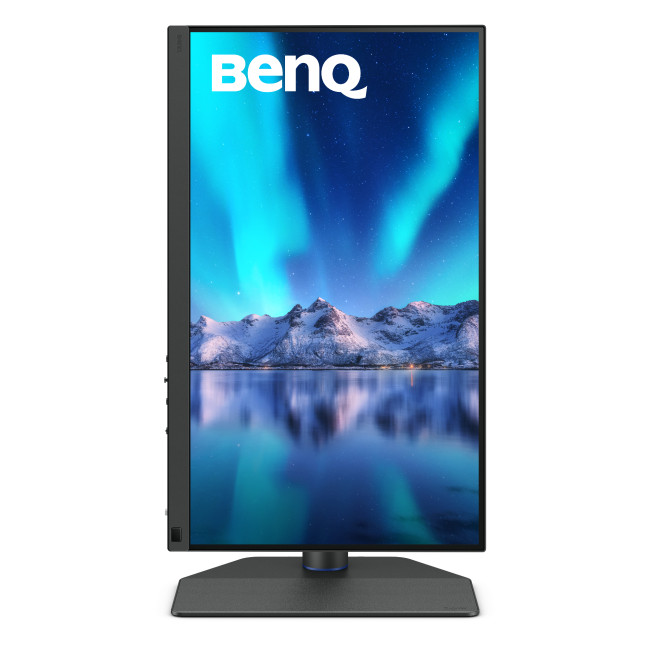
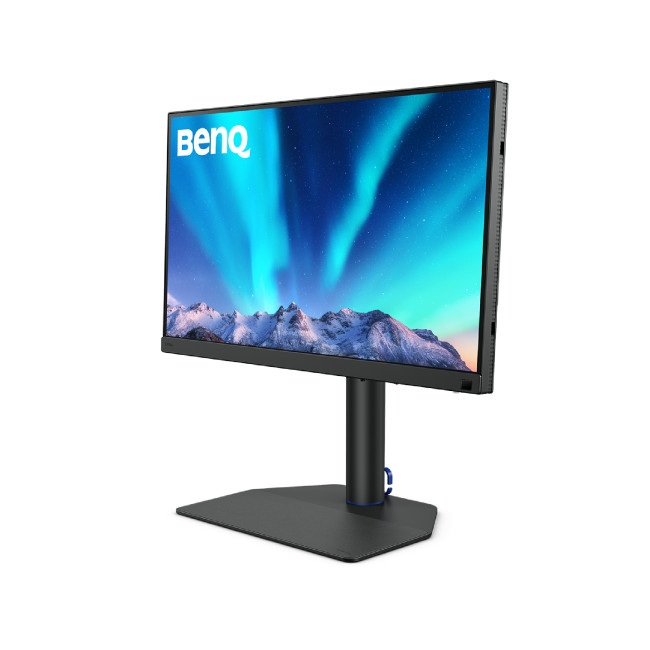
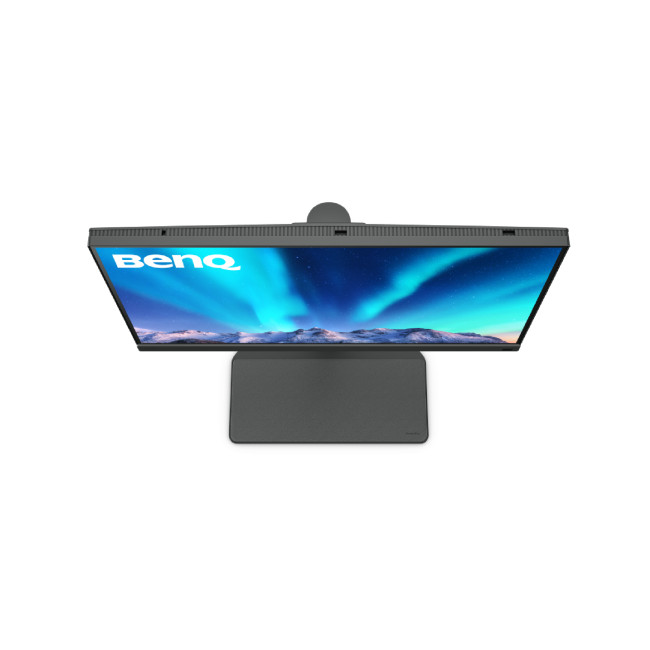
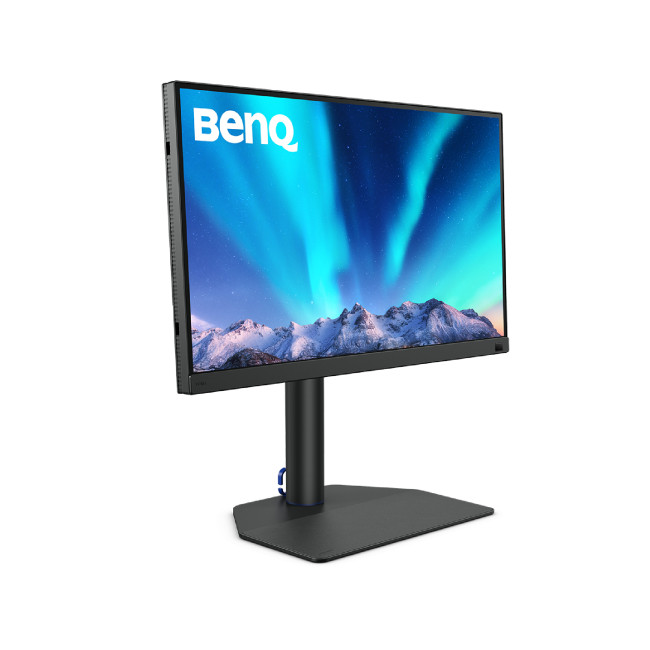
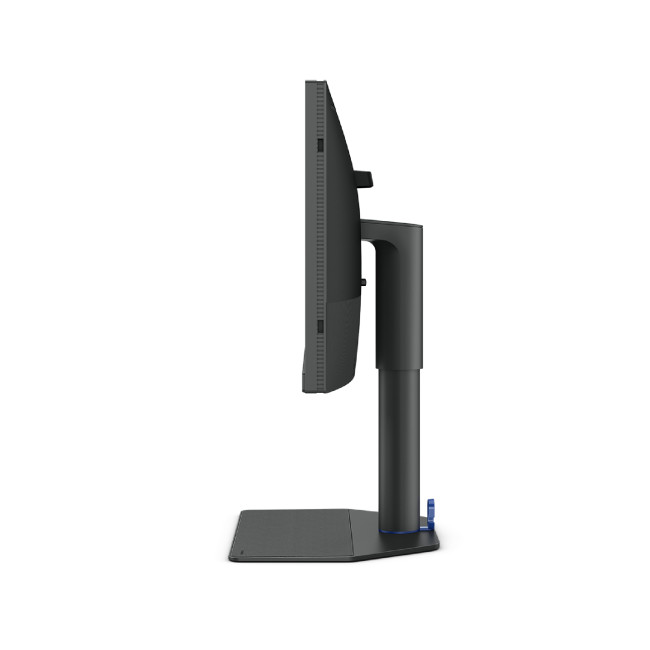
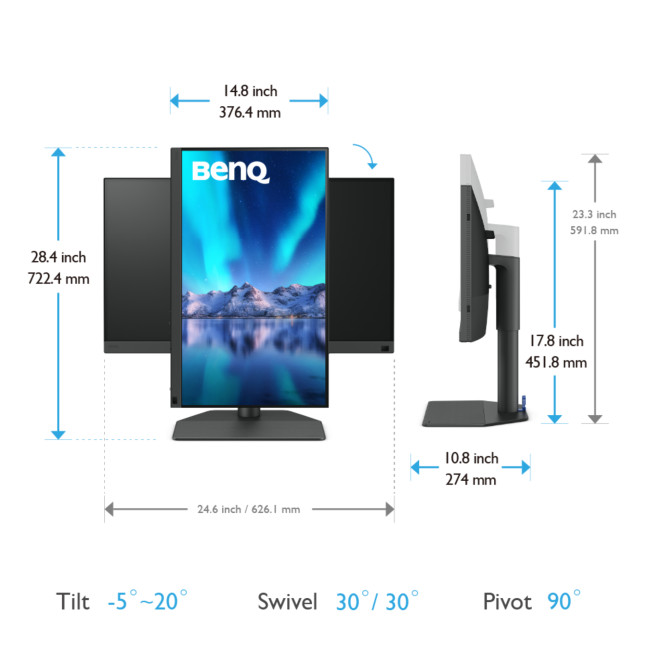
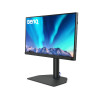
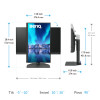
- Adjustable stand: Height adjustment, pivot and swivel help you position the screen to suit your workspace.
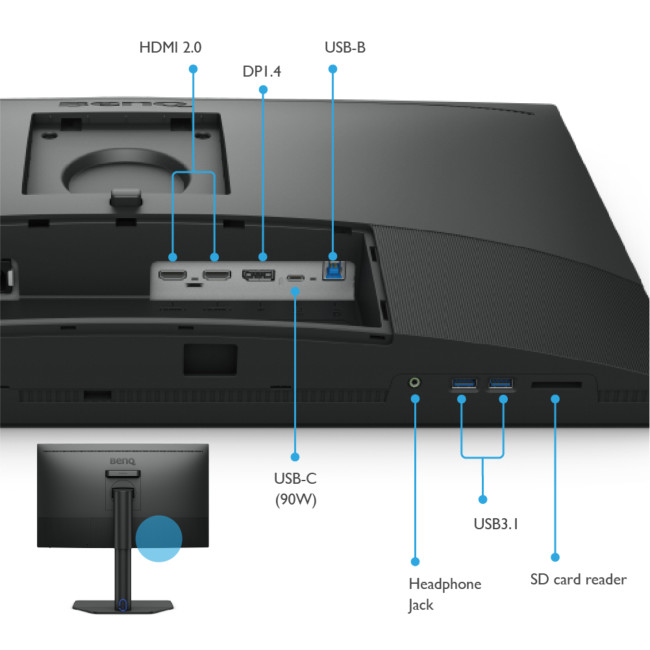
- Multiple video inputs: HDMI 2.0 and DisplayPort 1.4 offer options for connecting computers and other devices.
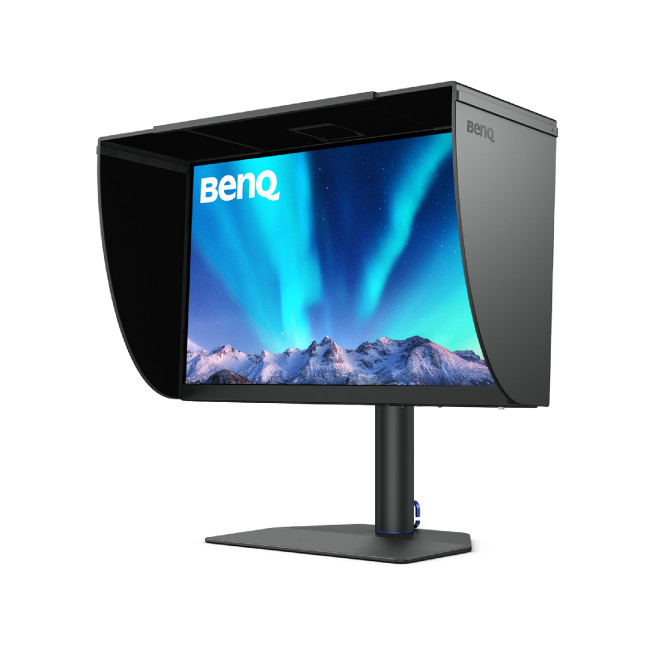
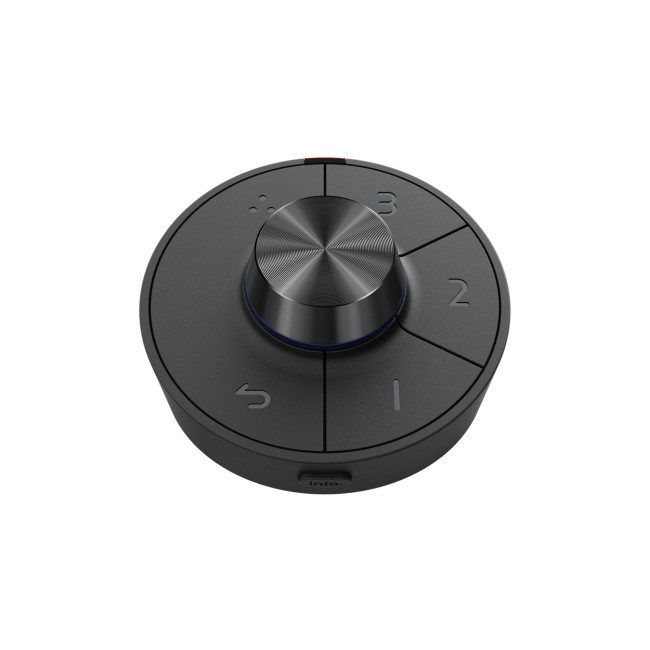
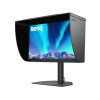
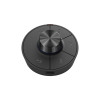
- Supplied accessories: The box includes a landscape shading hood, Hotkey Puck G3, calibration report and signal cables.
Monitor Display Quality, Colour & Connectivity
The 2560 x 1440 resolution gives this 27-inch screen more detail than a Full HD display of the same size, making text, images and creative layouts easier to view. The IPS panel supports 1.07 billion colours, while HDR10 support and a stated brightness of 300 cd/m² provide additional display capabilities for compatible content and workflows.
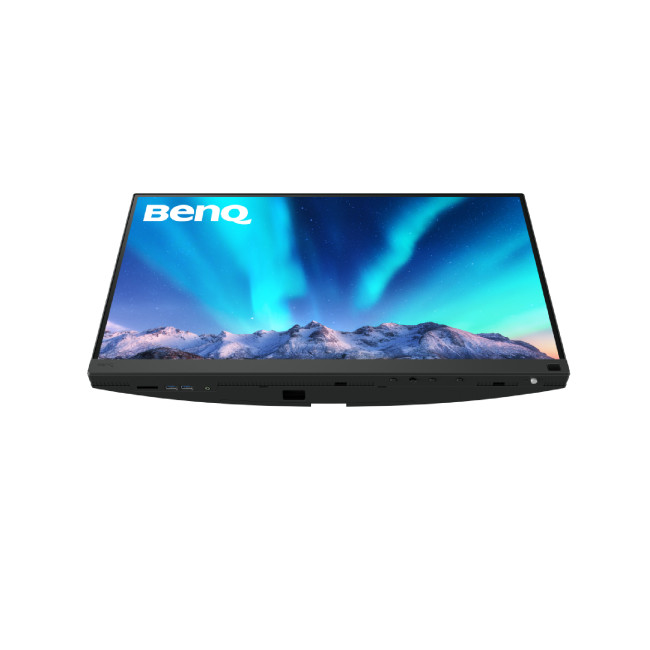
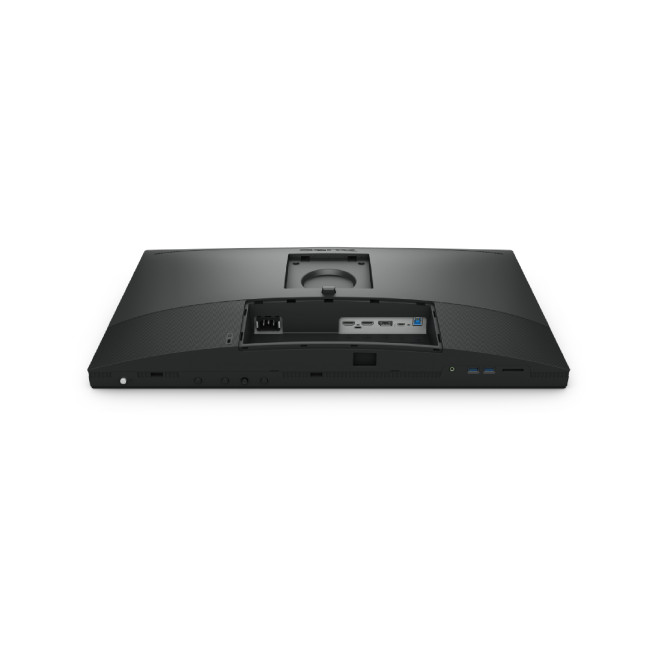
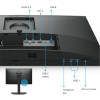
For connecting equipment, the monitor has two HDMI 2.0 inputs, one DisplayPort 1.4 input and USB-C with DisplayPort Alt Mode, data and up to 90W USB Power Delivery. Its USB hub adds two USB-A 3.1 downstream ports, with a USB-B upstream connection for linking the hub to a computer.
What Makes It Different?
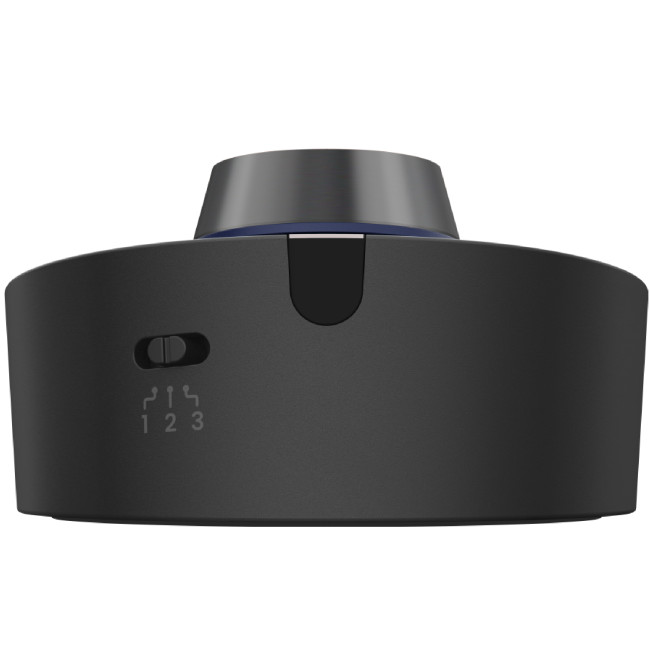
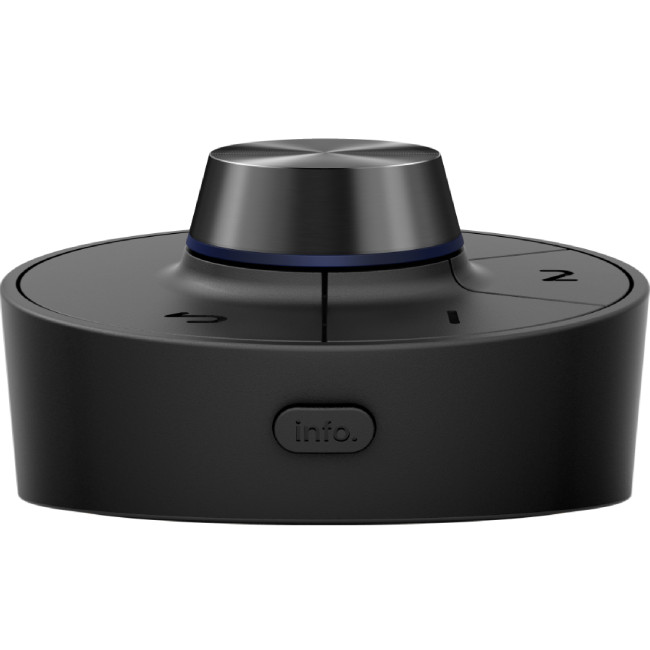
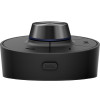
The supplied landscape shading hood helps shade the display from surrounding light, while the Hotkey Puck G3 provides an additional control accessory. A calibration report is also included. These are useful additions for a creating-focused setup, alongside the stand’s height adjustment, pivot and swivel options.
Why Choose This Monitor?
This monitor brings a detailed screen, flexible connections and practical workspace features together in one display.
- Connect with fewer cables: USB-C can carry a compatible device’s video and data while supplying power.
- Arrange a more comfortable workspace: Adjust the screen’s height or viewing position using the stand.
- Start with useful accessories included: The shading hood, Hotkey Puck G3 and cables are listed in the box contents.
Who Is This Monitor Best For?
The SW272QN suits people creating or reviewing visual content who want a 27-inch Quad HD screen, an IPS panel and a choice of video connections. Its adjustable stand and included shading hood can also help tailor the display to a particular desk setup.
Its refresh rate is 60 Hz and response time is 5 ms, so shoppers prioritising a higher refresh rate for fast-paced gaming may prefer a different monitor. USB-C power and display functions also depend on the connected device supporting the relevant features.
Common Questions About the BenQ SW272QN Monitor
What resolution does the BenQ SW272QN support?
The monitor has a native resolution of 2560 x 1440. This Quad HD resolution provides more detail than Full HD for compatible computers and content.
Can I connect a laptop using USB-C?
Yes, its USB-C port supports DisplayPort Alt Mode, data and up to 90W power delivery. The laptop must support the required video and charging features for these functions to work.
What other video connections are available?
There are two HDMI 2.0 inputs and one DisplayPort 1.4 input, as well as USB-C video support. Choose a connection supported by both the monitor and your source device.
What comes in the box?
The listed contents include the monitor, stand, landscape shading hood, Hotkey Puck G3, calibration report, quick start guide, warranty card, I/O cover and DisplayPort, HDMI and USB-C cables. Signal cables may vary by region.
Can I mount the monitor on a VESA stand?
Yes, VESA mounting is supported. Check that your chosen mount is compatible with the monitor and your intended desk setup before ordering.