



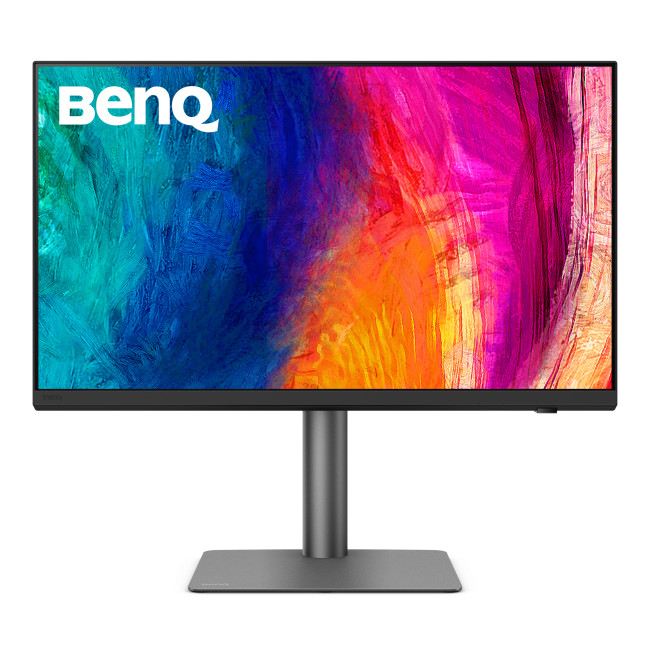
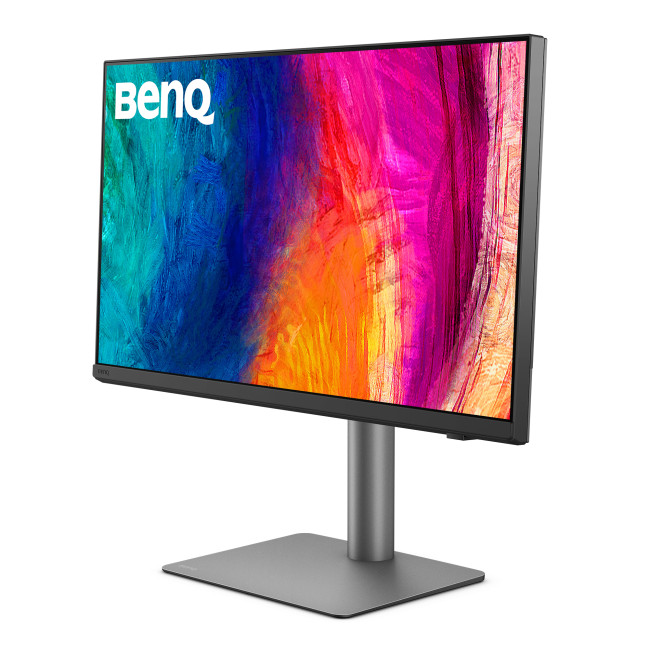
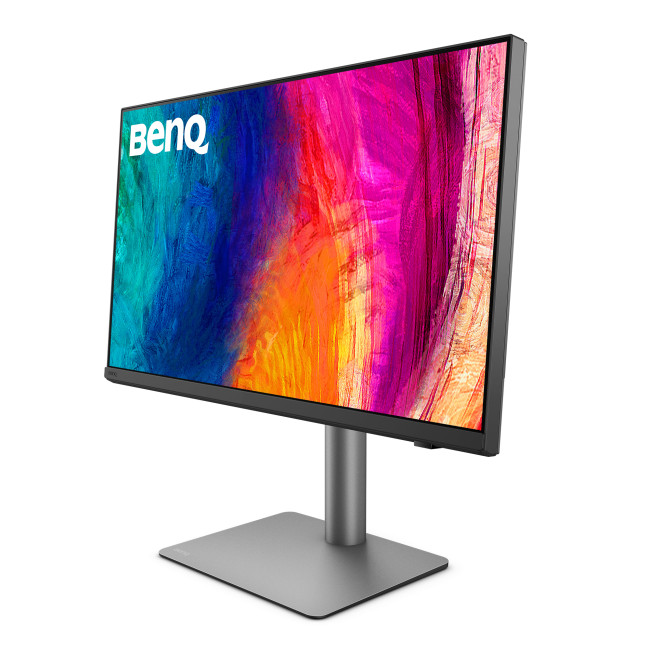
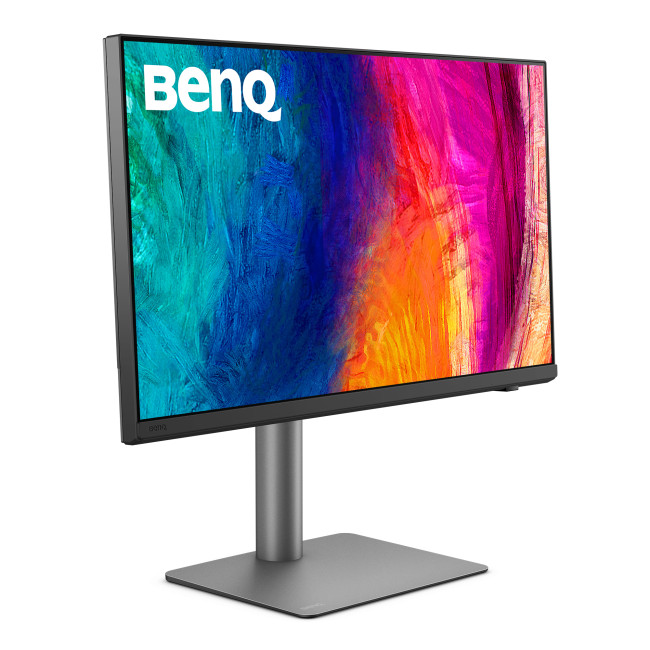
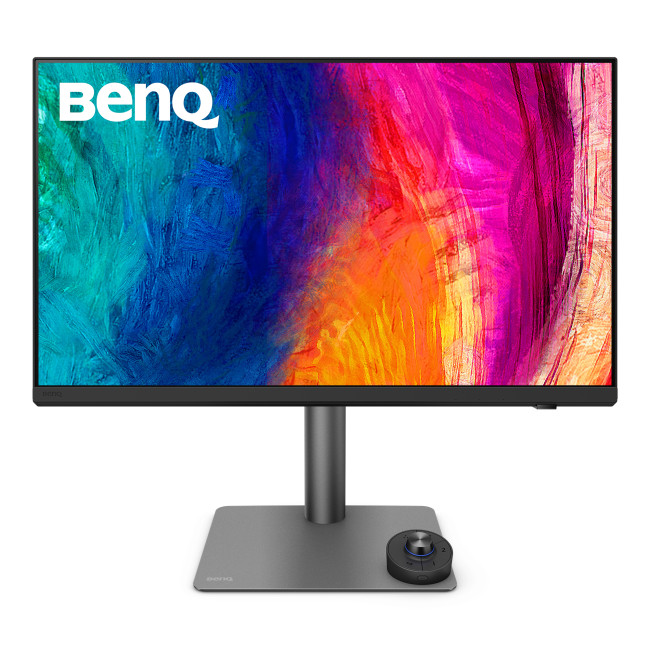
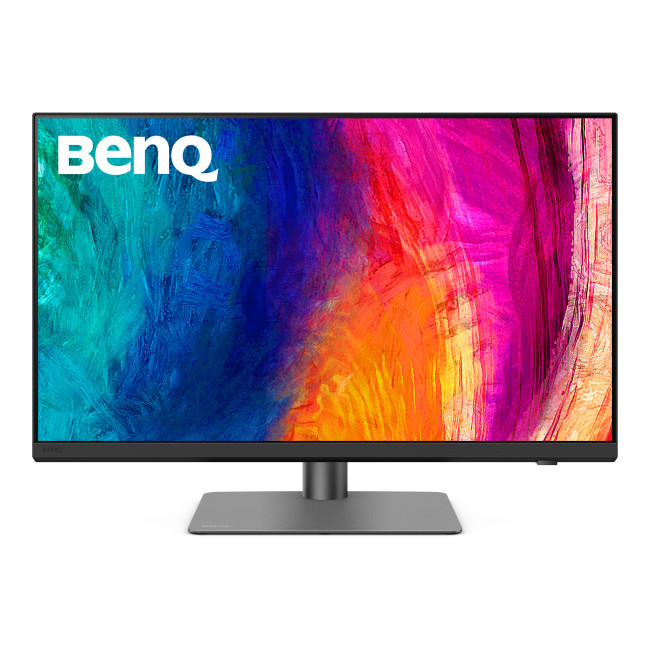
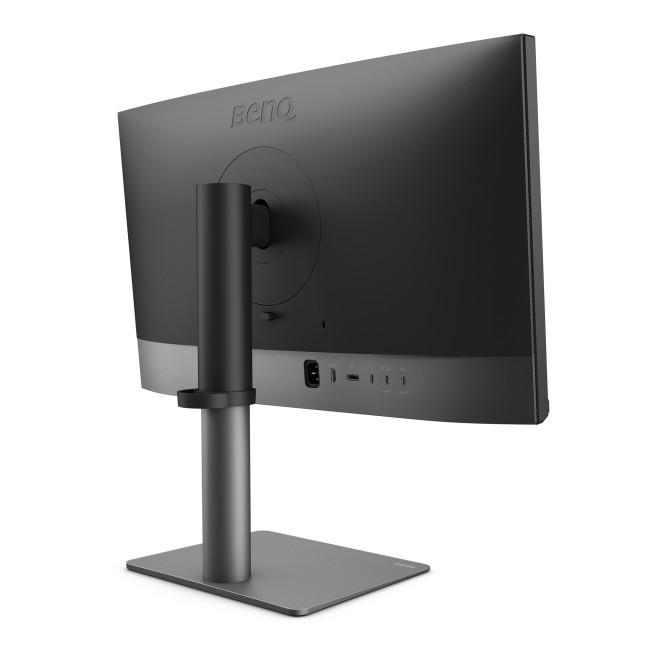
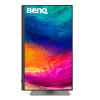
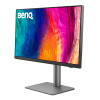
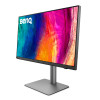
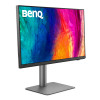
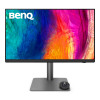
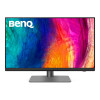
BenQ Creative Pro PD2732U 27" 4K Ultra HD IPS 60Hz 5ms USB-C Height Adjustable Creating Monitor

Secure Payment

Free UK Shipping

Easy Return
SKU: 9H.Y0MLA.TBE
£649.99inc. VAT
£541.66ex. VAT
Order within 0 mins



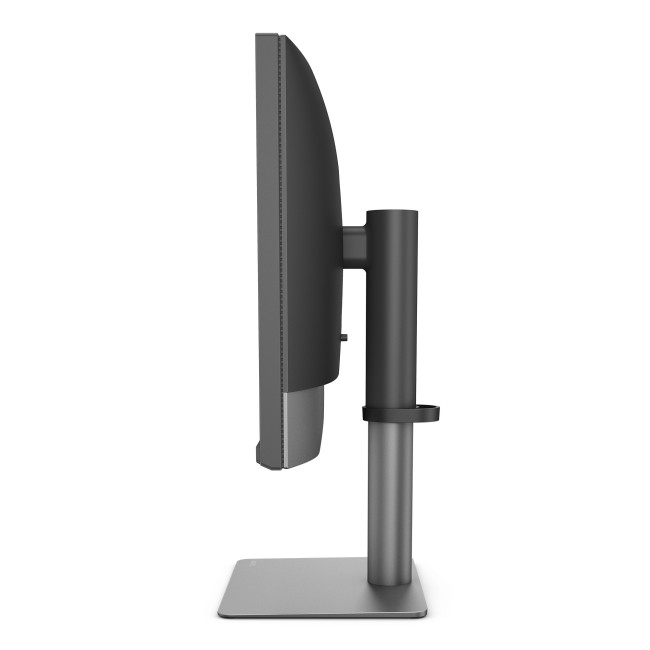
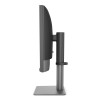
- Height Adjustable Stand Upto 115 mm
- Color Gamut: 100% sRGB | 100% Rec.709 | 99% Adobe RGB | 99% DCI-P3
- HDR10 | HLG | Nano Matte Black Display Screen Coating
- 27" 4K Ultra HD Display, IPS, 3840 x 2160 Max. Resolution
- 5 ms Response Time, 60 Hz Refresh Rate
- 16:9 Aspect Ratio
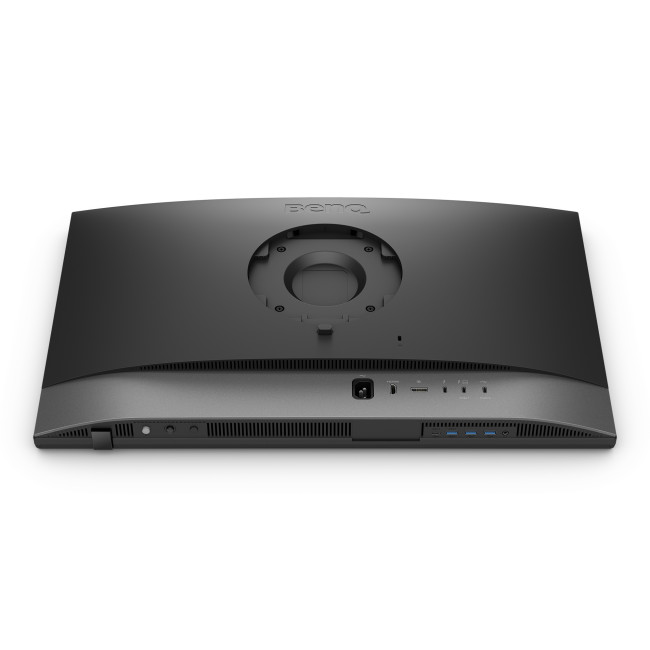
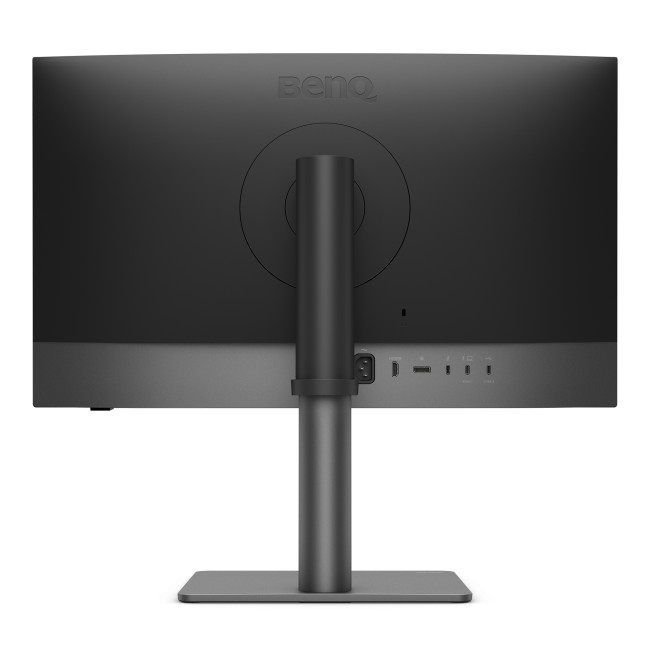
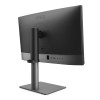
- 1× HDMI 2.0 | 1× DisplayPort 1.4 | 1× Thunderbolt 4 (DP Alt Mode, Data, USB PD 90W) | 1× Thunderbolt 4 Out (USB PD 15W) | 1× USB-C 3.2 Gen 1 (5Gbps, Upstream, Data Only) | 2× USB-A 3.2 Gen 1 (5Gbps, Downstream, 4.5W Charging)
- Black Colour
- 9H.Y0MLA.TBE
- Condition: New

Technical Specifications
| Display | |||||||||||
|---|---|---|---|---|---|---|---|---|---|---|---|
| Screen Size | 27" | ||||||||||
| Touchscreen | No | ||||||||||
| Display Type | 3840 x 2160 | ||||||||||
| Panel Type | IPS | ||||||||||
| Brightness | 400 cd/m² | ||||||||||
| Refresh Rate | 60 Hz | ||||||||||
| Response Time | 5 ms | ||||||||||
| Maximum Resolution | |||||||||||
| Screen Shape | Flat | ||||||||||
| HDR Standards | HDR10 | ||||||||||
| Anti-glare Screen | Yes | ||||||||||
| Display Number of Colours | 1.07 Billion Colours | ||||||||||
| Ports & Interfaces | |||||||||||
| connectivity | 1× HDMI 2.0 | 1× DisplayPort 1.4 | 1× Thunderbolt 4 (DP Alt Mode, Data, USB PD 90W) | 1× Thunderbolt 4 Out (USB PD 15W) | 1× USB-C 3.2 Gen 1 (5Gbps, Upstream, Data Only) | 2× USB-A 3.2 Gen 1 (5Gbps, Downstream, 4.5W Charging) | ||||||||||
| VGA Ports | No | ||||||||||
| DVI Ports | No | ||||||||||
| Display Ports | 1 | ||||||||||
| USB-C Ports | 3 | ||||||||||
| Built-in USB Hub | 2× USB-A 3.2 Gen 1 (5Gbps, Downstream, 4.5W Charging) | 1× USB-A 3.2 Gen 1 (5Gbps, Downstream, 7.5W Charging) | ||||||||||
| RJ-45 | No | ||||||||||
| Headphone Out | Yes | ||||||||||
| Features | |||||||||||
| Built-in Speakers | No | ||||||||||
| Built-in Camera | No | ||||||||||
| Adaptive Sync | No | ||||||||||
| AMD FreeSync | No | ||||||||||
| Low Blue Light Technology | No | ||||||||||
| Flicker-free Technology | Yes | ||||||||||
| Aspect Ratio | 16:9 | ||||||||||
| Height Adjustable | Yes | ||||||||||
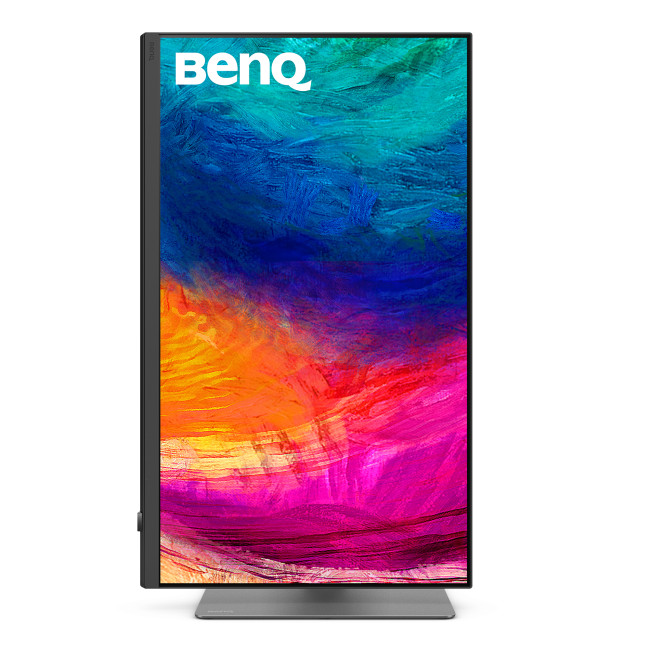
| Pivot/Swivel | Yes | ||||||||||
| Other Specifications | |||||||||||
| Most Suitable For | Creating | ||||||||||
| VESA Mounting | Yes | ||||||||||
| General | |||||||||||
| Colour | Black | ||||||||||
| Weight | 8.56 kg | ||||||||||
| Dimensions (H x W x D) | (WxDxH) 16.921.5 mm × 24.2 mm × 9.5 mm | ||||||||||
| Box Contents | Monitor | Stand | Quick Start Guide | Calibration Report | Safety Instructions | Hotkey Puck G3 | Thunderbolt 4 Cable (1 m) | USB 3.2 Cable (Signal Cable May Vary by Region) | ||||||||||
Manufacturer Content
Loading...