



Refurbished Lenovo Lenovo 300e Chromebook Gen 2 AST AMD A4-9120C 4GB RAM 32GB eMMC 11.6" Touchscreen ChromeOS Laptop - UK Keyboard Layout

Secure Payment

Free UK Shipping

Easy Return
SKU: 82CE0001SP-UK-AG



| Note | UK Keyboard Layout & UK Plug Inside |
|---|
Flexible Design for Everyday Learning
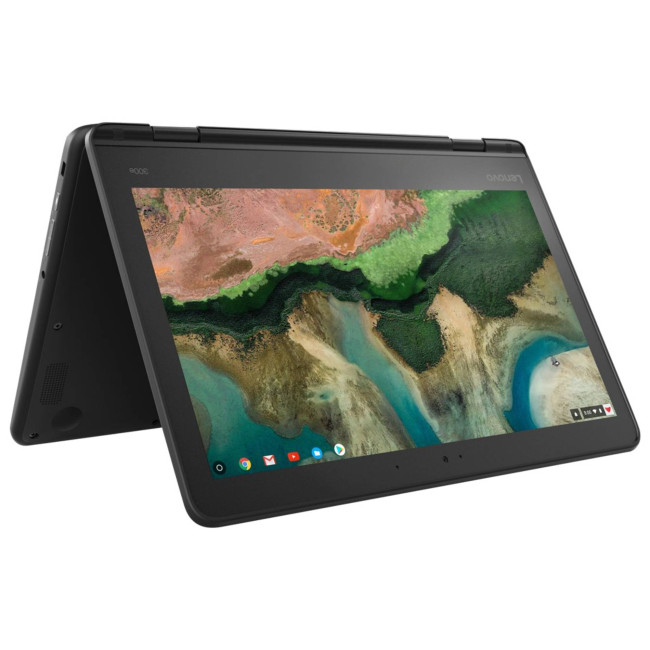
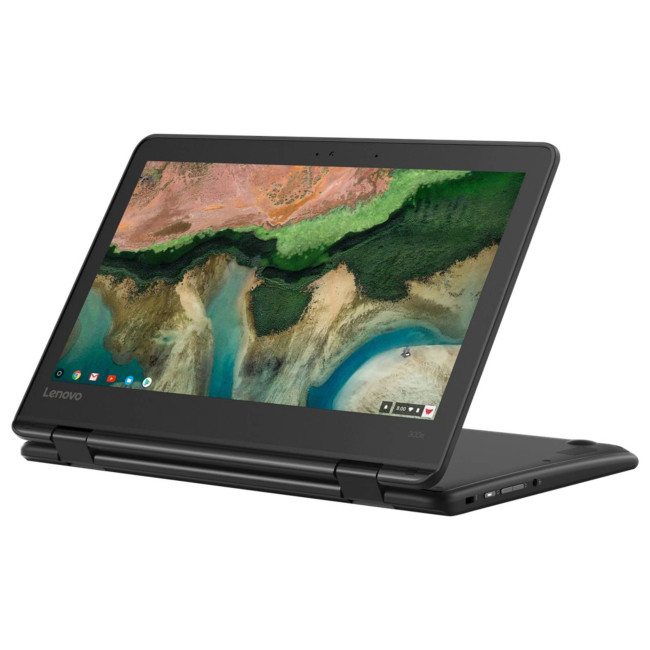
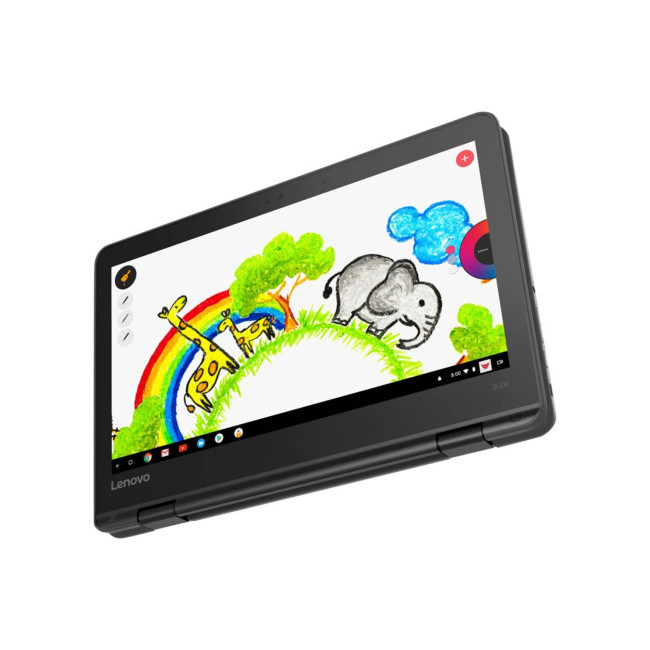
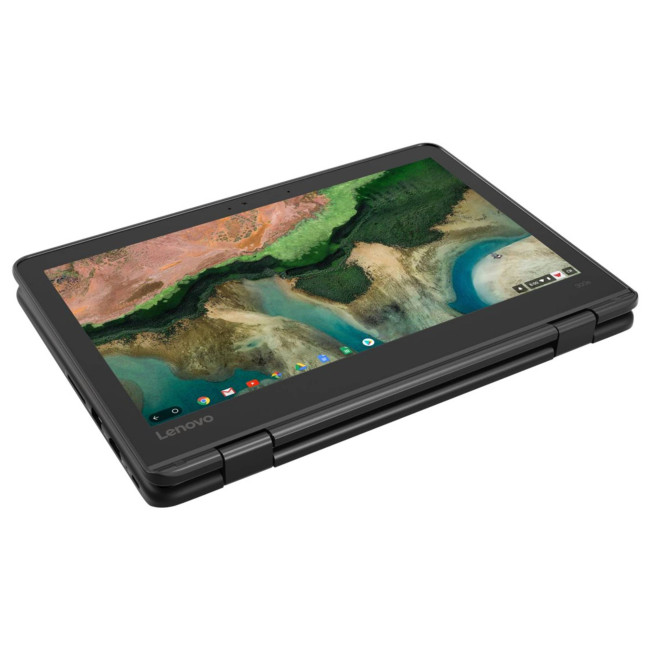
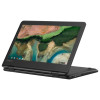
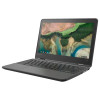
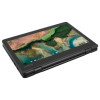
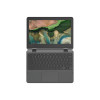
The Lenovo 300e Chromebook 2nd Gen AST is designed to support learning through a compact and versatile form. Its practical construction makes it suitable for classrooms, home study areas and everyday educational activities. The 360-degree hinge allows the device to switch between laptop, tablet, tent and stand modes, providing different ways to interact with learning materials. Its touchscreen adds convenience when navigating applications, reading content or working with compatible educational tools. Lenovo has designed this Chromebook around the needs of students and educational environments, with portability and ease of use playing an important role. Its straightforward appearance and flexible design make it suitable for individual study as well as collaborative classroom activities, offering a practical device for users who need convenient access to digital learning resources.
ChromeOS for Everyday Productivity
The Lenovo 300e Chromebook 2nd Gen AST uses ChromeOS, providing a straightforward environment for browsing, online learning, document preparation and everyday communication. Its familiar interface allows students and general users to access compatible applications, educational services and web-based tools with minimal complexity. Integration with Google services can help users create documents, manage files and access learning materials through supported cloud-based workflows. This approach is particularly useful in schools where online resources and shared documents form part of daily learning. The Chromebook is intended for routine productivity rather than demanding desktop workloads, making it suitable for assignments, research, reading and other everyday activities. Its simple software environment also makes it a practical option for users who prefer an accessible device that is easy to incorporate into established study and work routines.
Touchscreen Interaction and Convertible Viewing
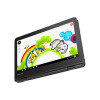
The 300e Chromebook 2nd Gen AST features a compact touchscreen designed to make digital interaction more direct and engaging. Its multi-touch functionality allows users to navigate compatible applications, scroll through learning materials and interact with on-screen content using familiar gestures. Combined with the convertible hinge, the touchscreen supports different activities, including reading, viewing educational videos, sharing information and completing suitable interactive tasks. The compact display format makes the Chromebook convenient to carry between classrooms and other locations, while its adjustable positioning supports different viewing preferences. The design is particularly useful for educational settings where students may alternate between typing, touch-based activities and watching instructional content. Together, the touchscreen and flexible hinge provide a practical alternative to a conventional laptop design for everyday learning and general use.
Practical Features and Everyday Connectivity
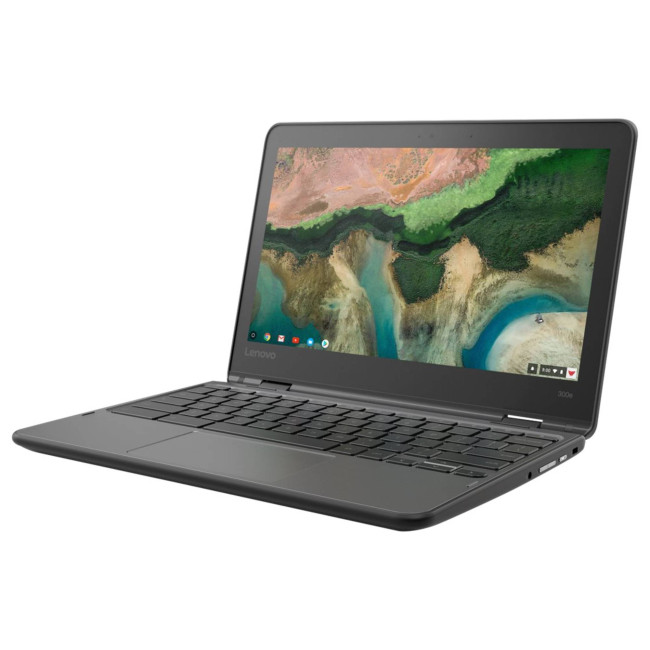
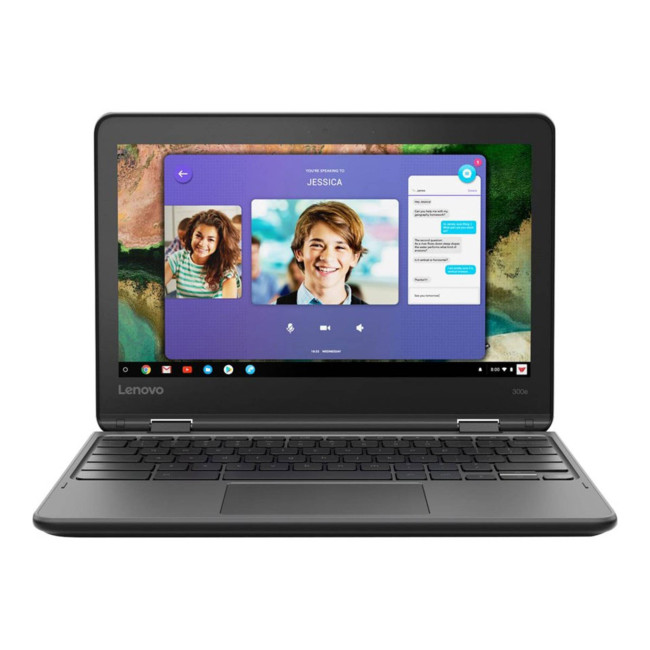
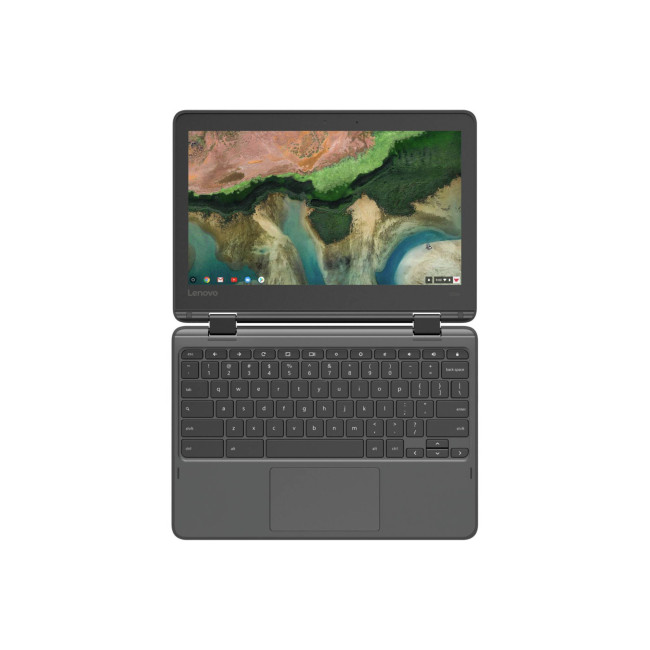
Lenovo has designed the 300e Chromebook 2nd Gen AST with practical features suited to regular classroom and everyday use. Its spill-resistant keyboard helps accommodate the occasional small spill associated with busy learning environments, while the sturdy design is intended for regular handling. The Chromebook includes USB connectivity for compatible accessories, a microSD card reader for supported removable storage and a combined headphone and microphone connection. USB-C connectivity also supports compatible data transfer and external-display functions. These options allow users to connect useful peripherals and manage files according to their needs. The integrated camera and audio features support online lessons, video calls and everyday communication. Together, these features make the Chromebook a practical choice for students and users who want a straightforward device for learning, communication and web-based activities.
Suitable for Education, Home and Everyday Use
The Lenovo 300e Chromebook 2nd Gen AST is designed primarily for education but can also support a range of everyday activities at home. Students can use it to access online lessons, research topics, prepare assignments and work with compatible educational applications. Its convertible design makes it convenient for reading and viewing material, while the keyboard provides a familiar way to write and organise information. This model uses built-in memory and onboard eMMC storage, rather than upgradeable memory slots and a conventional removable SSD, so it is best suited to lightweight computing and cloud-oriented workflows. Storage needs can also be supported through compatible removable media and online services. With its touchscreen, flexible design, ChromeOS environment and practical connectivity, the 300e Chromebook offers an accessible computing experience for classroom learning, home study and everyday browsing.
| Processor | |||||||||||
|---|---|---|---|---|---|---|---|---|---|---|---|
| Processor | AMD A4-9120C Dual-Core (1.6GHz AMD Turbo Boost up to 2.4GHz) | ||||||||||
| Processor Family | AMD A4 | ||||||||||
| Processor Model | AMD A4-9120C Dual-Core | ||||||||||
| Processor Number | 9120C | ||||||||||
| Processor Core Count | Dual-Core | ||||||||||
| Processor Generation | AMD A4 Series | ||||||||||
| Display | |||||||||||
| Screen | 11.6" | ||||||||||
| Screen Resolution | 1366 x 768 | ||||||||||
| Display Type | IPS | ||||||||||
| Graphics | |||||||||||
| Graphics | Integrated AMD Radeon | ||||||||||
| Graphics Type | AMD | ||||||||||
| Storage | |||||||||||
| Solid State Drive | 32 GB | ||||||||||
| Total Storage | 32 GB | ||||||||||
| RAM | |||||||||||
| RAM | 4 GB | ||||||||||
| Connectivity | |||||||||||
| Featured Connectivity | HDMI | USB-C | Bluetooth | Wi-Fi | ||||||||||
| Bluetooth | Bluetooth 5.0 | ||||||||||
| Wireless LAN | Yes | ||||||||||
| USB Ports | 2x USB 3.1, 2x USB 3.1 Type-C | ||||||||||
| Card Reader | Micro SD Card Reader | ||||||||||
| Connections | HDMI | USB-C | USB-A | Wi-Fi | Bluetooth | ||||||||||
| Operating System & Software | |||||||||||
| Operating System | Chrome OS | ||||||||||
| Camera | |||||||||||
| Integrated Webcam | Integrated Webcam with Microphone | ||||||||||
| Sound | |||||||||||
| Speakers | Integrated Stereo Speaker | ||||||||||
| Keyboard | |||||||||||
| Lighting | No Lighting | ||||||||||
| Product Detail | |||||||||||
| Weight | 1.35 kg | ||||||||||
| Recommended For | Everyday Use | ||||||||||
| Colour | Black | ||||||||||
| General Information | |||||||||||
| Warranty | 1 Year | ||||||||||
Loading...