



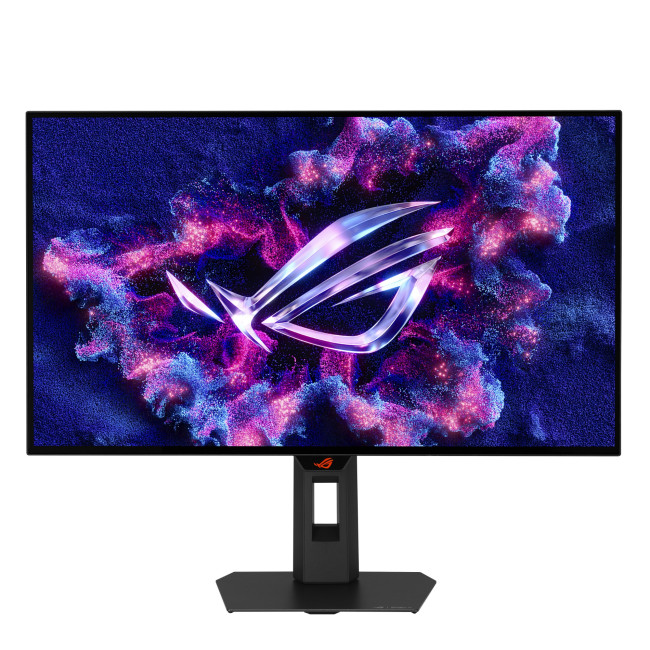
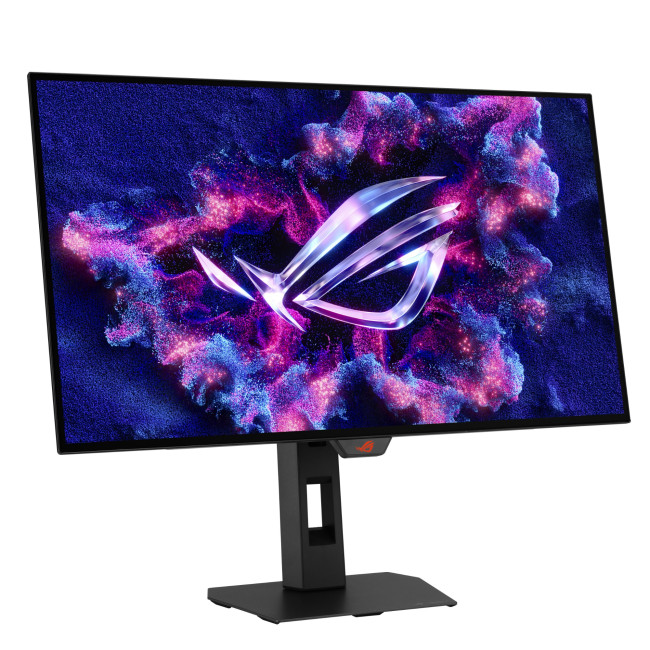
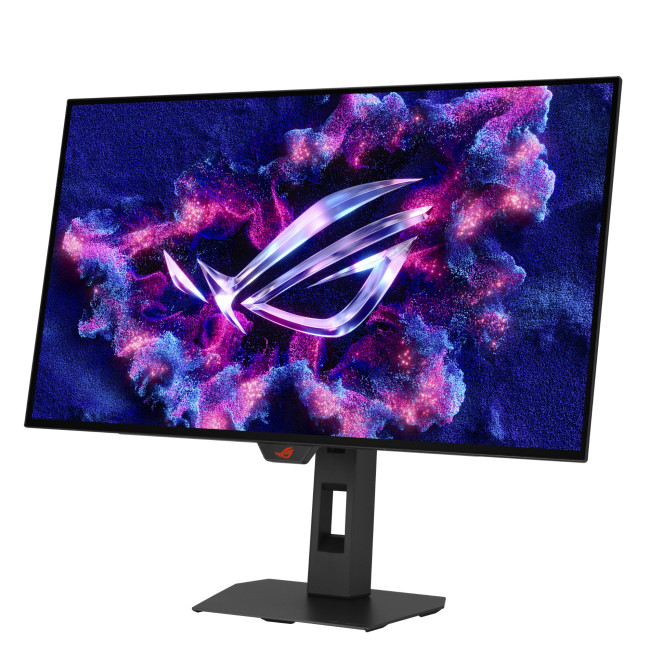
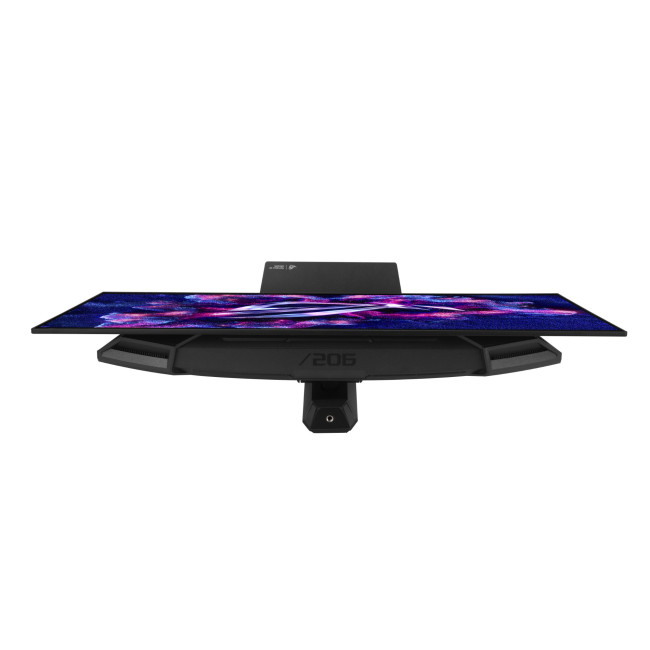
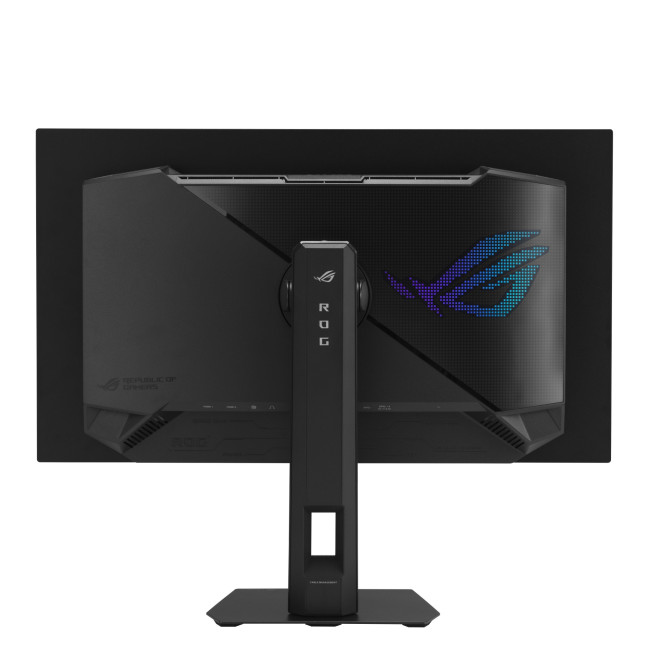
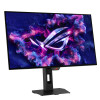
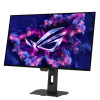
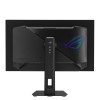
Refurbished ASUS ROG Strix XG27AQDMG Gen 2 26.5" Quad HD WOLED 240Hz 0.03ms DisplayPort HDMI Gaming Monitor

Secure Payment

Free UK Shipping

Easy Return
SKU: XG27AQDMGR-AG




ROG Strix OLED XG27AQDMG Gen2 (XG27AQDMGR) gaming monitor 27-inch (26.5-inch viewable) 1440p TrueBlack Glossy™ OLED, 240 Hz, 0.03 ms, Neo Proximity Sensor, ASUS OLED Care Pro, ELMB, G-SYNC® compatible, 99% DCI-P3, and DisplayWidget Center
- 26.5-inch QHD (2560 x 1440) TrueBlack Glossy™ WOLED gaming monitor with 240 Hz refresh rate and 0.03ms response time
- ASUS OLED Care Pro functions with Neo Proximity Sensor that precisely detects when the user is away, switching to a black screen to reduce the risk of burn-in
- VESA DisplayHDR™ 400 True Black compliance, 99% DCI-P3 gamut, true 10-bit color, and Delta E < 2 color difference for astonishing HDR performance
- Exclusive ASUS DisplayWidget Center application allows users to easily access OLED Care Pro functions and adjust monitor settings using a mouse
- ROG Gaming A.I technology with AI-powered features to enhance users gaming experience
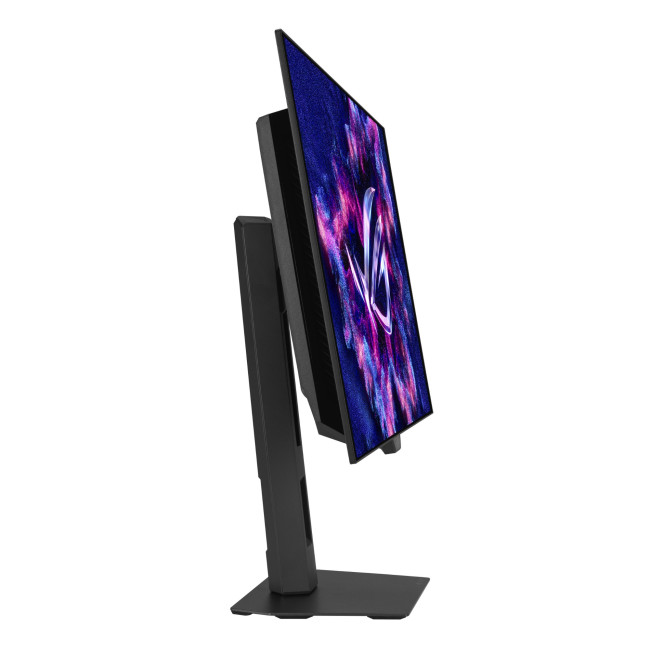
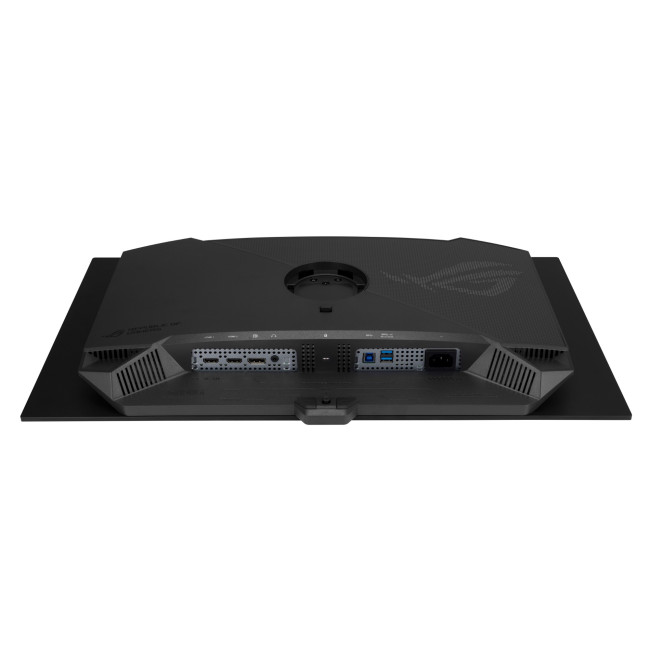
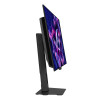
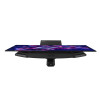
The ROG Strix OLED XG27AQDMGR is a 27-inch TrueBlack Glossy™ WOLED gaming monitor that offers 1440p with a 240 Hz refresh rate. Featuring the new Neo Proximity Sensor within the ASUS OLED Care Pro suite, the monitor is able to detect when the user is away and automatically transition to a black screen to guard against panel burn-in. Thanks to a compact stand, the XG27AQDMGR takes up minimal desktop space. Plus, it offers users an extensive array of connectivity options, including DisplayPort™ 1.4 (DSC), two HDMI® 2.1, and USB usb
-
THIRD-GENERATION OLED Technology
-
Clear Pixel Edge Algorithm
CRYSTAL-CLEAR TEXT
EXTREME LOW MOTION BLUR
Clearer fast-moving visuals
Exclusive TrueBlack Glossy™ OLED
The ROG Strix OLED XG27AQDMGR features a new TrueBlack Glossy™ OLED panel with a zero-haze optical layer that presents deep blacks under any lighting. Its advanced anti-reflective coating reduces ambient reflections by 38% compared to previous-gen glossy WOLEDs, ensuring distraction-free gaming even in brightly lit rooms.
Screen Protection
ASUS OLED CARE PRO
New ASUS OLED Care Pro technology provides a full set of customizable monitor settings to protect and ensure the longevity of the OLED panel. Plus, it includes the new Neo Proximity Sensor designed to guard against panel burn-in. All settings can be easily managed via DisplayWidget Center.
Neo Proximity Sensor
The built-in Neo
Proximity Sensor precisely detects the users distance from the
monitor. When the user steps away, the monitor transitions to a
black image to protect against panel burn-in; when the user returns,
content is instantly restored onscreen. Detection distance can be
customized to suit personal preference, ensuring maximum convenience
and protection.
* Before activating the detection function, please ensure that
the monitor sensor is properly angled and cleaned by using the
bundled microfiber cloth.
Pixel cleaning
Recalibrates the
screen when the monitor has been active for several hoursa process
that takes just a few minutes and activates automatically when the
monitor is turned off*
*Do not unplug the power cord during this time as it will
interrupt the pixel-cleaning process.
| Display | |||||||||||
|---|---|---|---|---|---|---|---|---|---|---|---|
| Screen Size | 26.5" | ||||||||||
| Touchscreen | No | ||||||||||
| Display Type | 2560 x 1440 | ||||||||||
| Panel Type | WOLED | ||||||||||
| Brightness | 1300 cd/m² | ||||||||||
| Refresh Rate | 240 Hz | ||||||||||
| Response Time | 0.03 ms | ||||||||||
| Maximum Resolution | |||||||||||
| Screen Shape | Flat | ||||||||||
| HDR Standards | DisplayHDR400 | ||||||||||
| Display Number of Colours | 1.07 Billion Colours | ||||||||||
| Ports & Interfaces | |||||||||||
| connectivity | 2× HDMI 2.1 | DisplayPort 1.4 | 2× USB-A | Audio Out | ||||||||||
| Display Ports | 1 | ||||||||||
| Built-in USB Hub | 2x USB 3.2 Gen 1 Type-A | ||||||||||
| Headphone Out | Yes | ||||||||||
| Features | |||||||||||
| Built-in Speakers | No | ||||||||||
| Built-in Camera | No | ||||||||||
| Adaptive Sync | Yes | ||||||||||
| AMD FreeSync | Yes | ||||||||||
| Low Blue Light Technology | Yes | ||||||||||
| Flicker-free Technology | Yes | ||||||||||
| Aspect Ratio | 16:9 | ||||||||||
| Height Adjustable | Yes | ||||||||||
| Pivot/Swivel | Yes | ||||||||||
| Other Specifications | |||||||||||
| Most Suitable For | Gaming | ||||||||||
| VESA Mounting | Yes | ||||||||||
| General | |||||||||||
| Colour | Black | ||||||||||
| Weight | 6.6 kg | ||||||||||
| Dimensions (H x W x D) | (WxDxH) 605.0 mm × 188.0 mm × 500.0 mm | ||||||||||
| Warranty | 1 Year | ||||||||||
Loading...