



Black Friday is here! Get an extra £10 off when you spend £200 with code: BF10LO. T&Cs apply*
Are Microsoft Surface laptops worth buying as refurbished laptops?
QUICK ANSWER
Yes, refurbished Microsoft Surface laptops can be worth buying if the battery is in good condition, the device still supports your software and the saving is worthwhile. An older Surface can remain suitable for everyday work, study and browsing. However, limited upgrade options, battery wear and shorter remaining software support are important considerations before choosing one.
A Surface laptop can look almost new but have a battery that struggles to last through an afternoon of work. Another might have a few scratches on the lid yet still run your everyday applications without any problems.
That is why appearance alone tells you very little about long-term value. What matters is the laptop's condition, its remaining support and whether its specifications still suit the way you work.
What makes Microsoft Surface laptops worth considering?
Microsoft Surface laptops offer a few features that remain useful even as the devices get older.
Many models have a lightweight design and a touchscreen, while the taller 3:2 displays found on Surface Laptop generations such as the Laptop 4 and 5 provide extra vertical space for reading documents, spreadsheets and web pages.
There are also differences within the Surface range. A Surface laptop has a conventional built-in keyboard, whereas a Surface Pro combines a tablet-style design with an optional detachable keyboard.
These features may suit students, home users and professionals who prefer a portable Windows computer. However, not every Surface has the same ports, processor, memory or accessory compatibility.
The model's age and specification matter more than its appearance or the Surface name alone.
Where do refurbished Surface laptops come from?
Refurbished Surface laptops can come from business upgrades, customer returns, trade-ins and display stock.
Businesses sometimes replace their computers as part of planned IT upgrades, even when the existing devices remain suitable for everyday tasks. Other laptops may have been returned because they were no longer needed or did not suit the original buyer.
Before resale, a refurbisher may inspect the device, remove previous data, test its functions and repair faults where necessary. The process varies between sellers, so refurbished does not automatically mean every component has been replaced.
A Surface originally used by a business may also have been registered with an organisation's device-management system. This should be removed before resale so the next owner can complete Windows setup without restrictions.
The important question is not simply where the laptop came from, but what has been checked and confirmed before it is offered for sale.
What are the benefits and drawbacks of a refurbished Surface?
The main benefit is the possibility of getting a Surface laptop that still meets your needs without paying the price of an equivalent new model.
For everyday work, a suitable refurbished Surface may provide everything you need for email, Microsoft Office, browsing and video calls. Reusing a working laptop also keeps existing equipment in use for longer.
However, there are some important limitations:
- Battery wear: An older battery may not hold as much charge as it did when the laptop was new, making it less convenient for travel or long working days.
- Limited upgrades: RAM is not generally upgradeable on Surface laptops, and SSD replacement options depend on the generation.
- Older software support: Some Surface models have already reached the end of their driver and firmware servicing period.
- Repair costs: A damaged screen, keyboard or charging port may be difficult or expensive to repair on certain generations.
- Accessory differences: Older Surface Pro devices may require specific keyboards, chargers or pens that are not interchangeable with newer versions.
These drawbacks do not automatically make refurbished a poor choice. A laptop that remains plugged in at home may not need the same battery performance as one carried to university every day.
The important part is knowing which limitations you can comfortably accept and which could affect how you use the device.
What should you check before buying a refurbished Surface?
A condition grade is useful, but it cannot tell you everything about a laptop's reliability or remaining lifespan.
Before deciding, focus on these seven checks.
1. Confirm the exact Surface model and specifications
Start by identifying the laptop's generation, processor, RAM and storage. Two Surface laptops can look nearly identical while offering very different performance and software support.
For everyday browsing, emails and basic documents, an older model with 8GB RAM may still be sufficient. If you regularly use several applications together or work with larger files, 16GB gives you more room to multitask.
Be especially careful if the laptop uses a Qualcomm Snapdragon processor. Many Windows applications run on Arm-based Surface devices, but certain specialist software and hardware drivers may have compatibility limitations.
You can use Microsoft's Surface model identification guide to confirm the exact device.
2. Check the battery's remaining capacity
Battery condition is one of the most important checks for a refurbished Surface, particularly if you regularly work away from a charging socket.
Rechargeable batteries gradually lose capacity with age and use. A Surface may charge normally but provide noticeably less runtime than the manufacturer originally advertised.
Ask whether the seller has measured the battery's remaining full-charge capacity rather than simply confirmed that it charges.
Microsoft provides the Surface Repair Tool and Surface Diagnostic Toolkit for checking battery information on supported devices.
For example, a battery with a current full-charge capacity of 40,000mWh and an original design capacity of 50,000mWh retains approximately 80% of its original capacity. That does not guarantee a particular number of hours, but it helps you understand how much the battery has aged.
If you depend on your laptop throughout a working day, ask for meaningful battery information before purchasing.
3. Check Windows and firmware support
An older Surface may still work well, but it is important to understand how long it will continue receiving updates.
Microsoft provides two different types of support:
- Windows updates: Operating system security fixes and other software updates.
- Surface driver and firmware updates: Updates that support the device's hardware, stability and compatibility.
These have separate lifecycles.
For example, according to Microsoft's published servicing information, Surface Laptop 3 reached the end of driver and firmware servicing on 30 July 2024. Surface Laptop 4 is scheduled to reach that point on 15 April 2027, while Surface Laptop 5 has a published end date of 25 October 2028.
Reaching the end of Surface firmware servicing does not automatically stop Windows security updates. However, it is still a consideration if you expect to keep the laptop for several more years.
Standard Windows 10 support ended on 14 October 2025. If a device still runs Windows 10, check whether it has valid Extended Security Updates coverage and whether it officially supports Windows 11.
4. Examine the screen, keyboard and physical condition
A scratched casing is different from a damaged component.
Minor surface marks may have no effect on everyday use, but a faulty touchscreen, loose hinge or unreliable charging port can make a laptop frustrating to use.
Look for:
- Dead pixels, cracks or pressure marks on the display.
- Touchscreen areas that do not respond properly.
- Worn or unresponsive keyboard keys.
- Loose charging ports or intermittent charging.
- Damage to the trackpad, hinges or casing.
For a Surface Pro, also check the kickstand and detachable keyboard connection.
If the laptop has an unfamiliar keyboard layout, confirm that it suits your typing needs. This is particularly relevant when buying a device originally supplied for another market.
The condition grade should help explain cosmetic wear. It should not replace information about whether the essential components work correctly.
5. Check upgrade and repair options
Surface laptops are compact, but that design can limit what you can replace or upgrade later.
RAM is generally fixed to the motherboard. Some generations have a removable solid-state drive (SSD), although replacing it may require suitable parts, tools or professional servicing.
Battery repair options also differ between models. Microsoft lists more replaceable components for some newer Surface generations than for older ones.
Before choosing a lower-memory configuration, think about how your requirements might change. If you already struggle with several applications running together, a laptop with insufficient RAM may not remain suitable for long.
6. Confirm the laptop is ready for a new owner
This matters particularly with refurbished Surface devices that previously belonged to a business or educational organisation.
Some Windows laptops are registered through Microsoft Intune or Windows Autopilot, allowing an organisation to manage how the device is configured.
If that registration has not been removed, the laptop may ask for a previous organisation's account during setup.
Ask the seller to confirm that the device has been released from previous management and can be set up normally with your own account.
Once it arrives, complete the initial Windows setup and check that there are no unexpected organisational restrictions.
7. Read the warranty, returns and condition information
A clear warranty can make a refurbished purchase more reassuring, but the coverage is just as important as its length.
Check who provides the warranty and whether it includes battery faults, hardware failures and repairs.
You should also understand the return procedure if the laptop arrives with a faulty touchscreen, charging problem or condition that differs from its description.
Do not assume every refurbished Surface receives the same warranty or that the battery has been replaced.
Finally, compare the refurbished price with the current cost of a suitable new laptop. Include any accessories or replacement parts you may need.
A worthwhile saving is one that still makes sense after considering the laptop's condition, remaining useful life and potential costs.
When does buying a refurbished Surface make sense?
A refurbished Surface can be a sensible choice when it offers enough performance for your workload and the important components have been checked.
For example, someone using a Surface primarily for documents, online meetings and browsing may be comfortable with an older model that spends most of its time near a power socket.
A student carrying the laptop between lectures may place more importance on battery capacity, portability and reliable charging.
The decision is different again if you use specialist applications. In that case, processor compatibility, available memory and ongoing software support may matter more than a touchscreen or compact design.
Buying new may be preferable when the refurbished saving is small, the battery condition is unclear or the device is approaching the end of support you rely on.
The age of a Surface should not automatically rule it out, but the asking price needs to reflect what the laptop can still offer.

Final verdict: are refurbished Microsoft Surface laptops worth it?
A refurbished Microsoft Surface laptop can still be a good purchase, especially when it provides the features you need at a worthwhile saving.
The key is looking beyond its appearance. Battery health, Windows compatibility, physical condition and repair options tell you much more about whether a particular device will remain useful.
A few cosmetic marks may be easy to accept. An unreliable battery, unsupported software or a fault that is expensive to repair is a different matter.
If the device passes those checks and the warranty is clear, refurbished is worth considering. If important details remain uncertain, a newer laptop may offer better long-term value.
For current availability, you can also review Laptop Outlet's Microsoft refurbished range, which includes Microsoft devices and accessories. Check individual listings for model availability and condition details.
| Read More: |
| How to Improve Battery Life on Surface Laptops |
| The Ultimate Guide to Buying Refurbished or Reconditioned Laptops |
| The Ultimate Buying Guide to Microsoft Surface Laptops |
Related Articles


Last Updated: September 10, 2025
When it comes to business laptops in 2025, two names consistently stand out: Microsoft Surface and Lenovo ThinkPad. Both brands are trusted by organisations worldwide, but they serve professional needs in very different ways. For UK businesses deciding on their next laptop fleet or professionals choosing their personal work machine, the decision between Surface vs ThinkPad is not about which is objectively “better,” but which aligns best with your workflow, environment, and long-term priorities. This comparison explores the critical factors - design, durability, performance, battery life, manageability, and cost so you can make an informed decision that delivers true business value.
Microsoft Surface vs Lenovo ThinkPad: What’s the Main Difference?
Microsoft Surface (for Business) prioritises a modern, touch-first experience with lightweight designs, 2-in-1 versatility and Copilot+ AI acceleration. New models on Snapdragon X deliver impressive battery life, though Arm-based Windows can still
Last Updated: July 10, 2026
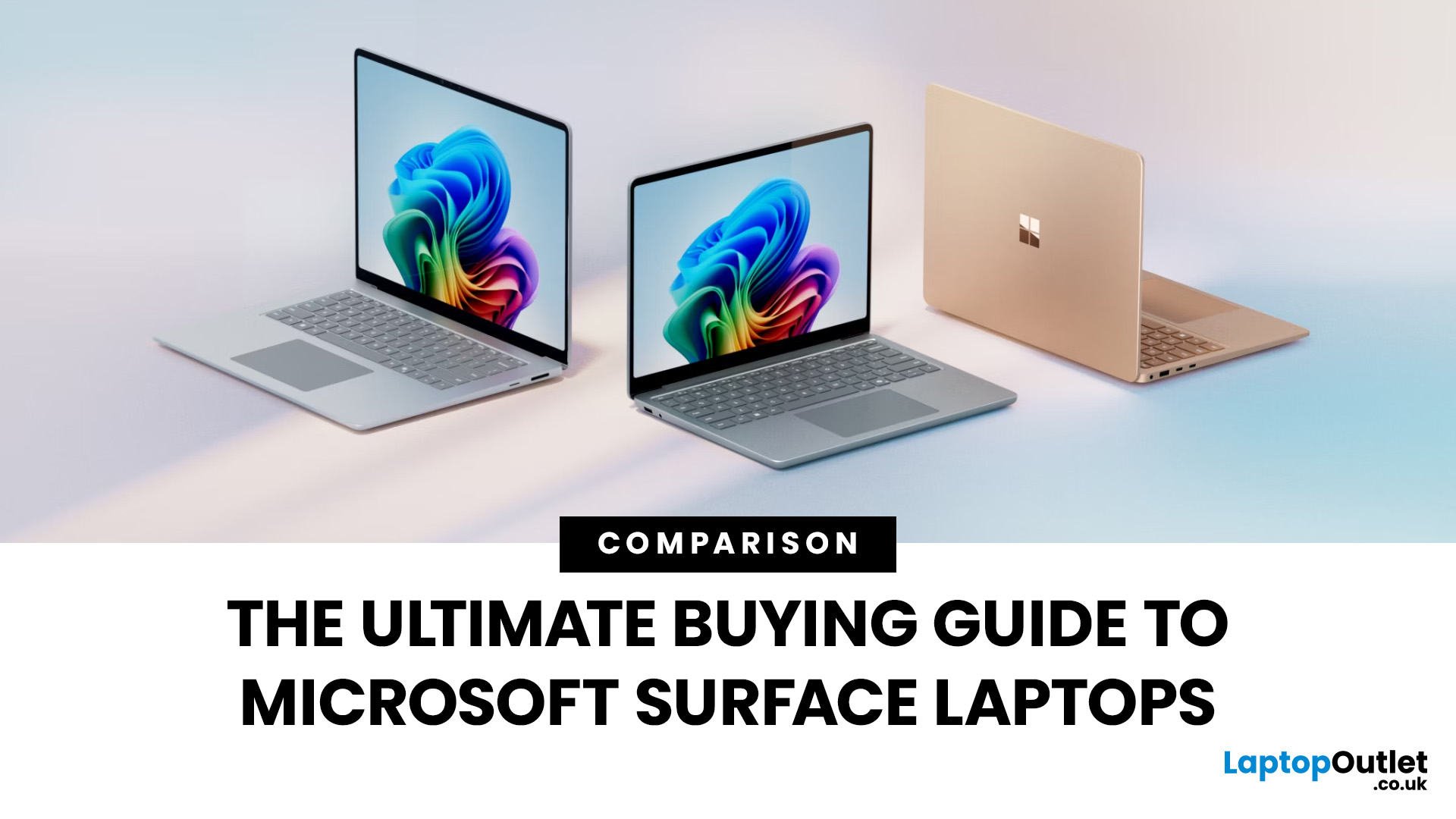
The Microsoft Surface Laptop series has redefined what modern laptops can offer, combining premium design, strong performance, and seamless integration with Windows. With so many models available, from the lightweight Surface Laptop Go to the powerful Surface Laptop Studio, buyers often ask: Which Surface is right for me? That’s where a Microsoft Surface Laptop Buying Guide becomes essential.
Surface laptops stand out for more than just portability and style. With the rise of Copilot+ PC Surface benefits, AI-powered features like Windows Recall and productivity tools make these devices more than laptops; they’re intelligent companions for work, study, and creativity.
Why Choose Microsoft Surface?
Microsoft Surface laptops have earned a reputation as premium devices that combine design elegance, reliable performance, and powerful software integration. For many buyers, the appeal of Surface lies in how seamlessly it blends hardware and software, something only a handful of manufacturers
Last Updated: October 08, 2025
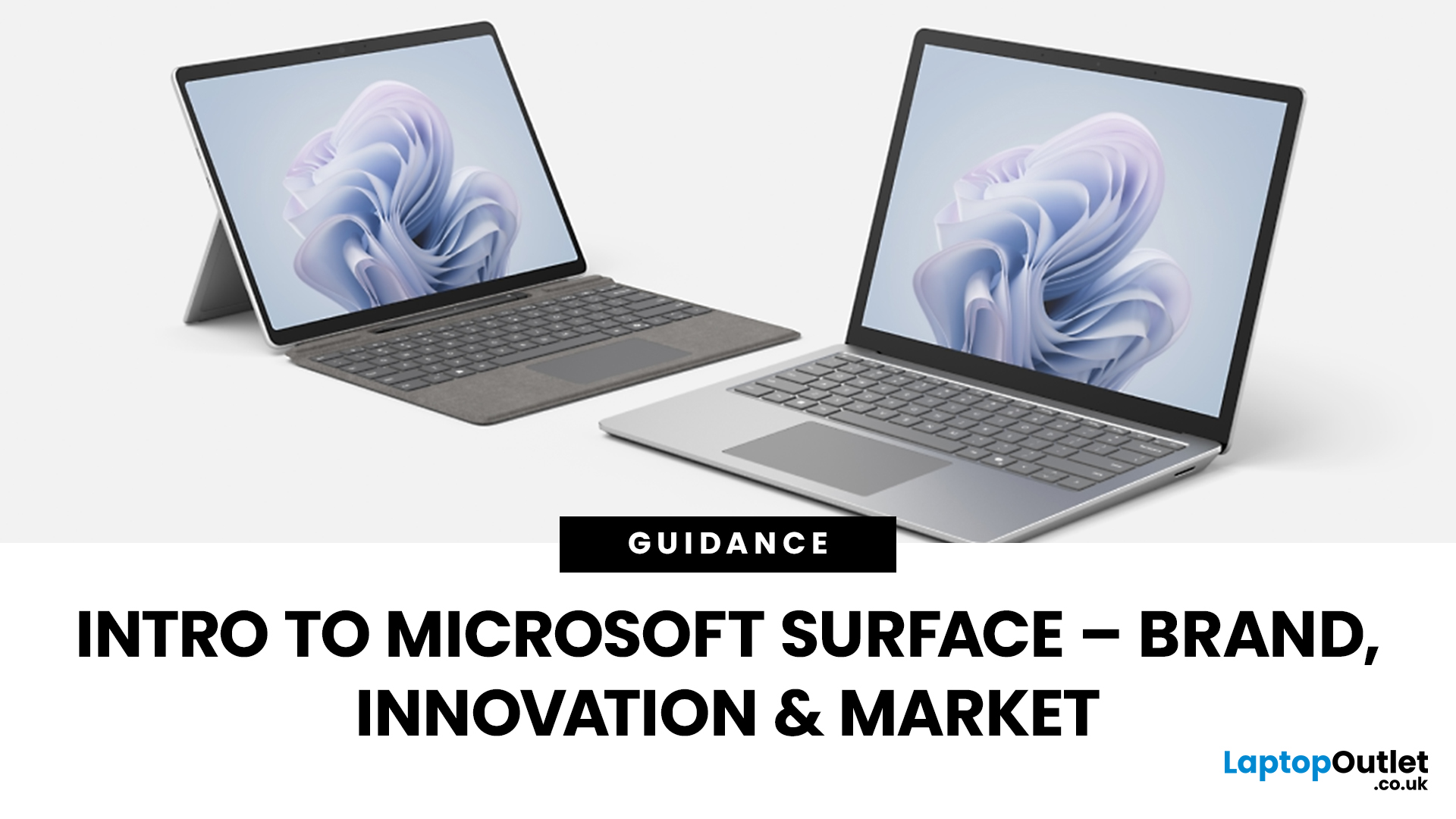
Since the debut in 2012, Microsoft’s Surface line has redefined the laptop and hybrid device market. Known for sleek design, advanced features, and seamless Windows integration, the Surface range has grown into a powerful competitor in both business and consumer segments. This Microsoft Surface brand overview explores the company’s innovation journey, the role of AI-powered laptops, how Surface compares to rivals like Apple MacBook, and its evolving market position in 2025.
Microsoft Surface Brand Overview
Why the Surface Brand Matters
The Microsoft Surface range has grown from a bold experiment in hybrid computing to one of the most recognisable names in premium laptops and 2-in-1 devices. In 2025, it represents not just sleek hardware but also a gateway to Microsoft’s wider ecosystem of AI-powered tools, Windows 11 innovations, and cloud services. From the ultra-portable Surface Go to the powerhouse Surface Laptop Studio, every device reflects Microsoft’s mission to balance design,
Last Updated: August 24, 2026
A gaming laptop refurb can be worth buying in 2026, provided you purchase from a reputable UK retailer with a clear grading system and a warranty of at least 12 months. Refurbished gaming laptops typically cost 20–50% less than their brand-new equivalents, and perform the same as new hardware. The key considerations are the seller's grading standards, battery health, and whether the GPU meets your performance needs.
What Does “Refurbished” Actually Mean for a Gaming Laptop?
The word “refurbished” is used broadly, but there are meaningful differences between a professionally refurbished device and something simply listed as “used” on a marketplace. Understanding those differences matters before you spend anything.
A professionally reconditioned gaming laptop has been inspected, tested for hardware and software faults, cleaned, data-wiped to industry standards, and graded according to its cosmetic and functional condition. Reputable UK retailers such as Laptop Outlet follow clearly
Last Updated: May 06, 2026
Buying a certified refurbished monitor can feel like discovering a hidden gem. You get the same premium performance as a brand-new product, but at a fraction of the price. Still, many shoppers wonder, “How do I know it’s really been tested and certified properly?”
At Laptop Outlet, we believe that refurbished does not mean second-best. Our refurbished monitors are carefully tested, restored, and certified to deliver the same level of reliability, performance, and visual quality you would expect from a new device.
Here is a closer look at how our refurbished monitor testing process works, how each unit is certified, and what that certification means for you.
What are Refurbished Monitors?
Refurbished monitors are not “used” in the everyday sense. They’re often returns, display models, or items that have been opened but never actually used. Some may have had minor cosmetic imperfections or packaging damage, while others might simply be surplus stock.
Before these monitors reach our customers,
Published: November 13, 2025
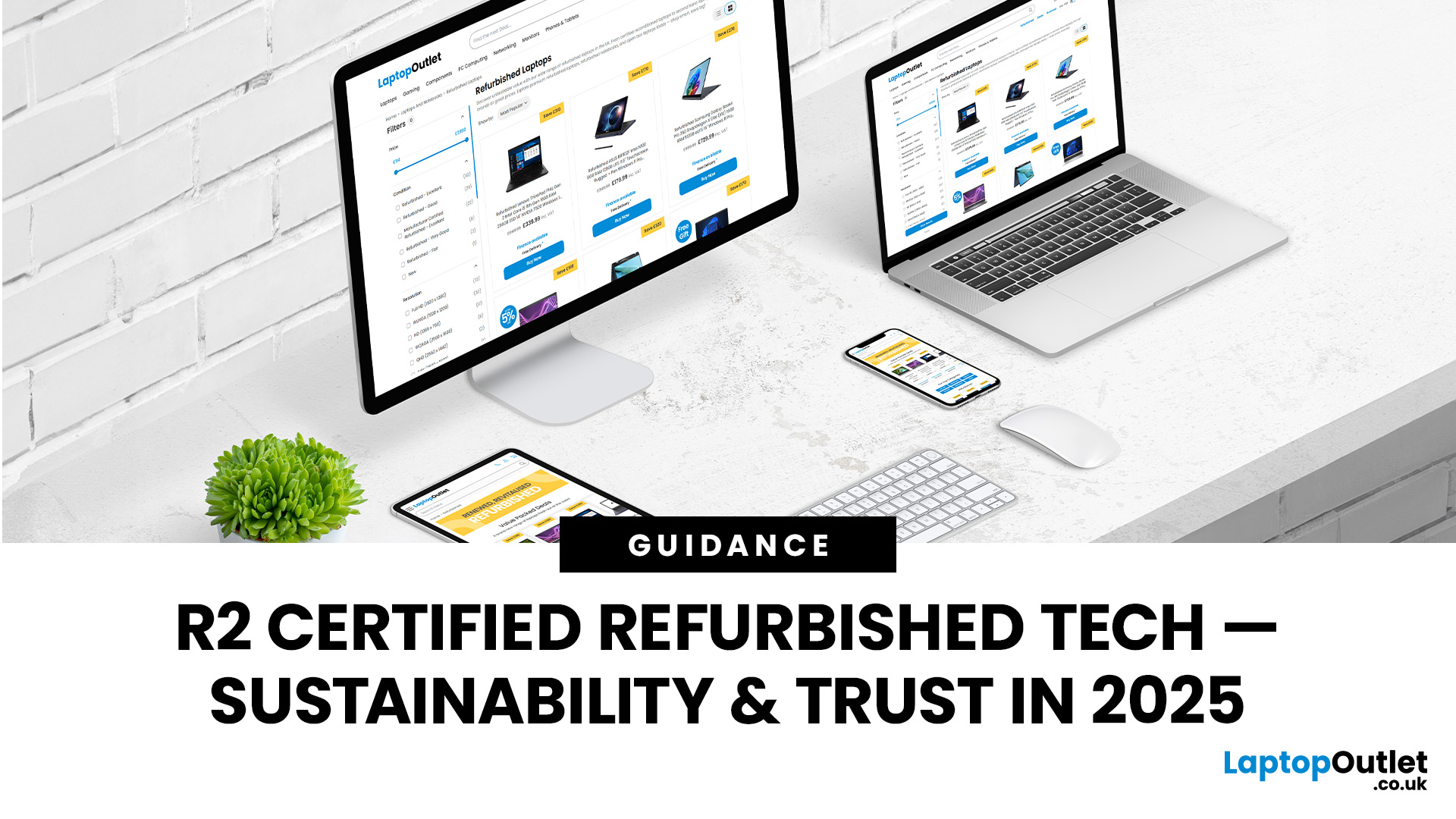
Over 350 million refurbished devices were sold globally in 2024, and that number’s still climbing in 2025. People aren’t just buying refurbished to save money anymore; they’re buying smarter, greener, and more responsibly.
But with refurbished tech booming, one big question remains - who’s actually doing it right? The answer is simple: the R2-certified sellers.
The R2 (Responsible Recycling) standard is recognised globally as the highest benchmark for responsible electronics renewal, covering everything from data security and environmental safety to worker protection and quality testing. As of 2023, there are more than 1,100 R2-certified facilities across 41 countries, all following the same strict sustainability and safety principles. Considering that only about 17.4% of global e-waste is recycled properly, R2 certification isn’t just a badge; it’s a solution.
And here’s the part Laptop Outlet is most proud of, we’re officially R2 certified.
That means every laptop, monitor, or mobile
Last Updated: April 02, 2026
In an age where the next best device seems just around the corner, many consumers and organisations are quietly turning to a smarter alternative: refurbished tech. Whether it's a laptop, smartphone, tablet or monitor, devices that have been renewed, re-certified and resold are no longer the fringe option; they’re becoming mainstream. The global refurbished tech market is surging, driven by cost consciousness, sustainability awareness and improving trust in quality. In this article, we’ll explore why refurbished devices are gaining stock, how the market is evolving, and what this means for buyers and sellers alike in 2025 and beyond.
The Big Picture: Market Growth & Opportunity
The numbers tell a clear story: the UK refurbished electronics market is growing faster than ever. In 2025, it’s valued at roughly £7.6 billion, with projections suggesting it could more than double by 2032 as refurbished laptops, smartphones, and other devices continue to rise in demand. The growth is fuelled by
Last Updated: December 31, 2025
Upgrading your display is one of the smartest ways to refresh your setup for the year ahead. A better monitor can make work feel smoother, games look sharper, and day-to-day browsing far more comfortable, without needing a whole new PC. The good news? You don’t have to pay full retail to get a premium panel. Choosing refurbished is a practical way to access higher specs (4K, OLED, high refresh rates, USB-C portability) for less, while keeping perfectly usable tech in circulation for longer. That’s especially true during New Year promotions, when clearance pricing and seasonal offers often collide. You’ll see everything from portable screens for hybrid work to big-format displays built for entertainment and collaborative spaces.
Classroom-Ready 4K Touch: Refurbished BenQ Education
If you’re upgrading a classroom, meeting room, training space, or collaborative studio, the BenQ RE8601 is a standout. At 86 inches with 4K clarity and interactive touch, it’s built for hands-on presentations,
Last Updated: December 31, 2025
The New Year is the perfect time to upgrade your tech without overspending, and Laptop Outlet is here to make that easier than ever. Our New Year refurbished laptop deals for 2026 bring unbeatable value, reliability, and performance, all at prices that won’t stretch your budget. If you’re searching for refurbished laptops under £200, this is the smartest way to start the year with dependable technology for work, study, or everyday use.
Refurbished laptops are no longer a compromise. In fact, they are one of the most practical ways to get high-quality devices from trusted brands at a fraction of the original price. Whether you’re looking for cheap refurbished laptops deals this New Year, a device for home working, or a dependable secondary laptop, our New Year sale has something for everyone.
Refurbished Laptops Under £200: What Can You Expect?
Many shoppers are surprised by just how much you can get when browsing refurbished laptops under £200 at Laptop Outlet. While these laptops may

Last Updated: January 21, 2026
There’s a reason people still say “Just get a Surface” when someone asks for a serious Windows tablet.
In a world full of Android slates, experimental hybrids, and ultra-cheap tablets that barely last a year, Microsoft Surface tablets have carved out a very specific reputation:
clean design, proper productivity, and devices that feel like Windows was made for touch - because, well, it was.
In 2026, Surface tablets aren’t trying to chase trends. They’re refining what they already do best: turning tablets into genuinely useful computers that flex between work, study, creativity, and everyday life.
Why Microsoft Surface Tablets Still Set the Standard
When Microsoft launched the first Surface, it wasn’t just another tablet. It was a statement:
Windows doesn’t belong to laptops only.
Fast forward to 2026, and Microsoft Surface 2-in-1 tablets are still the reference point for the entire category. Whether you’re looking at Detachable tablets, Surface 2-in-1 devices, or Windows touchscreen tablets,

